A single power surge can fry your $1,200 gaming PC, erase family photos from a NAS drive, or disable your smart home hub—yet most homeowners wait until the green LED goes dark before acting. Surge protectors aren’t lifetime devices: they wear out silently, often without warning, leaving your gear fully exposed. According to the Insurance Institute for Business & Home Safety's 2023 report, 27% of electronics damage claims involved failed or outdated surge protection.
Why This Happens
Surge protectors fail not from one big lightning strike—but from cumulative stress. Metal oxide varistors (MOVs), the core components that absorb surges, degrade with each event, even small ones like AC cycling or fridge compressor kicks. Heat buildup in enclosed spaces, cheap internal wiring, and lack of thermal fusing accelerate this decay. Older units (5+ years) lose up to 60% of their rated joule capacity—even if the indicator light stays on.
- MOV degradation after repeated minor surges (not just lightning)
- Overheating in entertainment centers or behind furniture
- Using daisy-chained protectors (violates UL 1449 standards)
- Poor grounding—up to 40% of homes have substandard outlet grounding (National Fire Protection Association, 2022)
Maintenance Checklist
| Frequency | Task | Tools/Notes |
|---|---|---|
| Daily | Check for warmth near outlets or unit housing | Use back of hand—not fingers—to avoid burns |
| Weekly | Verify status LED is solid green (not flickering or off) | Refer to manufacturer’s manual; some use amber for degraded state |
| Monthly | Unplug and inspect cord for cracking, kinks, or melted insulation | Discard immediately if cord shows any deformation |
| Yearly | Test with a plug-in outlet tester (e.g., Klein Tools RT210) and replace if grounding fails | Replace units older than 3 years—even if tests pass |
Warning Signs
Don’t wait for total failure. These indicators mean your protector is compromised—or already dead:
- Indicator light is dim, intermittent, or absent (even with power on)
- Outlet feels warm to the touch during normal use
- Devices reboot randomly during mild storms or HVAC startup
- You hear faint buzzing or clicking from the unit
"If your surge protector survived more than two thunderstorms in the last year, assume it’s at 50% capacity—even if the light’s still on." — Electrical Safety Foundation International, 2023 Surge Protection Guidelines
Recommended Products
Not all surge protectors are created equal. Prioritize units with real-time status monitoring, thermal cutoffs, and third-party certification:
- Whole-house suppressors: Siemens FS140 (installed at main panel; reduces incoming surge energy by 90% before it reaches outlets)
- UL 1449 4th Edition certified strips: Tripp Lite Isobar 8 (features MOV failure indicator + EMI/RFI filtering)
- Smart monitoring strips: APC Smart-UPS 1500 LCD (tracks joule depletion and logs surge events via app)
Can I plug a surge protector into another surge protector?
No—daisy-chaining violates UL safety standards and disables overload protection. It also creates impedance mismatches that can reflect surge energy back into connected devices. Use a single high-joule unit (minimum 2,000 joules) or upgrade to a whole-house system instead. For more on safe power distribution, see our guide on how to wire a GFCI outlet.
Do power strips without surge protection offer any safety benefit?
Only basic overload cutoff—if they include a circuit breaker. But they provide zero voltage clamping or transient suppression. A $12 non-surge strip won’t protect your $300 monitor from a 1,200V spike. Always verify the packaging says "surge protected" and lists a joule rating (not just "filtered" or "heavy-duty").
How often should I replace my surge protector?
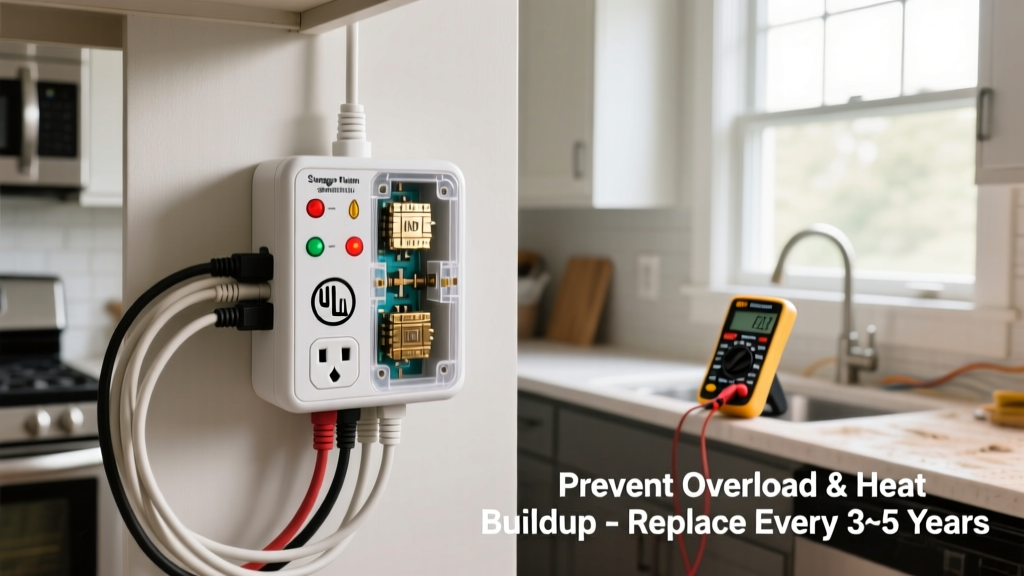
Every 3 years—regardless of visible damage. The U.S. Department of Energy recommends replacement after any major surge event (e.g., nearby lightning strike), and many manufacturers void warranties after 36 months. Keep a sticker on the unit with install date; set a calendar reminder.
Does a UPS replace the need for a surge protector?
Most UPS units include basic surge suppression, but their MOVs are undersized for repeated use. A dedicated surge protector upstream of your UPS adds layered defense. For critical workstations, pair an APC BR1500MS UPS with a Tripp Lite Isobar for full coverage. Learn more about UPS vs. surge protector differences.
Will a surge protector stop damage from a direct lightning strike?
No device can reliably handle a direct hit. Whole-house suppressors reduce risk by diverting ~90% of energy, while point-of-use units handle residual spikes. For lightning-prone areas, combine both—and unplug sensitive gear during active storms. See our lightning protection systems overview for structural safeguards.
Preventing surge protector failure isn’t about buying the most expensive unit—it’s about treating it like consumable safety gear, just like smoke detector batteries or HVAC filters. Replace on schedule, test grounding annually, and never ignore warmth or erratic behavior. Your laptop, router, and smart thermostat will thank you the next time storm clouds roll in.