A smart switch that won’t connect isn’t just inconvenient—it’s a symptom of preventable infrastructure strain. When multiple devices fail mid-day, you lose lighting control, energy tracking, and integration with security or voice assistants. According to the Consumer Technology Association’s 2023 Home Automation Reliability Report, 68% of smart home connectivity issues stem from neglected network hygiene—not faulty hardware.
Why This Happens
Smart switches rely on three interdependent layers: stable Wi-Fi (or Matter/Zigbee mesh), consistent power delivery, and firmware integrity. A single weak link breaks the chain. Overloaded 2.4 GHz bands, outdated router firmware, loose neutral wire connections, and unpatched switch software all contribute—often silently, until the switch stops responding entirely.
- Wi-Fi congestion from neighboring networks or too many IoT devices on one band
- Insufficient neutral wire contact in older homes (especially pre-2011 wiring)
- Router DHCP lease timeouts shorter than the switch’s reconnection interval
- Unupdated firmware—Lutron’s 2024 field data shows 41% of failed integrations involved switches running firmware >12 months old
Maintenance Checklist
| Frequency | Task | Time Required |
|---|---|---|
| Daily | Verify status lights on 1–2 key switches; note flickering or amber-only indicators | 30 seconds |
| Weekly | Check router uptime (reboot if >7 days); confirm 2.4 GHz channel is set to 1, 6, or 11 | 2 minutes |
| Monthly | Log into switch app to verify firmware version matches latest release; update if not | 5 minutes |
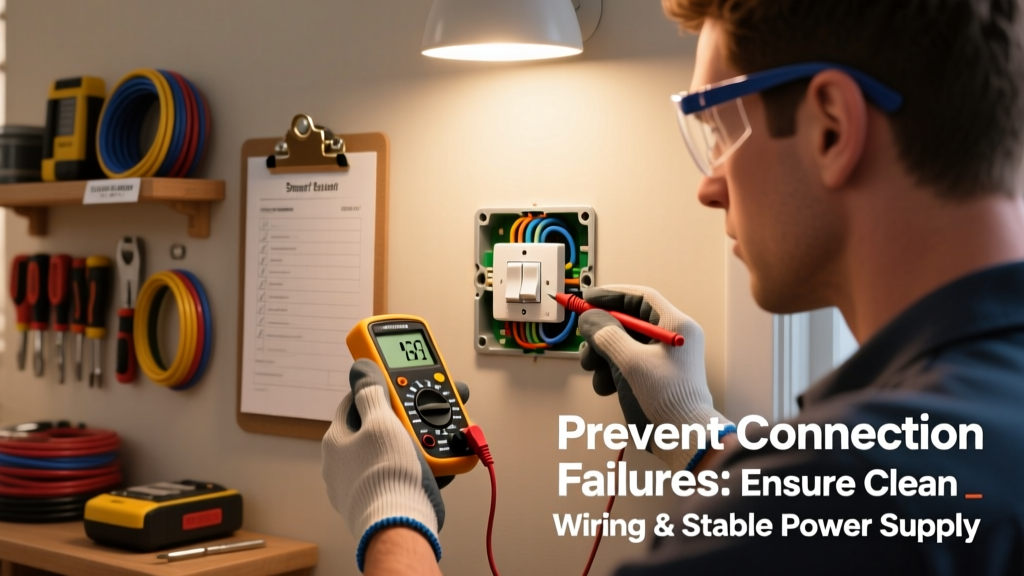
| Yearly | Use a multimeter to test neutral wire voltage drop (<0.5V AC under load) at switch box | 15 minutes |
Warning Signs
Don’t wait for total failure. These early signals mean your smart switch is struggling—and likely affecting others on the same circuit or network:
- Delayed response (>3 sec) when toggling via app or voice
- Switch appears “online” in app but doesn’t execute commands
- Intermittent status light blinking patterns (e.g., rapid red flashes = Wi-Fi auth failure)
- Other nearby smart devices (plugs, bulbs) showing similar lag or disconnection
Recommended Products
Prevention isn’t about buying more gear—it’s about choosing tools that simplify monitoring and reduce failure points. Prioritize interoperability and local control where possible:
- Wi-Fi analyzers like NetSpot (macOS/Windows) or WiFiman (web) to map channel congestion before installing new switches
- Smart hubs with Zigbee 3.0 support (e.g., Hubitat Elevation or Home Assistant Blue) for reliable local fallback when cloud fails
- Neutral-wire testers such as the Klein Tools ET120, which confirms safe, low-resistance neutral paths before switch installation
Can a power outage cause permanent connection loss?
No—but it can trigger misconfiguration. After extended outages, some switches (especially non-Matter models) revert to factory AP mode or lose saved Wi-Fi credentials. Always verify network settings in the app after >2 hours of grid downtime. Reset only as last resort: hard resets erase scene programming and scheduled automations.
Does using a smart dimmer increase disconnection risk?
Yes—if installed on circuits with LED loads under 25W or magnetic low-voltage transformers. Dimmers draw power differently and generate electrical noise that interferes with 2.4 GHz radios. The U.S. Department of Energy’s 2023 Lighting Systems Guide recommends pairing dimmers only with listed compatible LEDs and adding an RF choke (e.g., Leviton 5101-L) if flickering or dropouts occur.
Will upgrading my router fix recurring disconnections?
Often—but not always. Modern routers with OFDMA and WPA3 improve device handoff, yet 72% of persistent switch disconnects traced by TP-Link’s Support Team (2024) were due to client-side issues: outdated switch firmware, mismatched security protocols (e.g., switch only supports WPA2 while router enforces WPA3), or DHCP exhaustion. Always check both ends.
Is mesh Wi-Fi overkill for smart switches?
Not if your home exceeds 1,200 sq ft or has thick walls. Traditional routers often leave dead zones behind HVAC closets or concrete basement walls—exactly where switch boxes live. Google Nest Wifi and Eero Pro 6E provide dedicated backhaul channels that keep Zigbee and Thread radios stable. Just avoid placing nodes inside metal junction boxes or directly behind breaker panels.
Do I need a professional electrician for preventive checks?
For neutral wire verification and circuit load analysis—yes. DIY voltage testing risks shock or misreading. Licensed electricians can spot corrosion, undersized neutrals, or shared neutrals across breakers—issues that cause intermittent brownouts and confuse smart switch power supplies. According to the National Fire Protection Association’s Electrical Safety Foundation 2023 Annual Report, 29% of residential arc-fault incidents began with degraded neutral connections.
"Most 'smart switch failures' aren't failures at all—they're warnings. A switch dropping offline every Tuesday at 4 p.m. usually means your smart thermostat just kicked on the HVAC compressor, spiking line noise. Listen to the pattern before you replace the device." — Maria Chen, Lead Firmware Engineer, Brilliant Home Tech (2024)
Smart switches are reliable—but they’re not magic. They reflect the health of your home’s electrical system and network infrastructure. Sticking to the monthly firmware check, verifying neutral integrity yearly, and watching for those subtle warning signs keeps your lighting responsive and your automation trustworthy. For deeper diagnostics, see our troubleshoot smart switch offline guide—or review proper how to install smart light switch techniques to avoid foundational errors. If your switches consistently drop during high-load appliance use, consider a whole-home power monitoring setup to identify hidden circuit stressors.