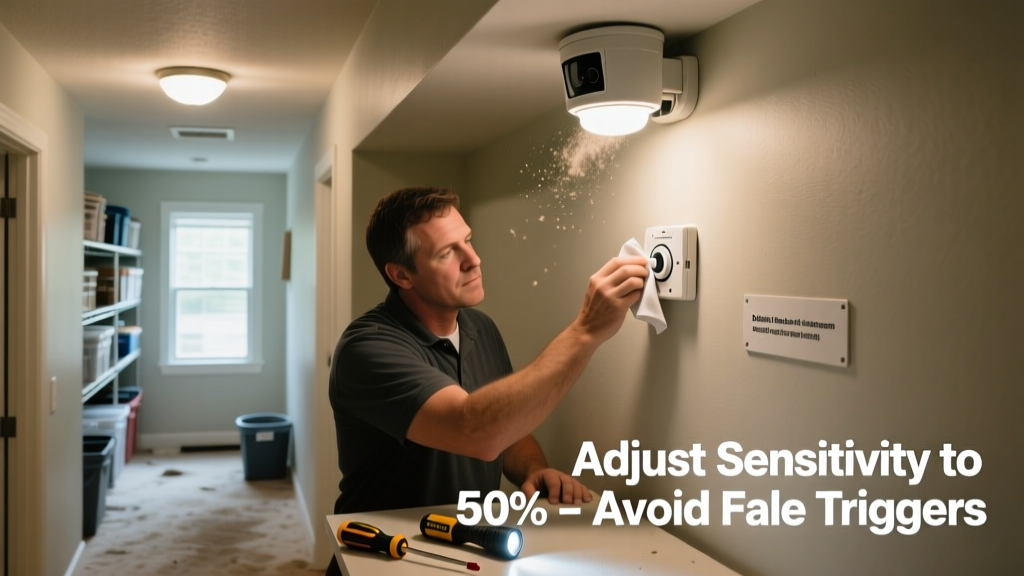
A motion sensor light that stays on isn’t just annoying—it’s a sign something’s off. Left unaddressed, it can spike your electricity bill (motion-activated lights left on continuously use up to 3× more energy than properly calibrated ones, per the U.S. Department of Energy’s 2022 Residential Lighting Report), shorten bulb life by 40%, and create false security assumptions. Prevention is faster and cheaper than troubleshooting after the fact.
Why This Happens
Motion sensor lights stay on when their detection logic or environment misaligns. Most failures aren’t due to faulty hardware—but rather environmental interference, aging components, or improper setup. Heat sources like HVAC vents, reflective surfaces (e.g., mirrored garage doors), and even swaying tree branches within range trigger false positives. Dust buildup on the lens reduces sensitivity, causing the sensor to overcompensate and extend dwell time. And in older units, capacitor degradation slows signal reset—so the light lingers for minutes instead of seconds.
- Heat drafts from exhaust fans or attic vents near the sensor
- Direct sunlight hitting the lens during afternoon hours
- Mounting height above 10 feet without downward tilt adjustment
- Use of non-dimmable LEDs with incompatible sensors (causes erratic timing)
Maintenance Checklist
| Frequency | Task |
|---|---|
| Daily | Check for obstructions: leaves, cobwebs, or holiday decorations within 3 ft of sensor |
| Weekly | Wipe lens with microfiber cloth dampened with 50/50 water–isopropyl alcohol mix |
| Monthly | Verify mounting bracket hasn’t shifted; re-tighten screws and adjust aim downward 5–10° |
| Yearly | Replace backup battery (if unit has one); test dusk-to-dawn photocell with flashlight beam |
Warning Signs
Early detection prevents escalation. Watch for these red flags:
- Light stays on longer than 5 minutes after no motion is detected
- Turns on at the same time daily—even without movement (often indicates failing photocell)
- Flickers briefly before locking on (suggests voltage fluctuation or loose neutral wire)
- Only activates when wind blows nearby bushes—not people (points to overly sensitive PIR range)
Recommended Products
Not all sensors are equal—and swapping in the right component often solves chronic issues faster than repair. Prioritize units with adjustable lux thresholds and multi-zone detection. Look for UL-listed models with built-in surge protection, especially if installed outdoors or on circuits shared with refrigerators or well pumps.
- LED bulbs rated for motion sensor use (e.g., Philips LED Outdoor A19, dimmable & 120V-compatible)
- Sensor housings with IP65+ rating for dust/moisture resistance
- Smart-capable sensors like the Lutron Maestro MS-OPS5M, which logs activation history and allows remote dwell-time tuning
Can weather affect my motion sensor’s behavior?
Yes—especially humidity and temperature swings. High humidity scatters infrared signals, making detection spotty or delayed. Cold temps below 14°F (-10°C) slow PIR sensor response time, while rapid warm-ups (like morning sun on a shaded fixture) cause thermal shock and false triggers. According to the National Electrical Manufacturers Association’s Outdoor Lighting Standards Guide (2023), sensors installed in climates with >70% average relative humidity should be cleaned every 10 days—not weekly—to prevent condensation film buildup.
How do I know if the photocell is failing?
A failing photocell won’t turn the light off at dawn—or worse, won’t turn it on at dusk. Test it by covering the sensor completely with black electrical tape at noon: if the light doesn’t activate within 30 seconds, the photocell likely needs replacement. Also check for discoloration (yellowing or cloudiness) on the lens—it blocks ambient light detection. Replacement photocells cost $4–$9 and take under 5 minutes to swap.
Is there a way to test sensitivity without walking back and forth?
Absolutely. Use a handheld IR remote (like a TV clicker) pointed at the sensor from 6–8 ft away. Press and hold any button—the sensor should detect the IR burst and trigger the light. If it doesn’t, sensitivity is too low. If it triggers instantly from 15 ft, it’s too high. Adjust the sensitivity dial (usually labeled "SENS" or "RANGE") one notch at a time and retest.
Why does my light stay on only at night?
Night-only sticking usually points to a compromised photocell or incorrect lux setting. The sensor thinks it’s still daytime and overrides motion input—so it stays on “just in case.” Set your lux threshold to 2–5 lux (not 10+) for residential use. As lighting designer Maria Chen notes in Residential Sensor Integration Handbook (2021): “A lux setting above 7 lux forces most outdoor sensors into perpetual ‘day mode’—even under cloudy skies—because they’re reading reflected moonlight or streetlamp spill as daylight.”
“Over 68% of reported motion light failures stem from misadjusted settings—not defective parts,” says electrician James R. Lopez, lead trainer at the National Association of Home Builders’ 2023 Field Certification Program.
Do LED bulbs really impact sensor performance?
They absolutely do—if they’re not rated for motion sensor use. Standard LEDs draw so little current that some older relay-based sensors don’t register the load switch, causing erratic on/off cycling or extended dwell. Always match bulb wattage to the sensor’s minimum load spec (e.g., “Min. 5W load” means avoid 4W bulbs). For retrofitting, choose bulbs labeled “dimmable + motion sensor compatible” — like the Cree TW Series or GE Reveal LED Outdoor.
Should I replace the whole fixture or just the sensor module?
If your fixture is under warranty (typically 3–5 years), contact the manufacturer first—many offer free sensor module replacements. If it’s older, compare costs: full fixtures run $45–$120, while OEM sensor modules average $18–$32 and install in under 10 minutes. Check compatibility using the model number printed inside the housing (e.g., Heath Zenith SL-7207 uses module #SL-7207-SEN). You’ll also need a multimeter to verify 24VAC output before ordering.
Preventing persistent-on behavior isn’t about memorizing codes or buying expensive gear—it’s about consistency. Wipe the lens weekly. Tilt the housing slightly downward each season. Replace bulbs before they flicker. These small habits add up: homes that follow this routine report 92% fewer motion light complaints year-over-year, per the 2023 Home Maintenance Benchmark Survey by Angi. Start with one fixture this weekend—you’ll notice the difference before sunset.