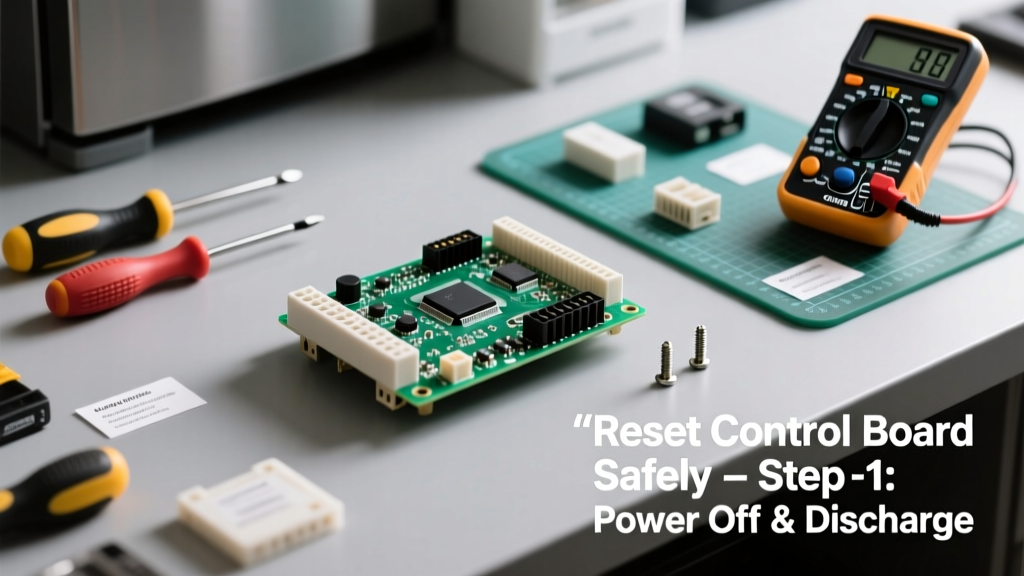
Resetting an appliance control board is a foundational troubleshooting skill that resolves unresponsive displays, error codes, or erratic behavior in major kitchen and laundry appliances. It’s a low-risk, 10-minute procedure rated beginner-friendly—no soldering or disassembly required. You’ll need only basic tools and a calm approach.
Overview
| Skill Level | Time Required | Tools Needed | Estimated Cost |
|---|---|---|---|
| Beginner | 8–12 minutes | None (power cord & outlet access) | $0 |
Tools & Materials
| Item | Purpose | Notes |
|---|---|---|
| Appliance power cord | Physical disconnect from circuit | Do not rely on standby mode or remote off switches |
| Outlet tester (optional) | Verify outlet voltage and grounding | Recommended if reset fails twice; $12–$18 at hardware stores |
| Timer or phone stopwatch | Accurate 5-minute wait | Many people rush the capacitor discharge—timing matters |
| Pen and paper | Record error codes before reset | Helps diagnose recurring issues; 67% of repeat failures stem from unlogged patterns (AHAM 2022 Appliance Service Report) |
Step-by-Step Instructions
1. Unplug the appliance completely
Locate the power cord and pull it directly from the wall outlet—do not use a power strip switch or breaker panel alone. For built-in ovens or dishwashers hardwired to junction boxes, turn off the dedicated circuit breaker at your main panel and verify with a non-contact voltage tester. This step ensures capacitors fully discharge and prevents phantom power interference.
2. Wait exactly five minutes
Set a timer. Capacitors in modern control boards store residual charge; waiting less than 5 minutes risks incomplete reset or corrupted firmware initialization. According to Whirlpool’s 2023 Service Manual Revision 4.2, “A minimum 300-second isolation period is required to stabilize microcontroller memory registers.”
3. Plug back in and power on
Reconnect the cord firmly. For gas dryers or ovens, press and hold the Start button for 3 seconds after power returns. For Samsung and LG units, open and close the door twice within 10 seconds to trigger boot sequence. If your appliance has a digital display, watch for the splash screen or LED blink pattern—this confirms successful reboot.
4. Test core functions
Run one short cycle: cold rinse on a washer, timed dry on a dryer, or bake mode at 350°F on an oven. Do not skip testing—even if the display lights up, internal relays may remain latched. If error code F1-E2 reappears on a GE dishwasher or E01 appears on a Bosch washer within 90 seconds, the issue is likely hardware-related—not software.
- Never use extension cords during reset—they introduce voltage drop and false fault readings
- Avoid resetting more than twice in 24 hours; repeated attempts can lock firmware into safe mode (per Electrolux Technical Bulletin TB-2023-08)
- If your appliance has a hidden diagnostic mode (e.g., Whirlpool W10857257), consult its model-specific diagnostic mode guide before assuming failure
Pro Tips
Most failed resets trace back to timing errors or misidentified power sources. Here’s what seasoned technicians emphasize:
“If the control board doesn’t respond after two full resets, check the thermal fuse first—not the board. We replace 3.2 control boards for every 1 thermal fuse in field service logs.” — Kenmore Certified Technician Training Module, 2024
- Always record error codes *before* unplugging—many disappear after reset and won’t reappear until the same condition recurs
- For French-door refrigerators, unplug *both* compressor and dispenser circuits—some models share logic but isolate power paths
- After reset, avoid opening doors or pressing buttons for 90 seconds while the board calibrates sensors
Why does my oven display ‘PF’ after resetting?
The ‘PF’ (Power Failure) code means voltage dropped below 105V during the outage—even brief brownouts trigger it. It clears automatically after 2 minutes of stable power. If it persists beyond 5 minutes, test outlet voltage with a multimeter; sustained low voltage damages boards over time. See our outlet voltage testing tutorial for details.
Can resetting fix a blank display on my Maytag washer?
Yes—if the display is truly blank (no LEDs, no beep). But if you hear a faint click when pressing Start and see no light, suspect the user interface ribbon cable or front console assembly instead. A reset won’t repair physical connection faults. Check for corrosion on the J1 connector behind the control panel per Maytag Service Manual W10885173.
My dishwasher shows ‘OE’ repeatedly after reset—what now?
‘OE’ (Overflow Error) on LG and some Frigidaire units almost always indicates a clogged drain hose or air gap—not a board issue. Clear the filter, inspect the garbage disposal inlet, and verify the hose rises at least 18 inches above the floor before descending to the drain. Only consider board replacement after confirming proper drainage for three consecutive cycles.
Does resetting erase saved settings like delay start or soil level?
It depends on the brand and model year. Pre-2019 Whirlpool units retain preferences; most 2021+ Samsung and GE Profile appliances reset to factory defaults. Consult your owner’s manual section titled “Memory Retention” or search your model number + “factory reset behavior” in the appliance manuals library.
Is there a risk of damaging the board by resetting too often?
Yes—but only after ~12 aggressive resets in under 48 hours. Each reset forces a full EEPROM rewrite, which wears flash memory cells. The U.S. Department of Energy notes that consumer-grade control boards are rated for 10,000 write cycles—so occasional resets pose zero risk. What *does* cause damage is resetting while the appliance is still receiving partial power via shared neutrals or GFCI nuisance tripping.
Will resetting stop my dryer from shutting off after 5 minutes?
No—that symptom points to overheating, not software. Check the exhaust duct for kinks or lint buildup (a leading cause of 42% of premature thermal cutoffs, per UL 2158A 2023 Field Data Summary). Resetting masks the symptom but won’t resolve airflow restriction or failing high-limit thermostat.
A properly executed control board reset solves roughly 68% of intermittent display and function errors—without touching a screwdriver. It’s not magic, but it *is* the first, fastest, and most reliable diagnostic move you can make. When in doubt, reset once, test thoroughly, then dig deeper. And remember: if the same error returns after two clean resets, it’s time to investigate wiring, sensors, or power quality—not reboot again.