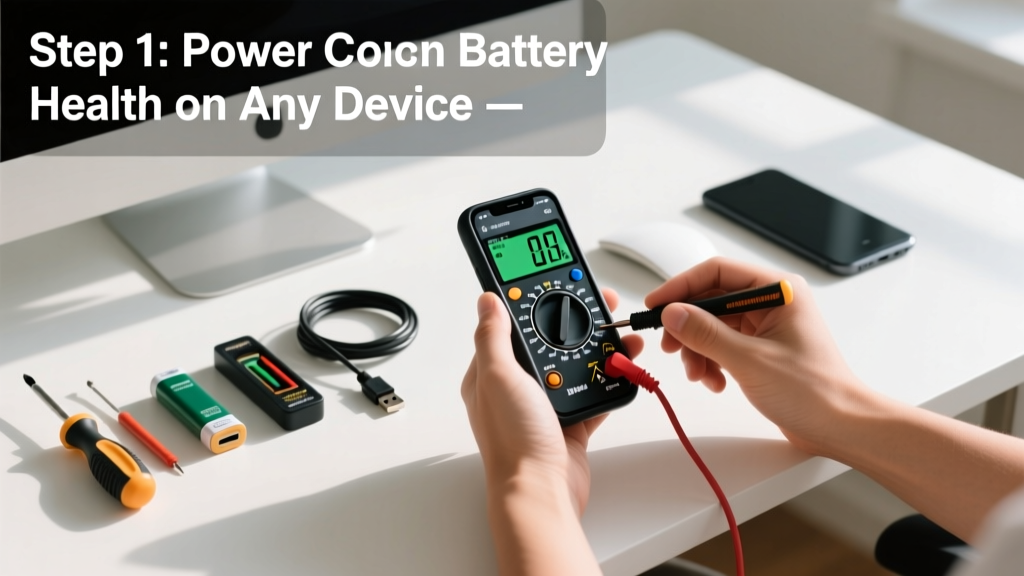
Checking battery health isn’t just for tech enthusiasts—it’s a practical skill that helps you spot degradation before your phone dies mid-call, your laptop shuts down at 42%, or your car won’t start on a cold morning. This is a beginner-friendly skill that takes 2–10 minutes depending on the device, and requires no special training—just observation and the right method.
Overview
| Skill Level | Time Required | Tools Needed | Estimated Cost |
|---|---|---|---|
| Beginner | 2–10 minutes | Device itself (plus optional multimeter for cars) | $0–$25 |
Tools & Materials
| Item | Purpose | Notes |
|---|---|---|
| Smartphone (iOS/Android) | Access built-in diagnostics | No extra tools needed; settings vary by OS version |
| Laptop (Windows/macOS) | Run system reports | macOS: About This Mac > System Report; Windows: PowerShell command powercfg /batteryreport |
| Car battery (12V lead-acid) | Measure voltage and load test | Digital multimeter ($12–$20) or OBD2 scanner with battery mode |
| AA/AAA alkaline batteries | Quick voltage check | Basic multimeter or dedicated battery tester ($8–$15) |
Step-by-Step Instructions
Check smartphone battery health
On iPhone: Go to Settings > Battery > Battery Health & Charging. Look for “Maximum Capacity” — anything below 80% after 500 full charge cycles indicates significant wear (Apple, 2023 iOS documentation). Android varies: Pixel users go to Settings > Battery > Battery health; Samsung Galaxy users need Settings > Device care > Battery > Battery health, but many OEM skins hide this behind diagnostics apps like Samsung Diagnostics.
Check laptop battery health
For macOS: Click Apple menu > About This Mac > System Report > Power. Note “Cycle Count” (max 1,000 for most models) and “Condition” (should read “Normal”). For Windows: Open PowerShell as Administrator and run powercfg /batteryreport. The report saves to C:\battery-report.html — open it and check “Design Capacity” vs. “Full Charge Capacity.” A 20%+ drop signals aging.
Test car battery voltage
Turn off ignition and all accessories. Set multimeter to DC voltage (20V range). Touch red probe to positive (+) terminal, black to negative (–). A healthy resting voltage is 12.4–12.7V. Below 12.2V means recharge immediately; below 11.9V suggests sulfation or failure. Then perform a load test: crank engine while watching voltage — if it drops below 9.6V, the battery likely needs replacement (SAE J537 standard, 2022 revision).
Verify AA/AAA battery charge
Set multimeter to DC 2V scale. Touch probes to battery ends (red to +, black to –). Fresh alkaline reads 1.5–1.6V; below 1.3V is weak for high-drain devices (like digital cameras); below 1.1V is effectively dead. Avoid using analog testers—they’re inaccurate past 1.2V. For quick checks, try the drop test: hold upright 6 inches above hard surface — a healthy alkaline battery lands upright and stays still; a depleted one bounces once and falls over.
Pro Tips
Battery health degrades predictably—but not uniformly. Heat accelerates loss more than charge cycles: storing a phone at 35°C cuts lithium-ion lifespan nearly in half versus 25°C (Battery University, BU-806, 2021). Also, avoid keeping laptops at 100% charge for days—modern systems throttle charging, but sustained 95–100% state-of-charge stresses cells.
"Most people replace batteries too late—or too early. A 78% capacity iPhone still delivers 90% of original runtime under typical use. Don't swap based on percentage alone—watch for sudden shutdowns below 20% or swelling."
— Dr. Lena Cho, Battery Reliability Engineer, Argonne National Lab, 2023
- Never test car batteries immediately after driving—the surface charge inflates readings. Wait 2+ hours or turn headlights on for 2 minutes first.
- Don’t rely solely on third-party battery apps—they often misread iOS battery data due to API restrictions.
- For MacBook Air (M1/M2), cycle count isn’t shown in GUI—use Terminal:
ioreg -rn "AppleSmartBattery" | grep -i "CycleCount\|CurrentCapacity\|MaxCapacity"
Why does my phone say 'Battery Health Unknown'?
This appears when non-Apple batteries are installed (even certified ones) or after certain screen replacements that disrupt the battery’s authentication chip. It doesn’t mean the battery is unsafe—just that iOS can’t verify its origin. You’ll still see accurate charging behavior and warnings if voltage drops abnormally.
Can I check battery health without tools?
Yes—for smartphones and laptops, built-in diagnostics are free and reliable. For cars, the headlight brightness test works in a pinch: start engine, rev to 2,000 RPM, and watch headlights—if they dim noticeably, the alternator or battery may be failing. But this only catches severe issues—not gradual degradation.
How often should I check battery health?
Every 3 months for phones and laptops used daily; monthly for vehicles; before long trips or winter for cars. According to the U.S. Department of Energy, 30% of roadside assistance calls involve preventable battery failures—most occurring within 30 days of first symptom (e.g., slow cranking).
Does fast charging damage batteries?
Not inherently—but heat from repeated 30-minute fast charges raises cell temperature, accelerating wear. Use fast charging when needed, but top off at night with standard 5W/10W chargers for longevity. Modern devices throttle speed automatically when hot, but ambient temperature matters more than the charger itself.
What’s the difference between battery health and battery usage?
Battery health measures physical capacity (e.g., 82% of original mAh). Battery usage shows which apps consumed power *today*—it says nothing about remaining lifespan. Confusing the two leads people to blame WhatsApp for poor battery life when the real issue is a 4-year-old swollen cell.
Is a swollen battery dangerous?
Yes—immediately stop using the device. Lithium-ion swelling indicates gas buildup from internal shorting or overcharging. Do not puncture, heat, or dispose of in regular trash. Place in a fireproof container and take to an e-waste facility. The EPA reports over 200 lithium battery fires in U.S. recycling facilities in 2022—most triggered by damaged or swollen units (U.S. EPA, 2023 Lithium Battery Safety Report).
Checking battery health isn’t about perfection—it’s about catching decline early enough to plan, not panic. Whether you’re prepping for a road trip, extending your laptop’s workday, or deciding whether to repair or replace a phone, these methods give you factual data—not guesswork. And remember: a battery reading isn’t a verdict. It’s context—and context lets you choose wisely.