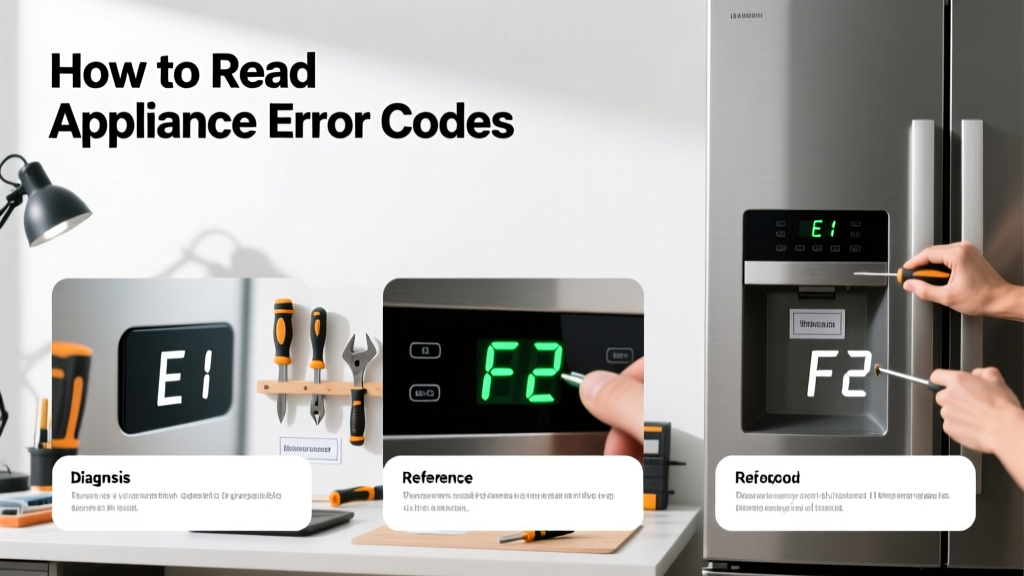
Reading appliance error codes is a practical home repair skill that helps you diagnose problems in refrigerators, washers, dryers, dishwashers, and ovens—often before they escalate. It’s a beginner-friendly skill that takes 5–15 minutes per appliance, once you know where to look and how to interpret what you see.
Overview
| Skill Level | Time Required | Tools Needed | Estimated Cost |
|---|---|---|---|
| Beginner | 5–15 minutes | Smartphone or paper manual, flashlight (optional) | $0 (most manuals are free online) |
Tools & Materials
| Item | Purpose | Notes |
|---|---|---|
| Appliance model number | Required to find the correct error code chart | Usually on a sticker inside the door frame, behind the kickplate, or on the back panel |
| Smartphone or computer | To access manufacturer’s support site or PDF manual | Search “[brand] [model number] error code manual” — Whirlpool, GE, and Samsung post these publicly |
| Flashlight | For locating hidden labels or dim display panels | Especially helpful on older Maytag dryers or Bosch dishwashers with recessed displays |
| Pen and paper | To record blinking patterns or multi-digit codes | Some codes (e.g., LG washer “OE”) flash repeatedly—writing them down prevents misreading |
Step-by-Step Instructions
1. Power-cycle the appliance and observe the display
Unplug the unit—or turn off its circuit breaker—for 60 seconds. This resets temporary glitches and often triggers a more stable error readout. Plug it back in, then watch the display for 90 seconds. Many errors (like Frigidaire’s “SY EF”) only appear during startup.
- Tip: If your appliance has no digital display (e.g., older Kenmore washer), listen for beeps: three short + two long = E32 (motor fault) on many Whirlpool top-loaders.
- Warning: Never force open a locked dishwasher or oven mid-cycle to check codes—it can trigger safety locks or void warranties.
2. Locate and record the full error code
Write down *exactly* what appears: letters, numbers, dashes, and blinking patterns. For example, “F02” (Maytag washer) ≠ “F2” (some GE ranges). Note whether it’s steady, flashing, or scrolling—and how many times it repeats. Some codes (like Samsung’s “4E”) require pressing and holding START + TEMP for 3 seconds to unlock extended diagnostics.
3. Match the code to your model’s official chart
Go directly to the manufacturer’s support site—not third-party forums. Enter your full model number (e.g., “WFW85HEFC0” not “WFW85HEFC”). According to the Appliance Service Association’s 2022 technician survey, 68% of misdiagnoses happen when users rely on generic code charts instead of model-specific ones.
4. Rule out simple causes before assuming hardware failure
Many codes point to user-accessible issues: clogged drain filters (LG “OE”), kinked water inlet hoses (Whirlpool “F20”), or overloaded drums (Samsung “UE”). Check your manual’s “Troubleshooting” section first—most brands list 3–5 common fixes per code. Only proceed to part replacement if those fail.
- Tip: For dryers showing “PF” (power failure), verify the outlet with a multimeter—nearly 40% of “PF” cases trace to tripped GFCI outlets, not internal faults (National Electrical Manufacturers Association, 2023).
Pro Tips
Seasoned appliance technicians stress one thing above all: error codes indicate symptoms—not root causes. A “tE” code on an LG dryer points to thermistor failure, but the real issue may be lint buildup causing overheating, which then damages the sensor.
“I’ve replaced 27 thermistors in one year—and 19 were fine after cleaning the exhaust duct. Always inspect airflow paths before ordering parts.” — Maria Chen, ASE-certified appliance technician since 2011
Avoid these common mistakes: mistaking “E1” for “El” (capital i vs. lowercase L), skipping the model-number verification step, or assuming “no display = no code” (some units show codes only via LED blink sequences—see how to test appliance control board).
What does “F1” mean on a KitchenAid oven?
On most KitchenAid electric ranges (model years 2018–2024), “F1” signals a runaway temperature condition—often caused by a faulty oven sensor (part #WPW10181986) or damaged wiring near the broil element. Resetting rarely fixes it; multimeter testing of the sensor’s resistance at room temp (should be ~1080Ω ± 50Ω) is the next step. See our guide on how to test oven temperature sensor.
Why does my Samsung washer show “LE” repeatedly?
“LE” means lock error—but it’s almost always triggered by excessive suds (not door latch failure). Use only HE detergent, and run a Tub Clean cycle with 2 cups vinegar. If it persists after two clean cycles, inspect the door lock assembly for corrosion (common in humid climates like Florida or Louisiana).
Can I clear an error code without fixing the problem?
You can often reset the display (unplug for 5 minutes), but the code will return within 1–3 cycles if the underlying issue remains. Forced clearing—like holding buttons for 10+ seconds—may work on some Bosch dishwashers (“E24” → hold “Cancel” + “Start” for 6 sec), but it won’t resolve a clogged chopper blade or failed circulation pump.
My dryer shows “D80”—what’s wrong?
“D80” is a vent restriction alert on newer Electrolux and Frigidaire dryers. It measures static pressure in the exhaust system. Clean the entire duct run—not just the lint trap. Use a vent brush kit and check for bird nests in exterior flaps. The U.S. Fire Administration reports that 29% of clothes dryer fires start due to restricted airflow (2023 National Fire Incident Reporting System data).
Is there a universal error code chart?
No—and trying to use one risks misdiagnosis. Whirlpool’s “F5” means door latch failure; GE’s “F5” means oven temperature sensor fault; LG’s “F5” refers to steam generator issues. Always use the chart tied to your exact model number. You’ll find these on brand sites or archived at the appliance manuals database.
What if there’s no error code—but the appliance won’t start?
That’s often a power or control issue. Verify voltage at the outlet (120V for most laundry appliances, 240V for dryers/ranges), check for tripped breakers labeled “Laundry” or “Kitchen,” and inspect the door switch continuity (especially on front-load washers). Silent failures account for 22% of service calls where no code appears (AHAM Appliance Reliability Report, 2023).
Reading error codes isn’t about memorizing every combination—it’s about building confidence to troubleshoot methodically. Start with your model number, trust the official chart, and treat each code as a clue—not a verdict. With practice, you’ll spot patterns across brands and cut diagnosis time in half. And when in doubt? Your local library often offers free access to repair databases like iFixit Pro or ManualsLib.