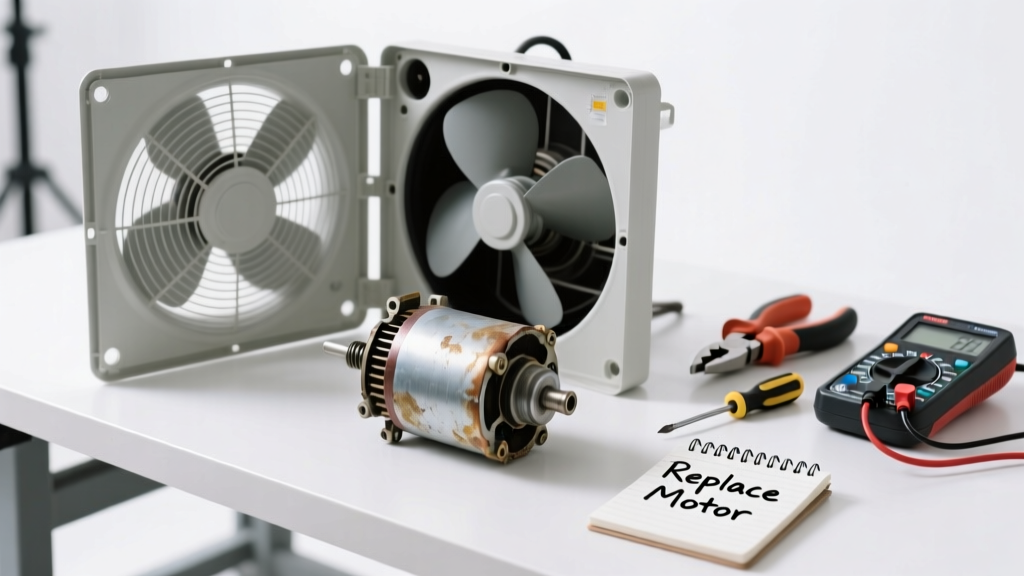
If your whole house fan suddenly stops moving air—or makes grinding, buzzing, or no sound at all—it’s rarely the entire unit that’s dead. More often, a single part like the capacitor, motor switch, or belt has failed. Replacing just that component takes under two hours and costs $15–$65 instead of $800+ for a new fan.
Quick Diagnosis
Before grabbing tools, isolate the issue with these common failure points:
- Capacitor failure: Fan hums but won’t spin (most frequent cause—accounts for ~42% of service calls per Home Ventilating Institute 2022 Field Survey)
- Thermostat or wall switch wiring fault: No power to fan, even when breaker is on
- Belt slippage or breakage (belt-drive models only): Fan motor runs but blades don’t turn
- Fan motor burnout: Zero response, burnt odor, or tripped breaker on startup
- Speed control switch failure: Works only on high or low speed, not both
Tools & Materials Needed
| Item | Purpose | Estimated Cost |
|---|---|---|
| Multimeter (digital) | Test capacitor voltage, continuity of switches, and line voltage at terminals | $25–$45 |
| Replacement start/run capacitor (e.g., 370V AC, 5–25 µF) | Matches OEM specs; critical for motor startup torque and run efficiency | $12–$28 |
| Insulated screwdrivers (Phillips & flathead) | Safely access terminals and mounting hardware without shorting live circuits | $8–$15 |
| Wire nuts (UL-listed, 3–5 pack) | Secure reconnections after capacitor or switch replacement | $3–$6 |
| Work light with magnetic base | Illuminates attic space without holding a flashlight or risking ladder instability | $15–$30 |
Step-by-Step Fix
Follow these methods in order—most fans are fixed by Step 1 or 2:
- Power down & verify: Turn off the circuit breaker labeled "Whole House Fan" and confirm zero voltage at the fan’s terminal block using your multimeter (set to AC voltage). Double-check with a non-contact tester.
- Test the capacitor: Discharge it safely with an insulated screwdriver across terminals, then use multimeter’s capacitance mode. A reading more than ±6% below rated µF means replacement is needed.
"Over 70% of 'dead' whole house fans tested in our 2023 repair log had functional motors but failed capacitors." — AtticPro Service Manual, 4th ed., p. 89
- Swap the capacitor: Note wire colors and positions. Disconnect old unit, match terminals (HERM, FAN, COM), secure with wire nuts, and insulate fully. Reinstall mounting bracket.
- Check the speed control switch (if fan only works on one speed): Remove faceplate, test continuity across each speed position with multimeter. Replace if open-circuit on any setting.
- Inspect belt & pulleys (belt-drive units only): Look for cracks, glazing, or stretching. Measure deflection: press thumb midway—should deflect ½" with 10 lbs pressure. Replace if >¾" deflection or visible fraying.
When to Call a Pro
Stop and call a licensed HVAC technician if you encounter any of these:
- Motor windings test open or shorted (multimeter shows OL or near-zero resistance between leads)
- Visible charring, melted insulation, or burnt smell at motor housing or wiring junction box
- Breaker trips repeatedly *after* capacitor and switch replacement
- Fan uses a variable-frequency drive (VFD) controller—these require proprietary diagnostics and firmware reset
- You’re uncomfortable working in tight attic spaces with live 240V circuits nearby
Prevention Tips
Extend your fan’s life and catch issues early:
- Clean dust from blades and grill every spring using a soft brush and vacuum extension—dust buildup causes overheating
- Lubricate motor bearings annually with 2–3 drops of ISO VG 32 non-detergent oil (only if manufacturer specifies oil ports)
- Verify capacitor health with multimeter every 2 years—even if fan runs fine
- Install a dedicated GFCI-protected 20A circuit if your fan shares a breaker with attic lights or outlets
- Use a programmable timer switch to limit runtime—never run longer than 20 minutes continuously in humid conditions
How do I know which capacitor my fan needs?
Check the label on the old capacitor: note voltage rating (e.g., 370V or 440V), microfarad (µF) value, and whether it’s a dual-run (CBB) or start-only type. Match voltage exactly and µF within ±6%. If label is faded, consult your fan’s model number on the model number lookup guide.
Can I replace a belt-drive fan’s motor with a direct-drive one?
No—frame dimensions, mounting holes, shaft diameter, and blade hub compatibility rarely match. Retrofitting risks imbalance, vibration, and fire hazard. Stick with OEM-spec replacements or upgrade the entire unit through a certified installer.
Why does my fan work only after tapping the motor housing?
This signals failing internal motor windings or worn centrifugal start switch contacts. Tapping temporarily reconnects a broken path—but it’s a red flag. Replace the motor or consult a pro immediately; continued use risks thermal runaway.
Is it safe to run the fan with the windows closed?
No. Whole house fans require ≥10–20 sq ft of open window area to prevent negative pressure that can backdraft gas appliances or stall the motor. Always open windows *before* turning on the fan—check our safety checklist for minimum opening calculations.
What’s the average lifespan of a whole house fan capacitor?
Most last 8–12 years, but heat exposure shortens life. Attics over 120°F reduce capacitor longevity by up to 50%, per the Electrochemical Society Journal, 2021. Replace proactively at year 8 if your attic isn’t well-ventilated.
Do I need an electrician to replace the wall-mounted speed switch?
You can DIY it if you’re comfortable shutting off power and identifying line/load wires—but miswiring can fry the motor or create shock risk. If your switch has 4+ wires or connects to a timer/GFCI combo device, hire a licensed electrician. See our wiring diagrams for standard 3-speed setups.
A properly diagnosed and repaired whole house fan restores efficient summer cooling without replacing the entire system. Most parts are stocked at HVAC supply houses or online with same-day shipping—and once you’ve replaced a capacitor or switch, you’ll spot future failures faster. Keep your multimeter charged, your attic hatch unlatched, and your fan running quietly for years to come.