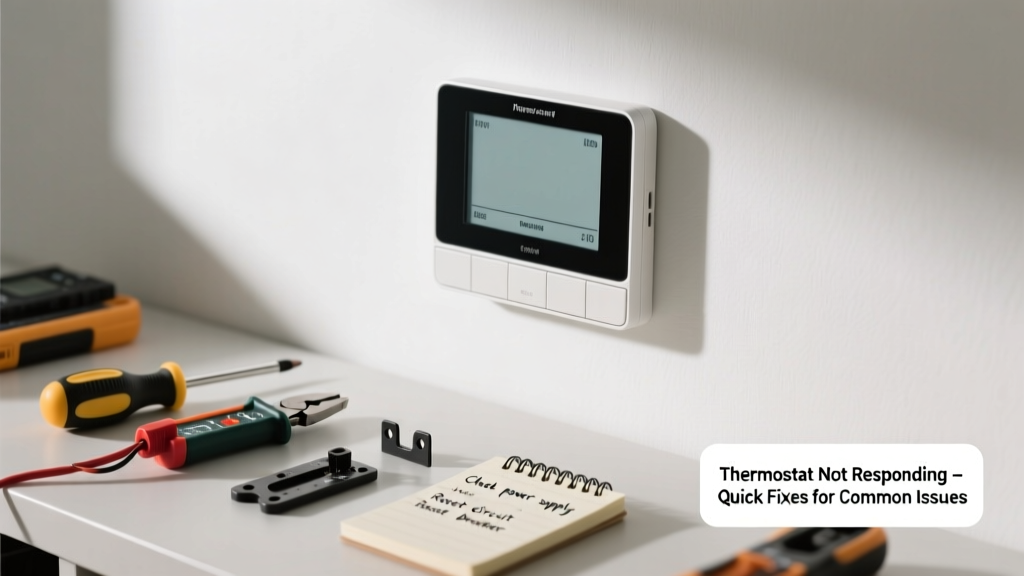
Your thermostat goes dark, ignores button presses, or fails to trigger your HVAC—suddenly, your home feels like an oven or icebox. This isn’t just inconvenient; it can spike energy bills and strain equipment. Most unresponsive thermostats have simple causes you can diagnose and fix in under an hour.
Quick Diagnosis
Before grabbing tools, rule out these five most common culprits:
- No power: Check if the display is blank or dim—could be dead batteries or tripped breaker
- Loose wiring: Vibrations or prior DIY work may have loosened low-voltage wires at the thermostat or furnace
- Dirty sensors: Dust buildup on internal thermistors or infrared receivers disrupts signal detection
- Firmware glitch: Smart thermostats (like Nest or Ecobee) occasionally freeze or fail to sync
- Transformer failure: A failing 24V AC transformer at the furnace cuts power to the whole control circuit
Tools & Materials Needed
| Item | Purpose | Estimated Cost |
|---|---|---|
| Digital multimeter | Measures voltage at terminals to confirm 24V AC supply | $25–$60 |
| AA or AAA batteries (alkaline) | Replaces depleted power cells in battery-operated models | $3–$8 |
| Small Phillips screwdriver | Removes faceplate and mounting screws without stripping terminals | $4–$12 |
| Compressed air canister | Cleans dust from sensor ports and circuit board without static risk | $6–$15 |
| Wire nut assortment (low-voltage) | Secures loose or frayed thermostat wires safely | $5–$10 |
Step-by-Step Fix
- Reset power: Turn off the HVAC breaker for 30 seconds, then restore. For battery-powered units, remove batteries for 60 seconds before reinserting.
- Check terminal voltage: Set multimeter to AC 50V range. Touch probes to R (power) and C (common) terminals. Readings below 22V indicate transformer or wiring issues.
- Clean internal components: With power off, gently blow compressed air into sensor vents and around the PCB. Avoid touching gold contacts with fingers.
- Re-seat wiring: Loosen terminal screws, pull wires out slightly, trim 1/8" of insulation, reinsert firmly, and tighten—no exposed copper beyond the screw.
- Update firmware: For Wi-Fi thermostats, open the manufacturer app and check for pending updates; install if available (e.g., Ecobee v3.17+ resolved 2023’s widespread touch lag).
When to Call a Pro
Stop and call an HVAC technician if:
- You measure 0V between R and C terminals—even after resetting the furnace breaker
- The transformer hums loudly or smells burnt (a sign of imminent failure)
- Wires show melted insulation, scorch marks, or green corrosion at terminals
- Your system uses proprietary wiring (e.g., some Carrier Infinity or Lennox iComfort setups)
According to the U.S. EPA, 14% of household water usage is from leaks—but when it comes to HVAC, even a 5°F calibration error can increase heating costs by up to 8% annually (U.S. Department of Energy, 2022 Residential Energy Consumption Survey).
Prevention Tips
- Replace thermostat batteries every 12 months—even if they still test above 1.4V
- Vacuum around the unit’s air intake vents quarterly to prevent dust-induced thermal drift
- Label wires with tape before disconnecting during any wall work
- Log thermostat behavior monthly: note response delays, inconsistent readings, or missed setpoint triggers
Why does my thermostat work fine one day and go blank the next?
Intermittent power loss usually points to a failing 24V transformer or corroded wire connections that expand/contract with temperature swings. A multimeter reading taken during the 'blank' moment often reveals voltage dropping below 20V—confirming transformer fatigue.
Can I bypass the thermostat to test if the HVAC is working?
Yes—but only temporarily and with caution. At the furnace control board, briefly touch the R and W (heat) or R and Y (cool) terminals with a stripped wire. If the system starts, the thermostat is faulty. Never hold contact longer than 5 seconds or attempt this with a heat pump in defrost mode.
My smart thermostat shows ‘Offline’ but Wi-Fi is fine—what’s wrong?
This often traces to DNS misconfiguration or router DHCP lease expiration. Reboot your router first. Then, in the thermostat app, forget the network and re-add it using WPA2-PSK (not WPA3), as many older thermostats lack full WPA3 support.
Is it safe to clean my thermostat with rubbing alcohol?
Only on non-electronic surfaces. Never apply alcohol directly to the circuit board or touchscreen—it can degrade anti-reflective coatings and seep into capacitors. Use 91% isopropyl alcohol on a lint-free cloth to wipe the bezel or glass surface only.
How do I know if my thermostat needs recalibration?
Compare its reading to a calibrated digital thermometer placed beside it for 15 minutes—away from drafts or sunlight. A variance over ±2°F suggests calibration drift. Most programmable models allow manual offset adjustment (e.g., Honeywell T9: Settings > Preferences > Temperature Offset).
Will a dirty air filter cause my thermostat to stop responding?
No—but it can mimic thermostat failure. A clogged filter triggers high-limit switch trips in the furnace, shutting down the entire system. The thermostat still works, but gets no response from the HVAC. Replace filters every 1–3 months depending on pet hair and MERV rating.
A responsive thermostat is the quiet conductor of your home’s comfort system—not flashy, but essential. Once you’ve verified power, cleaned connections, and ruled out firmware hiccups, most 'dead' thermostats come back to life with surprisingly little effort. If problems persist, don’t force it: check your HVAC breaker, review your furnace troubleshooting guide, or consult a certified technician before risking damage to your compressor or heat exchanger.