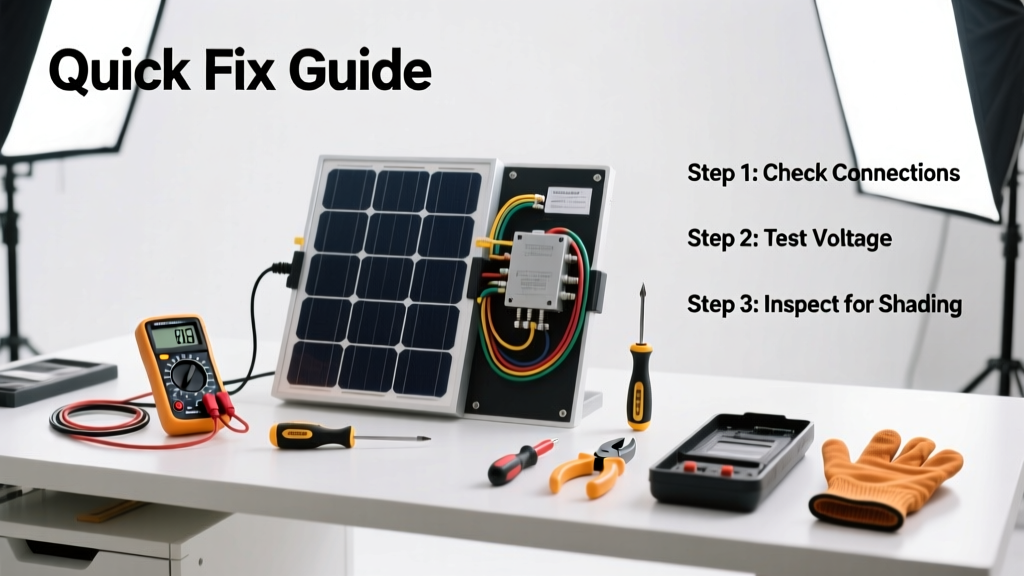
If your solar panels suddenly stopped feeding power to your home—or your monitoring app shows zero or low output—you’re not alone. A 2023 report from the National Renewable Energy Laboratory found that 68% of residential solar production drops stem from simple, fixable issues like shading, soiling, or tripped breakers—not panel failure.
Quick Diagnosis
Before grabbing tools, rule out these five most common causes:
- Tripped DC isolator switch or AC breaker in your main electrical panel
- Heavy dust, pollen, bird droppings, or snow covering panel surfaces
- Shading from new tree growth, roof vents, or nearby construction
- Loose or corroded MC4 connectors at panel junctions or inverter input
- Faulty inverter display or communication error (not actual hardware failure)
Tools & Materials Needed
| Item | Purpose | Estimated Cost |
|---|---|---|
| Digital multimeter (CAT III 1000V rated) | Measure open-circuit voltage and continuity safely on DC lines | $85–$140 |
| Non-contact voltage tester | Verify no live DC current before handling connectors | $25–$45 |
| Soft brush + deionized water spray bottle | Clean panels without scratching or mineral residue | $12–$28 |
| MC4 connector puller tool | Safely disconnect high-voltage PV connectors without damaging pins | $18–$32 |
| Roof safety harness & anchor point | Mandatory if accessing panels on steep or elevated roofs | $95–$220 |
Step-by-Step Fix
Work methodically—and always shut down the system first using both DC and AC disconnects per NEC Article 690.13. Never assume it’s safe just because it’s cloudy.
- Check breakers and disconnects: Locate your DC isolator (usually near the array or inverter) and AC breaker (in main panel). Flip both OFF, wait 5 minutes, then flip back ON. Listen for the inverter’s startup chime and check its status LED.
- Inspect for shading and soiling: Walk around your roof at noon on a clear day. Look for shadows cast by new obstructions. Use binoculars if unsafe to approach panels. If visible grime covers >20% of surface area, cleaning may restore 5–12% output (per Sandia National Labs’ 2022 field study).
- Test open-circuit voltage: With all disconnects OFF and PPE on, use your multimeter to measure Voc at each string’s positive/negative leads at the combiner box. Compare to panel spec sheet (e.g., 38–42V per panel × number in series). Zero = broken string; low = shading or bad connection.
- Examine MC4 connectors: Look for discoloration, melting, or moisture inside connectors. Gently wiggle each—loose connections cause intermittent faults. Re-seat firmly with an MC4 puller; never force them by hand.
When to Call a Pro
Stop immediately and contact a NABCEP-certified installer if you observe any of these:
- Visible arc marks, melted insulation, or burnt smell near wiring or inverters
- DC voltage readings above 600V on residential systems (indicates potential ground fault or string mismatch)
- Inverter error codes like "Ground Fault" or "ISO Fault" that persist after reset
- Microinverters or optimizers showing offline status across multiple panels (suggests communication bus failure)
- No output from entire array despite confirmed voltage at strings (points to failed inverter or rapid shutdown module)
"Over 40% of 'dead panel' service calls involve a tripped breaker or loose connector—issues homeowners can resolve in under 15 minutes if trained and equipped." — NABCEP Certified Trainer, Solar Energy International, 2023
Prevention Tips
Extend system life and catch issues early with these habits:
- Review your monitoring app weekly—set up email alerts for production drops >15% over 24 hours
- Schedule professional panel cleaning every 18–24 months (more often in dusty or coastal areas)
- Trim trees annually to maintain at least 10 feet of clearance from panel edges
- Label all breakers and disconnects clearly with permanent marker and weatherproof tape
- Keep your inverter firmware updated—many manufacturers push stability patches via Wi-Fi
Can I clean solar panels with vinegar?
No. Vinegar is acidic and can degrade anti-reflective coatings over time. Use only deionized water and a soft microfiber brush. For stubborn residue, a pH-neutral solar panel cleaner like EcoTech Solar Wash is safer and more effective.
Why does my system work fine in the morning but drop off at noon?
This points strongly to thermal derating or partial shading. Panels lose ~0.4% efficiency per °C above 25°C. If ambient temps exceed 90°F and your roof has poor airflow beneath panels, output can dip 10–15%. Also check for new shadows from adjacent structures or HVAC units kicking on midday.
Do I need to turn off solar panels before cleaning?
Yes—always. Shut down both DC and AC disconnects, verify zero voltage with your multimeter, and wear insulated gloves. Even on cloudy days, panels generate enough voltage to deliver a dangerous shock. Refer to your solar panel safety checklist before any roof access.
Can a single bad panel kill the whole string?
Yes—if wired in series without optimizers or microinverters. One shaded or faulty panel acts like a resistor, dragging down the entire string’s current. Bypass diodes help, but won’t fully compensate. That’s why modern installs increasingly use module-level power electronics (MLPE) to isolate failures.
How often should I test my solar ground fault protection?
Annually—ideally during spring maintenance. Use a ground fault tester like the Fluke 1625-2 to verify resistance stays below 25 ohms per NEC 250.53(D). Poor grounding increases fire risk and voids many equipment warranties.
What does a red light on my Enphase microinverter mean?
A solid red light typically indicates a communication loss or internal fault. First, check the Envoy gateway’s network status and reboot it. If the light persists after 10 minutes, inspect the AC circuit breaker for that microinverter’s branch and verify proper 240V supply. If still red, the unit likely needs replacement—contact Enphase support or your installer.
Solar systems are robust, but they’re not set-and-forget appliances. Most production issues aren’t catastrophic—they’re signals that something’s shifted: a branch grew, a connector loosened, or a breaker tripped unnoticed. Addressing them promptly keeps your ROI on track and helps you spot bigger trends before they become expensive repairs. Keep your monitoring app open, your multimeter charged, and your safety gear ready—it’s the best maintenance kit you’ll ever own.