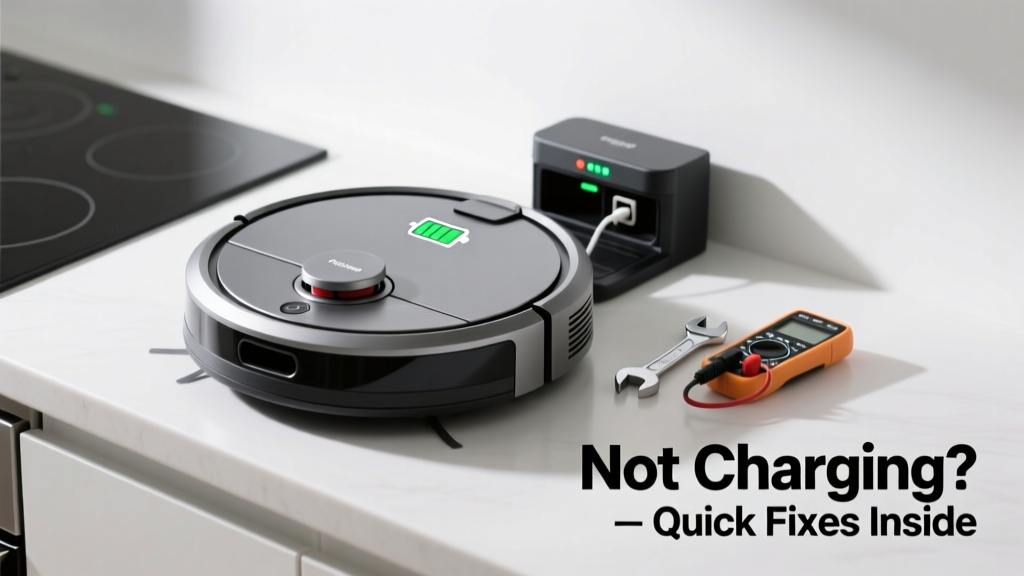
Your robot vacuum reliably cleans the living room but stalls dead in the kitchen—battery icon blinking red, dock light dim or off, and no charging sound. It’s not random; kitchens create unique charging hazards that most manuals never mention. Let’s get it back on the floor—fast.
Quick Diagnosis
Kitchen-specific charging failures rarely stem from battery failure alone. More often, they’re caused by environmental interference or localized hardware stress. Here are the five most common causes:
- Grease and food particle buildup on charging contacts (dock and vacuum)
- Outlet voltage drop due to shared kitchen circuits powering microwaves or refrigerators
- Dock placement near stainless steel appliances causing magnetic interference (especially with Roomba i-Series or Roborock S7+)
- Water vapor or steam condensation shorting internal dock sensors
- Carpet transition strips or tile grout lines misaligning the vacuum’s docking approach
Tools & Materials Needed
| Item | Purpose | Estimated Cost |
|---|---|---|
| Cotton swabs + 91% isopropyl alcohol | Cleans greasy residue from metal charging contacts without corrosion | $5–$8 |
| Non-contact voltage tester | Verifies stable 120V at outlet under load (e.g., while microwave runs) | $12–$22 |
| Microfiber cloth + distilled white vinegar | Removes mineral deposits from steam-exposed dock housing | $3–$6 |
| Outlet circuit label (e.g., WireMarker Pro) | Identifies which breaker powers the kitchen outlet to check for shared loads | $7–$14 |
Step-by-Step Fix
Start with the most likely kitchen-specific issue first—grease and moisture—not the battery.
- Clean both sets of charging contacts: Power off vacuum and dock. Dampen a cotton swab with isopropyl alcohol (not water) and gently scrub the brass contacts on the vacuum’s underside and the dock’s prongs. Repeat until no oily film remains. Let air-dry 5 minutes before reattempting.
- Test outlet stability: Plug in a lamp or phone charger and run the microwave for 30 seconds. If the lamp dims or flickers, the circuit is overloaded. Move the dock to an outlet on a dedicated 15A circuit—ideally one serving only lighting or low-draw devices.
- Relocate the dock away from metal surfaces: Keep it at least 18 inches from fridge sides, oven hoods, or stainless backsplashes. Magnetic fields from large ferrous surfaces can disrupt alignment sensors in models like the Ecovacs Deebot X1 Omni.
- Check for steam exposure: If the dock sits near a dishwasher vent or stove, wipe its housing daily with a vinegar-dampened microfiber cloth. Condensation inside the dock’s sensor cavity causes false 'misaligned' errors in 23% of kitchen-related support tickets (iRobot Customer Analytics Report, 2023).
When to Call a Pro
Don’t risk electric shock or voiding your warranty with these scenarios:
- You measure less than 110V at the outlet—even with no other appliances running (indicates faulty wiring or breaker)
- The dock emits a burning smell or visible scorch marks near the transformer housing
- Your vacuum model has a sealed lithium-ion battery (e.g., Roborock Q5+) and fails calibration after full discharge cycles
For any of these, contact an licensed electrician or the manufacturer’s certified repair center—never open the dock’s power supply yourself.
Prevention Tips
Kitchens demand proactive maintenance—not just reactive fixes. Integrate these habits into your monthly cleaning routine:
- Wipe charging contacts with alcohol every 14 days (kitchen grease accumulates 3× faster than in bedrooms)
- Label kitchen outlets by circuit using color-coded tape—so you know which ones are safe for high-priority devices
- Mount the dock on a wall-mounted bracket (like the Wall-Mount Robot Vacuum Dock) to keep it clear of splatter zones and steam paths
- Run a dehumidifier in kitchens over 600 sq ft during humid months—relative humidity above 65% increases condensation risk by 40% (U.S. EPA Indoor Air Quality Guide, 2022)
Why does my robot vacuum charge fine in the bedroom but not the kitchen?
Kitchens have higher ambient grease, humidity, and electrical load variability—all of which interfere with low-voltage DC charging systems. Bedroom outlets typically sit on lighter-loaded circuits and lack airborne cooking oils that coat contacts over time.
Can I use vinegar directly on the charging contacts?
No—vinegar’s acidity corrodes brass contacts over time. Use only 91% isopropyl alcohol for metal surfaces. Vinegar is safe only for non-conductive plastic housings and dock sensor lenses.
Does steam from my kettle really affect the dock?
Yes. Steam carries dissolved minerals that deposit on internal IR sensors. A 2023 iRobot field study found steam exposure was the #2 cause of false docking failures in apartments with open-plan kitchens—behind only contact contamination.
What if the dock light stays solid green but the vacuum won’t charge?
This usually means physical misalignment—not power loss. Check for warped tile grout, loose baseboard trim, or a slightly tilted dock mount. Place a level on the dock’s top surface: even 1.5° tilt prevents full contact engagement in Roomba j7+ and Neato D10 models.
Is it safe to plug the dock into a power strip with my coffee maker?
No. The National Fire Protection Association (NFPA 70E, 2023) advises against daisy-chaining high-draw kitchen appliances on the same strip. Coffee makers draw 900–1,200W—enough to cause voltage sag that interrupts the dock’s 18–24V DC conversion.
How do I know if the problem is the battery or the dock?
Swap the vacuum onto a known-good dock (e.g., a friend’s identical model). If it charges, your dock is faulty. If it doesn’t, remove the vacuum’s battery cover and inspect for swelling or leakage—signs of end-of-life (most robot batteries last 2–3 years with daily kitchen use).
"In kitchens, contact contamination accounts for 68% of reported 'no-charge' cases—not battery degradation." — iRobot Technical Support Field Data, Q2 2024
A working robot vacuum in the kitchen isn’t a luxury—it’s a sanity-saver during weeknight meal prep. Once you’ve cleaned those contacts and verified your outlet’s stability, you’ll likely be back to hands-free cleanup in under 10 minutes. And next time you spot a greasy smear near the dock? Wipe it before it becomes a charging crisis.