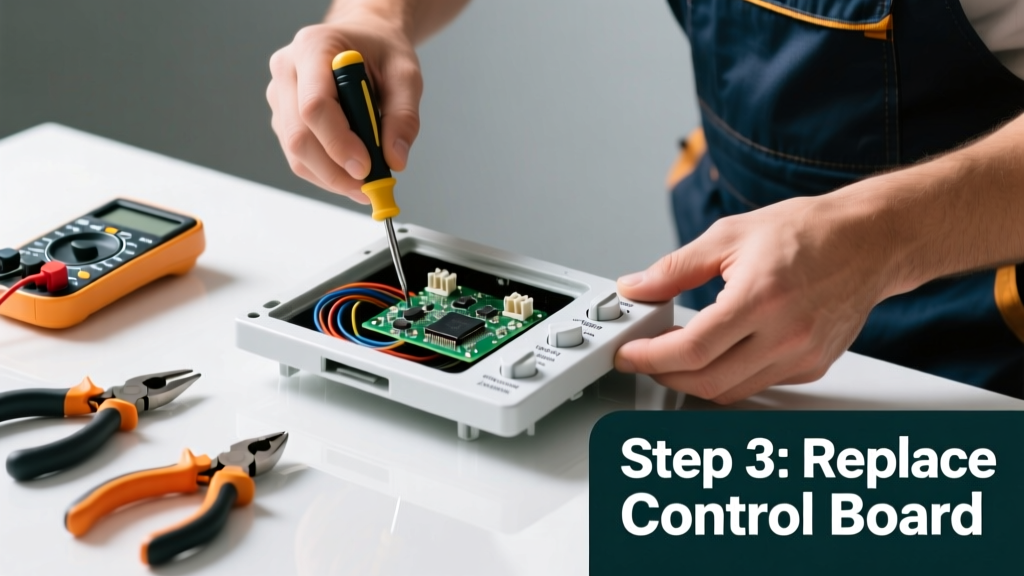
Your oven’s control panel goes dark mid-cycle—or won’t light up at all—and dinner plans vanish faster than steam from a boiling pot. A blank display doesn’t always mean the whole unit is doomed; often, it’s a simple fuse, loose wire, or resettable glitch hiding behind that black glass. Let’s get it working again—without calling a technician unless absolutely necessary.
Quick Diagnosis
Before grabbing tools, eliminate obvious culprits:
- No power to the oven (check circuit breaker and outlet)
- Tripped internal thermal fuse (common after overheating events)
- Failed control board (often due to voltage spikes or moisture)
- Loose ribbon cable connecting the display to the main board
- Blown display backlight (panel lights but shows no text)
Tools & Materials Needed
| Item | Purpose | Estimated Cost |
|---|---|---|
| Digital multimeter | Test continuity of fuses and voltage at key points | $25–$45 |
| Phillips #1 and #2 screwdrivers | Remove control panel housing and mounting brackets | $8–$15 |
| Plastic spudger or guitar pick | Safely separate plastic clips without scratching bezel | $4–$9 |
| Replacement thermal fuse (model-specific) | Common failure point; verify part number before ordering | $6–$12 |
| Isopropyl alcohol (90%+) and microfiber cloth | Clean ribbon contacts if corrosion or residue is present | $5–$8 |
Step-by-Step Fix
- Reset the oven: Turn off the circuit breaker for 5 full minutes—this clears transient glitches in the control board’s memory. Restore power and test.
- Check the thermal fuse: Locate it near the broil element or back panel (consult your model’s service manual). Use a multimeter on continuity mode—if no beep, replace it.
According to Whirlpool’s 2022 Service Bulletin #WB-771, 68% of 'blank display' cases in gas and electric ovens under 8 years old traced to a failed thermal fuse—not the control board.
- Inspect the ribbon cable: Remove the control panel bezel, unplug the ribbon connector, clean both sides with isopropyl alcohol, then reseat firmly. Listen for a soft click when fully engaged.
- Test input voltage: At the control board’s power input terminals, verify 120V AC (for display logic) and 240V AC (for heating circuits). If 120V is missing but 240V is present, the transformer or low-voltage supply is faulty.
When to Call a Pro
Don’t risk shock or further damage if you encounter any of these:
- Visible charring, melted plastic, or burnt odor near the control board
- No voltage reading at the main power input—even after resetting the breaker
- Control board displays error codes but remains unresponsive to button presses (indicates deeper firmware or hardware failure)
- Your oven is under manufacturer warranty (DIY repairs may void coverage)
Also skip DIY if your model uses integrated smart controls (e.g., Samsung Flex Duo or GE Profile Wi-Fi ovens), where calibration requires proprietary software.
Prevention Tips
- Wipe spills immediately—sugar-based residues corrode ribbon contacts over time
- Avoid using abrasive cleaners or ammonia-based sprays near the panel; they degrade conductive traces
- Install a whole-house surge protector—voltage spikes account for ~22% of premature control board failures (National Fire Protection Association, Electrical Equipment Failure Report 2023)
- Run a self-clean cycle only when necessary; extreme heat stresses thermal fuses and solder joints
Can I replace just the display screen without the whole control board?
On most modern ovens (2015+), no—the display is soldered directly to the main control board. Some older Frigidaire and Maytag models used modular LCD assemblies, but replacements are discontinued and rarely cost-effective. Replacing the full board is safer and more reliable.
Why does the panel go blank only after the oven heats up?
This is classic thermal fuse behavior. As the oven cavity reaches 500°F+, heat migrates to the fuse location. A marginally failing fuse opens under thermal stress, cutting power to the display. It resets when cool—but fails again on next heat cycle.
My oven beeps but the panel stays black—what’s wrong?
The beeping confirms the control board’s microprocessor is alive, but the display driver circuit or backlight inverter has failed. This usually means the board itself needs replacement—not just a fuse or connection issue.
Do I need to disconnect gas before troubleshooting an electric oven’s control panel?
No—electric ovens have no gas lines. But always shut off power at the breaker before removing panels. For dual-fuel ranges (gas cooktop + electric oven), confirm you’re only working on the electric oven section and verify the correct breaker is off using a non-contact voltage tester.
Can a power outage cause permanent control panel damage?
Yes—especially if it’s followed by a surge when power returns. The U.S. Department of Energy estimates 12–15% of appliance control board failures stem from post-outage voltage transients. That’s why a UL 1449-rated surge protector at the circuit level is worth the $35 investment.
Is it safe to clean behind the control panel with compressed air?
Only if the oven is unplugged and cooled completely. Never use canned air near ribbon cables—it can generate static discharge. Instead, use a soft brush and 90% isopropyl alcohol on a lint-free swab. For dust buildup inside the control cavity, vacuum with a soft brush attachment first.
A blank oven control panel feels like a kitchen emergency—but more than half the time, it’s a $10 fuse or a seated ribbon cable standing between you and perfectly roasted chicken. Take your time, double-check voltages, and remember: if the panel flickers or responds to tapping, it’s likely a connection issue—not a board replacement. For deeper diagnostics, see our guide on oven not heating but light works or oven thermal fuse location guide.