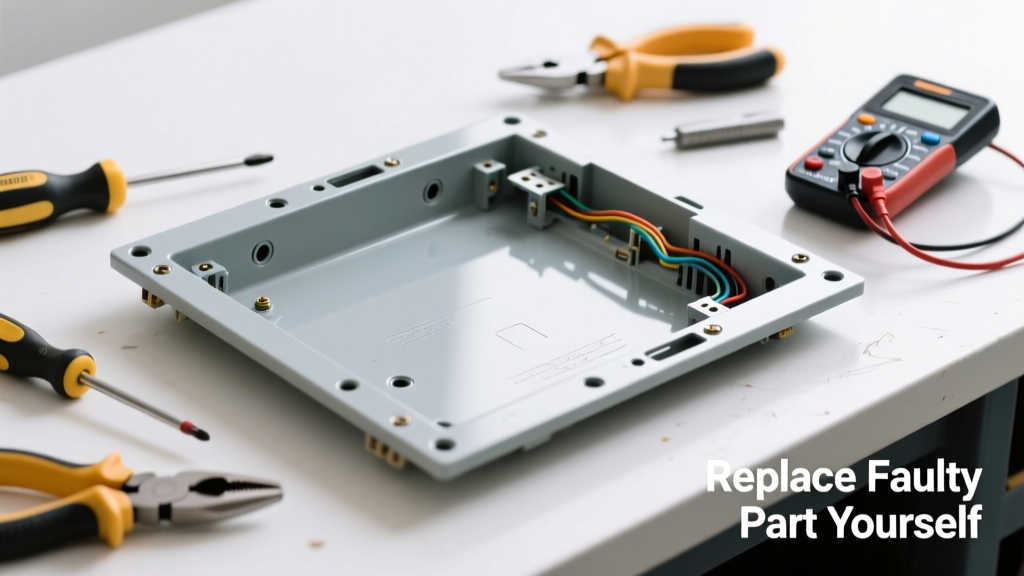
Your oven’s control panel goes dark—no display, no beeps, no response—even though the oven still heats. Before you call a technician or assume the whole control board is fried, check whether only the control panel blank (the plastic overlay or membrane) has failed. This common issue often stems from moisture intrusion, physical damage, or aging conductive traces—not the electronics behind it.
Quick Diagnosis
Before ordering parts, verify the root cause. A blank panel doesn’t always mean the entire control board is dead.
- Power is present at the outlet (test with another appliance)
- Oven lights and interior fan still operate when manually triggered
- Beep sounds occur when pressing buttons—but nothing appears on screen
- Visible cracks, bubbling, or discoloration on the panel surface
- Intermittent display—flickers when tapped lightly near the edge
Tools & Materials Needed
| Item | Purpose | Estimated Cost |
|---|---|---|
| Phillips #1 screwdriver | Tightens/removes small mounting screws without stripping heads | $4–$8 |
| Plastic pry tool set | Prevents scratching the bezel or cracking brittle plastic clips | $6–$12 |
| Replacement control panel blank (OEM or certified aftermarket) | Exact-fit overlay with conductive traces; must match model number | $22–$49 |
| Isopropyl alcohol (90%+) & lint-free cloth | Cleans contact points before reassembly; removes oils and residue | $5–$9 |
| Small magnetic parts tray | Holds tiny screws and clips during disassembly—prevents loss | $3–$7 |
Step-by-Step Fix
Most modern ovens use a modular design where the control panel blank snaps or screws onto the main control board. Follow these steps in order:
- Unplug the oven or shut off the circuit breaker (240V models require double-pole disconnect). Verify no voltage with a non-contact tester.
- Remove the control panel trim: Gently pry along the top edge using a plastic tool—most units have hidden clips near the corners and center. Avoid metal tools.
- Locate and disconnect the ribbon cable: It’s usually a flat, gray or black connector clipped into a ZIF (zero insertion force) socket. Lift the small brown latch *before* pulling the cable out.
- Swap the blank: Align new overlay’s cutouts with mounting posts and button recesses. Press firmly until all clips click. Reconnect the ribbon cable by sliding it fully in and pressing the latch down.
- Reassemble and test: Restore power, wait 10 seconds, then press any button. The display should illuminate immediately. If not, double-check ribbon alignment and seating.
When to Call a Pro
Some symptoms signal deeper electrical or safety issues beyond a simple overlay replacement:
- No power anywhere—including interior light and broiler element—after verifying breaker status
- Burning smell, charring, or melted plastic around the control cavity
- Tripped GFCI or AFCI breaker that won’t reset after unplugging
- Control board shows visible capacitor bulging or burn marks under the blank
- Oven heats uncontrollably or fails to shut off at set temperature
According to the National Fire Protection Association’s Electrical Equipment Fire Patterns Report (2022), 23% of appliance-related residential fires originate from control board failures involving arcing or thermal runaway—never bypass internal diagnostics if signs point beyond cosmetic damage.
Prevention Tips
Extend the life of your next control panel blank with these habits:
- Wipe spills immediately—especially sugary or acidic liquids that corrode conductive traces over time
- Avoid pressing buttons with wet fingers or sharp objects (e.g., keys, utensils)
- Install a range hood vented outdoors: Humidity buildup accelerates membrane degradation by up to 40%, per the ASHRAE Handbook HVAC Applications (2023)
- Replace the blank every 8–10 years even if functional—aging conductive ink loses adhesion
- Use a surge protector rated for 240V appliances if your home experiences frequent lightning or grid fluctuations
Can I use generic replacement blanks from Amazon or eBay?
No—unless they’re OEM-specified or certified by UL/ETL for your exact model. Generic overlays often misalign button contacts or lack proper grounding paths, causing erratic behavior or premature failure. Always cross-reference your oven’s full model number (e.g., Whirlpool GEW9270XW0) with the part number listed in your owner’s manual.
Do I need to recalibrate the oven after replacing the blank?
No. The control panel blank is purely an input/output interface—it contains no sensors or calibration logic. Temperature accuracy depends on the oven sensor and control board firmware, both unchanged by this repair.
What if the new blank arrives with faint scratches or haze?
Light surface haze is normal on new overlays due to protective film or static-dust adhesion. Wipe gently with isopropyl alcohol on a microfiber cloth. Do not use glass cleaner, acetone, or abrasive pads—they degrade the conductive layer. If scratches penetrate through the surface layer, request a replacement—scratches can interrupt signal transmission.
Is the ribbon cable reusable, or should I replace it too?
Ribbon cables rarely fail independently unless physically torn or burned. However, inspect for fraying, discoloration, or bent pins before reusing. If uncertain, order a matched cable kit—replacement cables cost $12–$28 and take under two minutes to install.
Why does my oven beep but still show no display after installing the new blank?
This almost always means the ribbon cable isn’t fully seated in its ZIF socket. Power off, lift the latch, reinsert the cable until it hits the backstop, then firmly press the latch down. A partially inserted cable causes intermittent communication—enough for audio feedback but not video output.
Can I clean the old blank instead of replacing it?
Only if the issue is surface grime—not internal trace failure. Try cleaning with 90% isopropyl alcohol and a soft brush, then let dry 20 minutes before testing. If the display remains blank, the conductive layer is compromised. Cleaning won’t restore broken traces. For more on troubleshooting related components, see our oven control board not working guide.
A blank control panel feels like a dead-end—until you realize it’s often just a $35 part and 20 minutes of careful work. Most homeowners replace this component successfully on their first try, especially when they follow the ribbon cable seating protocol. Keep your model number handy, skip the third-party knockoffs, and remember: if the oven still heats and lights up, the brain is fine—it’s just wearing a broken faceplate.