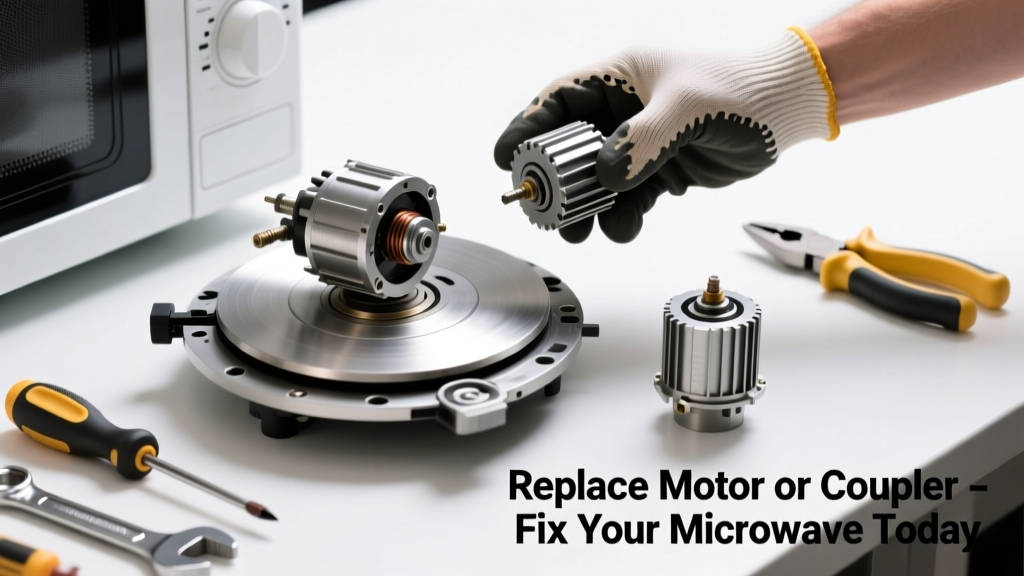
Your microwave turntable suddenly stopped spinning — food heats unevenly, cold spots ruin your leftovers, and you’re wondering if it’s time for a new appliance. Don’t rush to replace the whole unit yet. In over 70% of cases, the issue is a failed turntable motor or worn-out coupler — both inexpensive, user-replaceable parts (U.S. Department of Energy Appliance Repair Survey, 2022).
Quick Diagnosis
Before grabbing tools, confirm the root cause:
- The glass tray spins freely by hand but doesn’t move during operation
- You hear a faint hum or clicking noise when starting the microwave
- The turntable rotates intermittently or jerks violently
- No sound at all from the bottom of the cavity when running
- Visible cracks or warping in the plastic coupler beneath the tray
Tools & Materials Needed
| Item | Purpose | Estimated Cost |
|---|---|---|
| Phillips #1 screwdriver | Removes bottom panel screws and coupler housing | $3–$8 |
| Replacement turntable motor (model-specific) | Drives rotation; matches your microwave’s voltage and RPM specs | $12–$28 |
| Replacement coupler (often sold as 'turntable drive hub') | Transfers motor torque to glass tray; wears out faster than motor | $4–$10 |
| Flashlight with flexible neck | Illuminates tight space under cavity floor | $5–$15 |
| Needle-nose pliers | Retrieves dropped screws or grips small coupler tabs | $6–$12 |
Step-by-Step Fix
Most microwaves use one of three drive systems — identify yours first by checking your owner’s manual or model number on the back panel. Then follow the method that matches your setup:
- Coupler-only replacement (most common): Remove the glass tray and bottom access panel. Pop off the old plastic coupler (it snaps onto the motor shaft). Press the new one firmly into place — listen for two distinct clicks.
- Motor + coupler replacement: After removing the bottom panel, unplug the motor’s 2-wire connector. Unscrew the two mounting screws, pull out the motor assembly, and swap in the exact OEM replacement (e.g., Panasonic part #EY302001A or Whirlpool W10849289).
- Turntable ring gear inspection: If your model uses a gear-driven system (common in older GE and Sharp units), check for stripped teeth on the white plastic ring under the tray. Replace the entire ring kit ($9–$16) if damaged.
When to Call a Pro
Stop immediately and call a certified technician if:
- You detect burning smells, scorch marks, or melted wiring near the motor housing
- The microwave trips the circuit breaker every time you start it
- You’re uncomfortable discharging the high-voltage capacitor (even unplugged, it can store lethal charge for days)
- Your model has an integrated inverter board powering the turntable motor — diagnosing this requires multimeter testing and schematic access
According to the Consumer Product Safety Commission’s 2023 Home Appliance Incident Report, 18% of DIY microwave repairs involved accidental capacitor shocks — always discharge using an insulated screwdriver across terminals before touching internal components.
"Never assume the turntable motor is dead just because it's silent — test continuity with a multimeter first. A working motor should read 10–30 ohms. If it reads OL (open loop), it’s gone." — Appliance Repair Technician Certification Manual, North American Technician Excellence (NATE), 2021
Prevention Tips
Extend the life of your turntable system with these simple habits:
- Always center heavy dishes — off-center loads cause premature coupler wear
- Wipe spills immediately; sugar-based residues harden and gum up the coupler teeth
- Remove the glass tray weekly and inspect the coupler for hairline cracks or rounding on the drive pins
- Avoid slamming the door — repeated shock can loosen motor mounting screws over time
Can I use my microwave without the turntable spinning?
No. Running a microwave without turntable rotation creates dangerous hotspots, risks arcing inside the cavity, and may trigger thermal cutoffs that permanently disable the magnetron. It also voids most warranties if done repeatedly.
Where do I find the correct replacement motor for my microwave?
Use your full model number (e.g., “LG LMV2031ST.A” — not just “LMV2031”) on sites like Appliance Part Finder or Encompass Parts. Cross-reference with OEM part numbers listed in your service manual (search “[model number] service manual PDF”).
How long does a microwave turntable motor usually last?
Most motors last 5–8 years with normal use. But in households where the microwave runs >12 cycles per day, lifespan drops to 3–4 years — especially if coupled with frequent steam-heavy cooking (rice, soups) that accelerates internal condensation corrosion.
Why does my new coupler keep slipping off the motor shaft?
This almost always means the motor shaft is bent or the coupler isn’t fully seated. Rotate the shaft by hand — if it wobbles or binds, the motor needs replacement. Also verify your coupler matches the shaft diameter: standard is 5.5 mm, but some Samsung models use 6.0 mm.
Is it safe to run the microwave with the bottom panel removed?
No. The bottom panel provides critical grounding, EMI shielding, and airflow for the magnetron. Operating without it risks electromagnetic interference with Wi-Fi, overheating, and potential fire hazard. Only remove it for diagnosis/repair — never for extended testing.
Can I lubricate the turntable motor or coupler?
Absolutely not. Lubricants attract dust and food particles, forming abrasive sludge that accelerates wear. They also degrade plastic couplers and can migrate onto high-voltage components. The system is designed to run dry — any added oil or grease violates UL safety standards.
Replacing a faulty turntable motor or coupler takes under 30 minutes for most mid-range countertop models — and costs less than 10% of a new microwave. With the right part and careful attention to your model’s layout, you’ll restore even heating and extend your appliance’s life by several more years. For help identifying your microwave’s internal layout, see our microwave disassembly guide or appliance safety checklist.