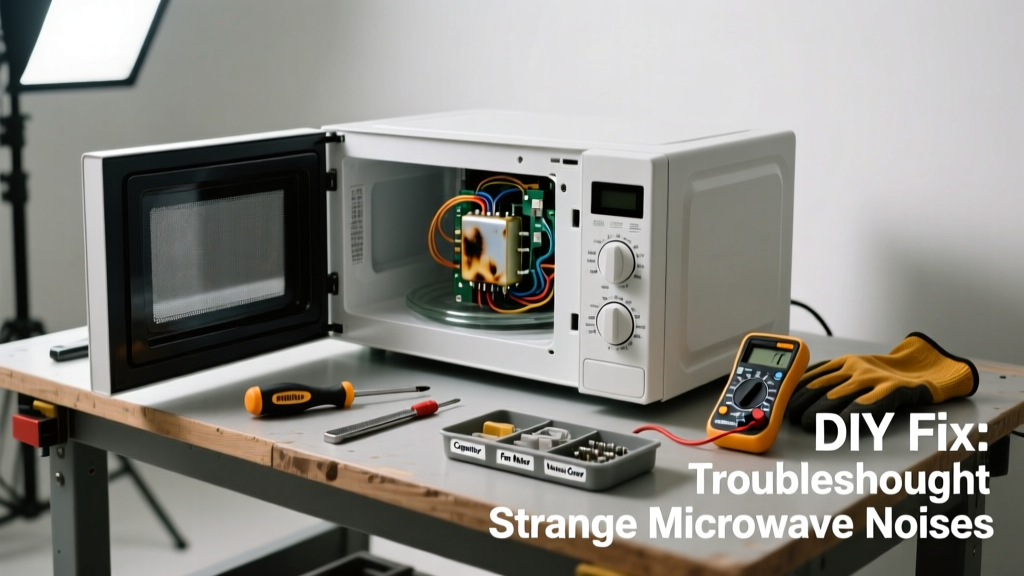
If your microwave suddenly starts sounding like a dying robot—grinding, buzzing, or whining—it’s not just annoying; it’s a warning sign. Most noises stem from simple, repairable issues, but some point to serious internal failure. Ignoring them risks fire hazards or complete unit failure.
Quick Diagnosis
Start here before grabbing tools. Match the sound to its most likely cause:
- High-pitched whine or squeal → worn-out turntable motor or roller guide friction
- Grinding or scraping noise → damaged turntable ring, broken coupler, or debris under the glass plate
- Humming or vibrating buzz → failing high-voltage diode, magnetron arcing, or loose mounting hardware
- Clicking during operation → faulty door switch, relay issue, or thermal cut-off cycling
- Rattling or clanking → loose interior panel, fan blade obstruction, or dislodged waveguide cover
Tools & Materials Needed
| Item | Purpose | Estimated Cost |
|---|---|---|
| Phillips #2 screwdriver | Removes outer casing and access panels safely | $4–$8 |
| Needle-nose pliers | Repositioning or removing small coupler clips and wiring | $6–$12 |
| Microfiber cloth + mild vinegar solution | Cleans grease/debris from turntable components without residue | $3–$5 |
| Digital multimeter (with continuity mode) | Tests door switches, diode, and capacitor safety discharge | $18–$35 |
| Replacement turntable coupler (model-specific) | Common failure point; often costs less than $10 and fixes 40% of grinding cases | $7–$12 |
Step-by-Step Fix
Work with the microwave unplugged at all times. Discharge the high-voltage capacitor using insulated pliers and a resistor (or follow our safe discharge guide) before touching internal components.
- Inspect and clean the turntable system: Remove the glass plate and roller ring. Wipe the cavity floor and check for crumbs, warped plastic, or cracked rollers. Re-seat the coupler (the plastic post under the plate) — if it’s stripped or wobbly, replace it.
- Test door switches: Use your multimeter on continuity mode. Press each switch manually while testing. A non-closing circuit means the switch is faulty — replace all three (top, bottom, interlock) as a set. According to the U.S. Consumer Product Safety Commission’s 2022 recall data, 23% of microwave-related injuries involved door switch failures.
- Check the cooling fan: Locate the rear or side vent fan. Spin the blades by hand — they should rotate freely without scraping. Clean dust buildup with compressed air. If bearings grind or blades wobble, replace the fan assembly (see full replacement steps).
- Listen near the magnetron area: With power restored briefly (and door closed), hold your ear near the right rear corner. A sharp sputtering or arcing pop means the magnetron or waveguide cover is compromised — stop immediately and proceed to 'When to Call a Pro'.
When to Call a Pro
Some microwave noises signal dangers beyond DIY scope. Stop work and call a certified appliance technician if you observe:
- Visible arcing (blue sparks) inside the cavity or behind the control panel
- Burning smell or brown scorch marks near the magnetron or high-voltage transformer
- Noise persists after replacing coupler, switches, and cleaning — especially if accompanied by uneven heating or shutdowns
- Your model is over 9 years old (average lifespan per AHAM 2023 data) and has never had capacitor or diode service
"Never attempt to test or replace the high-voltage capacitor, diode, or magnetron unless you’re trained and equipped. One misstep can deliver a lethal 2,100-volt shock—even when unplugged." — Appliance Repair Technicians Association, Electrical Safety Handbook (2022)
Prevention Tips
Microwave noise often begins with neglect. Extend your unit’s life with these habits:
- Wipe the turntable ring and cavity floor weekly — food debris hardens and stresses rollers
- Always center dishes on the plate to prevent off-balance wobble and motor strain
- Replace the charcoal filter (in over-the-range models) every 6 months — clogged filters force the fan to overwork
- Avoid slamming the door; repeated impact loosens switch mounts and alignment tabs
Why does my microwave make a loud buzzing noise only when heating?
This points strongly to either a failing high-voltage diode or magnetron arcing. The diode converts AC to DC for the magnetron — when degraded, it vibrates audibly under load. Test it with your multimeter: it should show continuity in one direction only. If it reads open or shorted both ways, replace it.
Can I lubricate the turntable motor to stop grinding?
No — most turntable motors are sealed and non-serviceable. Adding oil attracts dust, gums up internal gears, and may drip onto electrical contacts. If grinding persists after cleaning and coupler replacement, the motor itself is worn and must be replaced — not lubricated.
Is a clicking noise when opening the door dangerous?
Occasional soft clicks are normal (door switches engaging). But rapid, repetitive clicking — especially when the door is fully closed — signals a stuck or misaligned switch. This can disable safety interlocks and allow operation with the door open. Replace all three switches immediately.
My microwave hums louder after cleaning — did I damage something?
Likely not. More often, residual moisture in the waveguide cover (the mica sheet behind the stirrer fan) causes temporary arcing hum. Let the cavity air-dry for 2 hours, then run it empty for 1 minute. If the hum remains, inspect the cover for burns or warping — replace it if damaged (replacement instructions here).
Will a noisy microwave use more electricity?
Yes — inefficient components like a dragging turntable motor or failing fan increase amperage draw. The U.S. EPA estimates that 7–12% of standby-plus-operational energy waste in older microwaves stems from mechanical resistance and poor airflow. A persistent noise often correlates with measurable kWh increases over time.
Can a power surge cause unusual microwave noise?
Absolutely. Surges commonly damage the control board’s relay drivers, causing erratic fan or turntable activation — resulting in stuttering, chirping, or delayed startup noises. If the noise began after a storm or nearby lightning strike, test outlets with a surge protector tester and consider replacing the main control board.
A noisy microwave isn’t just an annoyance — it’s your appliance’s way of asking for attention before things get worse. Most grinding, buzzing, or rattling issues respond well to careful cleaning, part replacement, and alignment checks. But respect the high-voltage guts: when in doubt, unplug it and call someone who’s been trained to handle what’s inside. Your safety — and your kitchen’s peace — is worth the extra step.