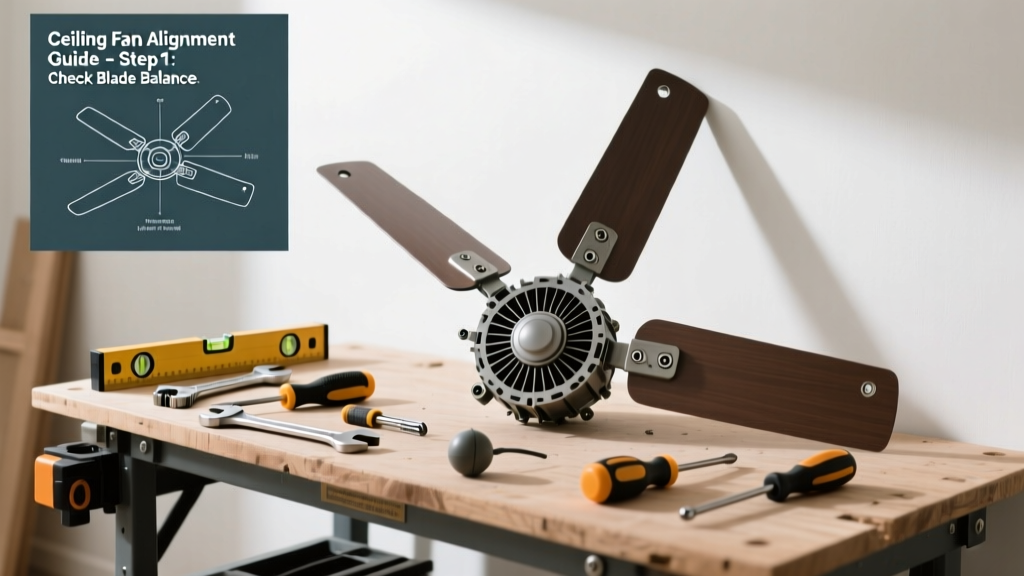
If your ceiling fan shakes, rattles, or hums like a tired jet engine, it’s not just annoying—it’s a sign something’s off. Wobbling stresses motor bearings, loosens mounting hardware, and can even crack drywall over time. The good news? Most causes are simple, inexpensive, and fixable in under an hour.
Quick Diagnosis
Before grabbing tools, identify the likely culprit. Wobble rarely comes from one thing alone—often it’s a combo of small issues stacking up.
- Blade imbalance (most common—dust buildup or bent blades)
- Loose mounting bracket or canopy screws
- Warped or damaged blade irons (the metal arms connecting blades to hub)
- Worn or bent downrod (especially in fans with longer rods)
- Unlevel ceiling or sagging electrical box
Tools & Materials Needed
| Item | Purpose | Estimated Cost |
|---|---|---|
| Blade balancing kit (or clothespins + tape) | Identifies and corrects blade weight imbalances | $4–$12 |
| Phillips and flat-head screwdrivers | Tightens mounting hardware, blade screws, and bracket bolts | $8–$25 |
| Non-contact voltage tester | Confirms power is off before touching wiring or mounting hardware | $15–$30 |
| Small level (6-inch) | Verifies mounting bracket and downrod alignment | $6–$18 |
| Threadlocker (blue Loctite) | Prevents blade screws from vibrating loose again | $4–$7 |
Step-by-Step Fix
Work methodically—start simple and escalate only if needed. Always turn off power at the circuit breaker and verify with a voltage tester before touching anything.
- Check and tighten all screws: Use your screwdrivers to snug down blade screws (top and bottom), blade iron screws, canopy screws, and the mounting bracket bolts. Don’t overtighten—stripped threads cause more wobble.
- Inspect blades for damage and clean them: Look for warping, chips, or cracks. Wipe each blade with a damp microfiber cloth—dust accumulation as little as 1/8 inch on one blade can throw off balance. Let dry fully before retesting.
- Balance the blades using a balancing kit: Clip the included weight to the center of one blade’s top surface. Spin the fan on low. If wobble improves, leave the weight there and test adjacent blades. If worse, move it to the next blade until you find the sweet spot. Secure permanently with double-sided tape or adhesive weights.
- Verify downrod and mounting alignment: With power off, gently rotate the fan by hand while watching the downrod where it meets the motor housing. Any visible flex or wiggle means the downrod isn’t seated fully—or the hanger ball joint is worn. Re-seat firmly; replace if corroded or bent.
When to Call a Pro
Some wobble stems from structural or electrical flaws that exceed DIY scope—and safety risk rises fast when ceilings or wiring are involved.
- The fan wobbles violently even after tightening and balancing—suggesting internal motor bearing failure or a compromised ceiling joist anchor
- You hear grinding or screeching sounds alongside wobble (a red flag for seized bearings or gear failure)
- The electrical box sags, shifts, or feels loose when you gently tug the fan housing
- Your home has plaster ceilings or lath-and-plaster construction—the box may not be rated for fan weight
- You’re uncomfortable working on a ladder near live circuits or overhead fixtures
"Over 60% of ceiling fan service calls stem from improper installation—not component failure," says HVAC technician Marcus Lee in FanTech Journal (2022).
Prevention Tips
Preventive maintenance takes 10 minutes twice a year—and extends fan life by 3–5 years according to the National Association of Home Builders’ 2023 Appliance Lifespan Report.
- Clean blades every 3 months—use a vacuum brush attachment first, then wipe with diluted vinegar solution
- Retorque blade screws every 6 months (they loosen due to vibration)
- Install a reinforced fan-rated electrical box if upgrading an old light-only fixture—standard boxes aren’t rated for fan motion
- Avoid running fans above 85°F ambient temps for extended periods; heat accelerates motor bearing wear
Can I use a regular light fixture box for a ceiling fan?
No. Standard octagonal boxes are rated for 50 lbs static load—not the dynamic torque and vibration of a spinning fan. Per NEC Article 314.27(D), only boxes marked “Acceptable for Fan Support” or listed for “Fan-Rated” use may be used. Retrofit kits like the Ceiling Fan Electrical Box Installation guide show safe upgrades.
Why does my fan wobble more on high speed?
Higher RPM magnifies imbalances—even tiny discrepancies in blade weight or angle become exponentially more pronounced. It’s like driving a car with unbalanced tires: smooth at 25 mph, shaky at 65 mph. That’s why balancing must be done at operating speed, not just visually.
Do all ceiling fans need balancing kits?
No—but nearly all benefit from periodic balancing. Factory-balanced fans often drift out of spec within 12–18 months due to dust accumulation, thermal expansion, and screw creep. A $5 balancing kit pays for itself in reduced motor strain and quieter operation.
Can warped blades be straightened?
Rarely—and not safely. Wood or composite blades that warp absorb moisture unevenly; bending them back risks cracking or delamination. Plastic blades may soften with heat but lose structural integrity. Replacement is safer and costs less than $25 per blade—see our Ceiling Fan Blade Replacement guide.
Is it normal for new fans to wobble slightly?
No. A brand-new, properly installed fan should run smoothly on all speeds. Persistent wobble indicates either shipping damage (check for bent blade irons), missing balancing weights, or incorrect assembly—like reversed blade irons or mismatched hardware. Contact the manufacturer before modifying anything.
How do I know if the wobble is from the ceiling, not the fan?
Turn off power and remove the fan entirely. Inspect the mounting bracket and electrical box: if the box moves when pressed sideways, or if drywall around it shows hairline cracks radiating outward, the issue is structural—not mechanical. In that case, consult a licensed electrician or carpenter before reinstalling.
A steady, silent ceiling fan doesn’t just feel nicer—it saves energy, reduces wear on moving parts, and protects your ceiling from long-term vibration damage. Most wobble fixes take less time than scrolling through troubleshooting videos. Grab your screwdriver, check those blade screws, and enjoy quiet airflow again tonight.