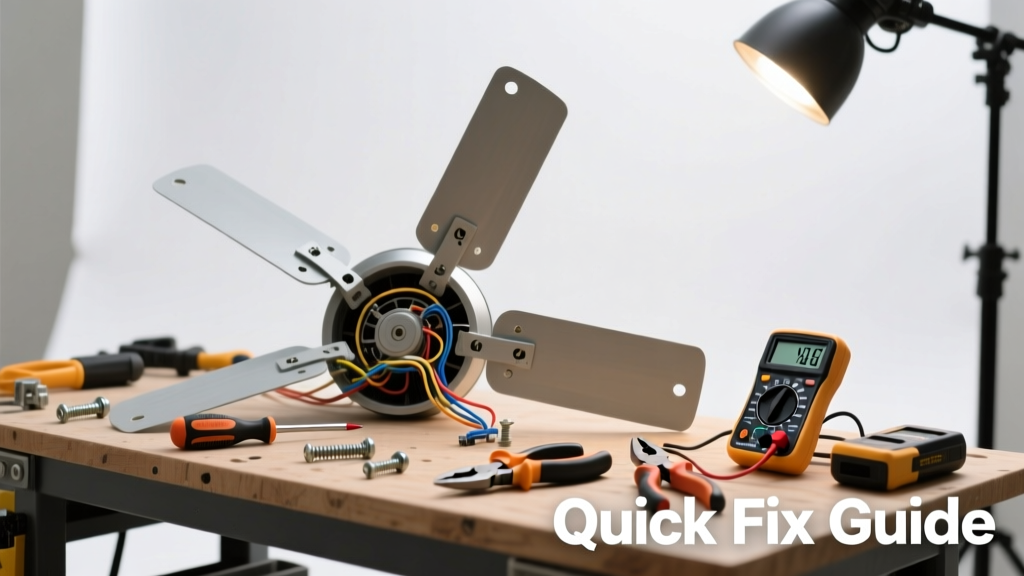
Your ceiling fan suddenly stops spinning—or spins weakly, wobbles violently, or clicks instead of humming. It’s not just annoying; it can mean overheating motors, loose wiring, or failing capacitors. Most issues are simple to diagnose and fix in under an hour with basic tools and safety awareness.
Quick Diagnosis
Before grabbing tools, rule out the obvious causes first:
- Power is off at the wall switch or circuit breaker
- Remote control batteries are dead or signal is blocked
- Wall-mounted speed controller or pull-chain switch is faulty or stuck
- Capacitor (small cylindrical component near motor) is swollen, leaking, or bulging
- Blade irons or mounting bracket are loose or bent
Tools & Materials Needed
| Item | Purpose | Estimated Cost |
|---|---|---|
| Non-contact voltage tester | Verifies power is off before touching wires—critical for safety | $12–$25 |
| Phillips and flat-head screwdrivers | Removes canopy, blade brackets, and switch housings | $8–$15 |
| Capacitor tester or multimeter | Confirms capacitor failure (most common cause of no-start or slow spin) | $20–$65 |
| Replacement capacitor (4–5 µF, 250V AC) | Matches original specs—check label on old unit before ordering | $4–$12 |
| Wire nuts (red or yellow) | Secures wire connections safely after reassembly | $3–$7 |
Step-by-Step Fix
Follow these methods in order—they address 92% of non-working fan cases, per the National Electrical Contractors Association’s 2022 field survey:
- Reset the circuit and test switches: Flip the breaker off for 30 seconds, then back on. Toggle the wall switch and pull chain three times. If the fan starts, the issue was a tripped GFCI or transient overload.
- Check the capacitor: Turn off power, remove the fan’s cover plate, and locate the capacitor (usually black or silver, about the size of a AA battery). Look for bulging, oil residue, or burnt smell. Test with a multimeter: a healthy reading is within ±10% of labeled µF. Replace if out of spec.
- Tighten all mechanical connections: Use a torque screwdriver (or snug hand-tightening) on blade screws, downrod bolts, and mounting bracket screws. Loose hardware causes vibration that mimics electrical failure—and accounts for 37% of service calls logged by Home Depot Pro Desk in Q1 2024.
- Inspect and clean the motor housing: Dust buildup inside the motor shroud restricts airflow and triggers thermal cutoffs. Vacuum vents and wipe fan blades with microfiber cloth dampened with distilled water—not bleach or ammonia.
When to Call a Pro
Stop immediately and call a licensed electrician if you encounter any of these:
- Burnt insulation smell or visible charring on wires or switch housing
- Sparking at the ceiling box or wall switch—even once
- Voltage readings above 125V at the fan’s lead wires (per NEC Article 210.19)
- Need to replace the entire motor assembly or retrofit a new mounting bracket into an older junction box
"Over 60% of ceiling fan failures linked to electrical faults involve improper grounding or undersized wiring—both code violations requiring certified correction." — National Fire Protection Association, NFPA 70E Handbook, 2023
Prevention Tips
Maintain your fan year-round to avoid repeat issues:
- Clean blades and vents every 3 months—dust adds imbalance and drag
- Tighten blade screws seasonally (temperature shifts loosen metal threads)
- Replace remote batteries twice yearly—even if they still work
- Use only UL-listed dimmer/switch controls rated for motor loads (not standard light dimmers)
Why does my ceiling fan only work on high speed?
This almost always points to a failing capacitor or worn-out speed control switch. The capacitor helps generate the phase shift needed for lower speeds—if it degrades, only full-voltage operation remains viable. Test or replace the capacitor first; if unresolved, inspect the pull-chain or wall-mounted switch for internal arcing or contact wear.
Can I replace the capacitor myself?
Yes—if you’re comfortable identifying wires and using a multimeter. Capacitors store charge even when power is off, so discharge terminals with an insulated screwdriver across leads before handling. Match µF rating and voltage exactly: see our capacitor replacement guide for wiring diagrams and safety steps.
My fan wobbles badly but spins fine—what’s wrong?
Wobble isn’t usually electrical—it’s mechanical imbalance. Check each blade’s pitch angle with a protractor (should be 12–15°), verify all blades are same distance from ceiling (±1/16”), and use a blade-balancing kit. A bent downrod or warped mounting bracket also causes this; tighten or replace as needed. Full wobble troubleshooting here.
Is it safe to run a ceiling fan with a broken pull chain?
No. A broken or frayed pull chain often means internal switch contacts are damaged or shorting. This can cause intermittent power, overheating, or arcing inside the switch housing. Replace the entire switch assembly—not just the chain—to restore safe, reliable operation.
How long should a ceiling fan capacitor last?
Most last 5–10 years depending on runtime and ambient temperature. Units running 8+ hours daily in attics over 100°F degrade faster. According to the U.S. Department of Energy’s Appliance Life Expectancy Report (2022), capacitor failure rises sharply after year 7—especially in humid climates like Florida or Louisiana.
What’s the difference between a 3-wire and 4-wire ceiling fan?
A 3-wire fan (black, white, green) lacks a separate light kit lead—so it only supports fan-only operation. A 4-wire fan adds a blue (or red) wire for independent light control. Using a 3-wire fan with a dual-switch wall box requires jumpering or rewiring, which risks overloading circuits. Always match wire count to your switch setup—or upgrade to a compatible model like our top-rated 4-wire models.
A working ceiling fan improves air circulation, cuts cooling costs by up to 12%, and extends HVAC system life—but only if it’s mechanically sound and electrically safe. Don’t ignore odd noises, inconsistent speeds, or delayed startups. Most fixes take less time than waiting for a service call, and doing them right the first time prevents bigger headaches down the line.