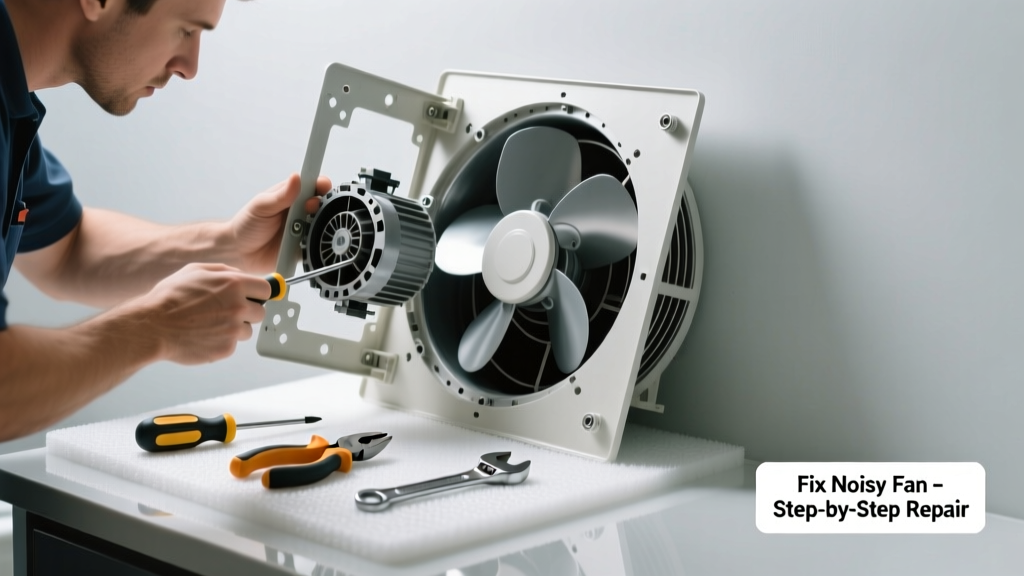
If your bathroom fan suddenly starts sounding like a jet engine, a dying cricket, or a loose tin can rattling in a dryer, don’t ignore it. That noise isn’t just annoying—it’s often the first warning sign of failing bearings, warped blades, or electrical trouble. Left unaddressed, a noisy fan can overheat, reduce airflow, and let humidity build up—leading to mold growth behind walls.
Quick Diagnosis
Start here before grabbing tools. Most unusual fan noises point to one of these five root causes:
- Grinding or scraping — worn-out motor bearings or bent fan blade hitting housing
- Rattling or vibrating — loose mounting screws, cracked duct collar, or unsecured housing
- High-pitched whine — failing capacitor or voltage mismatch (especially in older 110V units)
- Intermittent buzzing — faulty wall switch, loose wire connection, or failing thermal cutoff
- Clicking on startup/shutdown — normal for some models, but rapid clicking suggests relay or capacitor failure
Tools & Materials Needed
| Item | Purpose | Estimated Cost |
|---|---|---|
| Phillips #2 screwdriver | Tightens mounting screws and disassembles most fan housings | $3–$8 |
| Needle-nose pliers | Adjusts bent blades, retrieves dropped screws, grips small wires | $5–$12 |
| Non-contact voltage tester | Confirms power is off before touching wiring—critical safety step | $12–$25 |
| Dielectric grease | Lubricates motor shaft (only if manufacturer allows; many sealed motors forbid it) | $4–$9 |
| Replacement capacitor (e.g., 4–5 µF, 250V AC) | Fixes whining or slow-start issues in older fans with dual-capacitor designs | $6–$15 |
Step-by-Step Fix
Work methodically—and always shut off power at the circuit breaker, not just the wall switch. Verify with your non-contact tester before touching anything.
- Inspect and tighten all fasteners: Remove the grille and check for loose screws securing the housing to the ceiling joist and the motor assembly to the housing. A vibrating fan often just needs four screws tightened—no parts replaced.
- Check blade clearance and balance: Spin the fan blade by hand. Listen for scraping. If it drags, gently bend the blade away from the housing using needle-nose pliers. Never force it—bend in 1/8-inch increments and retest.
- Test the capacitor: Locate the cylindrical capacitor near the motor (usually under a metal cover). With power OFF, discharge it using an insulated screwdriver across its terminals. Use a multimeter set to capacitance mode: readings below 90% of labeled value mean replacement is needed.
- Clean dust buildup: Use compressed air or a soft brush to remove lint and dust from blades, motor vents, and the squirrel-cage impeller. According to the U.S. EPA, 14% of household water usage is lost to leaks—but dust-clogged fans increase runtime by up to 30%, accelerating wear.
When to Call a Pro
Some situations demand licensed expertise—not because they’re hard, but because they risk fire, shock, or code violations:
- You smell burning plastic or ozone near the fan—even once
- The fan trips the breaker repeatedly after cleaning or tightening
- Wiring shows signs of melting, discoloration, or brittle insulation (common in homes built before 2000)
- Your fan is integrated into a lighting fixture with shared wiring or smart controls (e.g., Lutron Maestro)
- You’re replacing a through-the-wall unit where exterior venting requires weatherproof sealing and building code compliance
Prevention Tips
A well-maintained bathroom fan lasts 10–15 years. Extend its life with these habits:
- Run the fan for at least 20 minutes after every shower—humidity is the #1 enemy of motors and switches
- Vacuum the grille monthly with a brush attachment to prevent dust accumulation
- Replace foam gaskets around the housing every 3 years—they compress and allow vibration transfer
- Install a timer switch (like the Broan 61W) to ensure consistent runtime without relying on memory
Can I oil the motor to stop the noise?
No—most modern bathroom fans use sealed, permanently lubricated motors. Adding oil can attract dust, degrade internal seals, and void warranties. If the motor is grinding, it’s time for replacement—not lubrication. As HVAC technician Marcus Chen told Home Systems Digest in 2022: “You wouldn’t put motor oil in a laptop fan—and bathroom fans are just as precision-sealed.”
Why does my fan only make noise when it’s cold?
Temperature changes cause metal components to contract. A slightly misaligned blade or loose bracket may only rattle when chilled. Check mounting screws and duct connections during winter mornings—tighten any that feel loose. Also inspect flexible duct runs: kinks worsen in cold air and restrict airflow, increasing strain.
Is a rattling sound from the ductwork normal?
No. Duct rattle means either undersized ducting (most common: using 3-inch flex duct for a 4-inch fan), loose hangers, or poor support where duct meets fan collar. Replace with rigid 4-inch metal duct and secure every 24 inches with insulated straps—per the 2023 International Residential Code Section M1507.
How do I know if the noise is coming from the fan or the light kit?
Turn off the light switch but leave the fan switch on—if the noise continues, it’s fan-related. If it stops, the issue is likely in the light socket, transformer, or LED driver. Many combo units (like NuTone 682WH) have separate ballasts/drivers that hum or buzz when failing.
Will replacing the fan lower my energy bill?
Yes—if you upgrade to an ENERGY STAR–certified model (e.g., Panasonic FV-0511VKS). These use 70% less power than pre-2010 units and move more air per watt. The U.S. Department of Energy estimates homeowners save $12–$18 annually per fan, plus reduced AC load from better moisture control.
Can I replace just the motor instead of the whole unit?
Rarely—and usually not cost-effective. Most residential fans use proprietary motors not sold separately. Even when available (e.g., certain Broan models), labor and compatibility testing often exceed the price of a new $45–$85 unit with 5-year warranty. Skip the hunt—replace the entire assembly.
A noisy bathroom fan isn’t just a nuisance—it’s a red flag waving in humid air. Addressing it early prevents bigger headaches: warped drywall, hidden mold colonies, or even electrical hazards. Most fixes take under 45 minutes and cost less than $25 in parts. And if your fan’s been running nonstop for seven years? Consider it a sign—not just to repair, but to upgrade. Modern fans run quieter, last longer, and pull moisture out faster, giving your bathroom real breathing room.