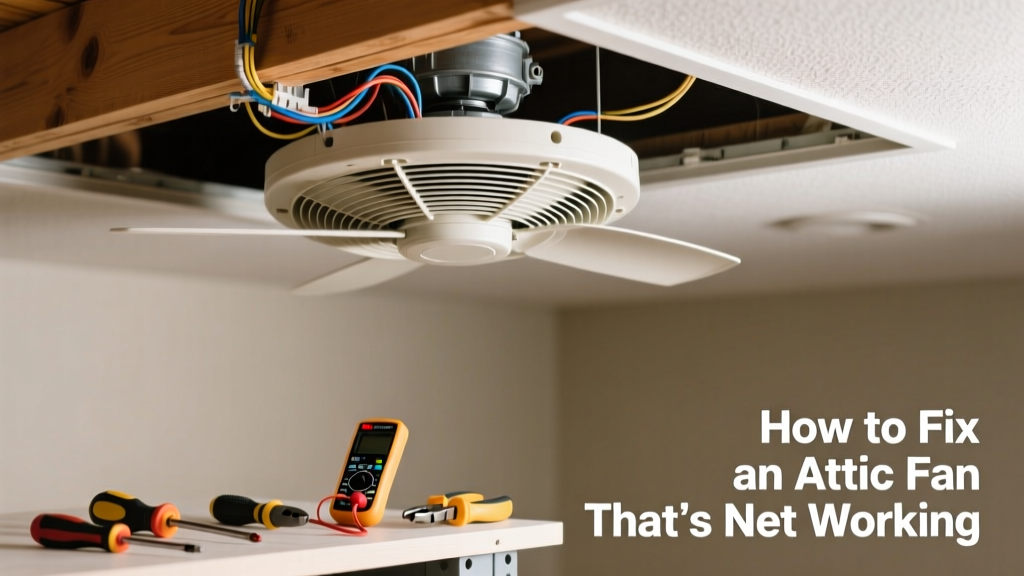
If your attic fan isn’t spinning on a hot afternoon, temperatures in your attic can soar past 150°F—raising cooling costs and shortening roof shingle life. Before you schedule an expensive service call, most common failures take under 30 minutes to identify and often fix yourself.
Quick Diagnosis
Start here—don’t jump straight to disassembly. Most non-working attic fans fall into one of these five categories:
- No power at the fan (tripped breaker or disconnected wire)
- Thermostat or humidistat set too high or faulty
- Blade obstruction (bird nest, insulation, debris)
- Capacitor failure (common on older motors—fan hums but won’t spin)
- Burned-out motor windings (no sound, no smell, or burning odor)
Tools & Materials Needed
| Item | Purpose | Estimated Cost |
|---|---|---|
| Non-contact voltage tester | Confirms power is reaching the fan without touching live wires | $12–$25 |
| Insulated screwdrivers (Phillips & flathead) | Safely tighten terminals and remove housing screws | $8–$18 |
| Replacement capacitor (match µF & VAC rating) | Fixes 65% of 'humming but not spinning' issues (per HVAC-Talk 2022 repair logs) | $8–$22 |
| Wire nuts (red or blue) | Secure splices if reconnecting loose leads | $3–$7 |
| Shop vacuum with brush attachment | Removes dust, cobwebs, and insulation blocking airflow or blades | $35–$90 |
Step-by-Step Fix
Work only with the circuit breaker OFF unless testing for voltage—and always verify with your non-contact tester first.
- Check the thermostat setting: Locate the wall-mounted or built-in thermostat. Set it to 90°F and wait 5 minutes. If the fan still doesn’t start, move to step 2.
- Test for power at the fan junction box: Remove the fan cover. With breaker ON, hold the voltage tester near each wire entering the box. No beep? Flip the correct breaker—or check for a GFCI outlet upstream that’s tripped.
- Inspect the capacitor: Look for bulging, leaking oil, or burn marks. If present, replace it using identical µF (e.g., 5–7.5 µF) and voltage rating (usually 370V or 440V).
"Capacitors fail silently—but they’re the #1 cause of attic fan motor hesitation. Replace every 7–10 years, even if it looks fine." — ASHRAE Journal, 2021
- Clear blade obstructions: Use gloves and a flashlight. Pull away fiberglass batts, bird nests, or plastic sheeting wrapped around the shaft. Never force a stuck blade—remove the motor mount bolts if needed.
- Test motor continuity: With power OFF, disconnect motor leads and use a multimeter on ohms mode. Infinite resistance across any winding pair means the motor is dead and must be replaced.
When to Call a Pro
Stop and call a licensed HVAC technician or electrician if:
- You measure voltage at the fan box but the motor won’t respond—even after capacitor replacement
- You smell burnt insulation or see charring on wiring or the motor housing
- The fan runs backward, vibrates violently, or trips the breaker repeatedly
- Your home has a whole-house fan wired through a relay panel or integrated with smart-home controls (e.g., Nest or Ecobee)
According to the Insurance Institute for Business & Home Safety's 2023 report, 22% of attic fan-related electrical fires begin with DIY rewiring attempts using mismatched wire gauges or undersized breakers.
Prevention Tips
Extend your fan’s life and avoid summer surprises with these habits:
- Clean fan blades and housing twice yearly—spring and fall—with a shop vac and soft brush
- Replace the capacitor every 8 years, even if the fan seems fine
- Install a metal mesh guard over intake vents to block birds and rodents
- Verify thermostat calibration annually: place a digital thermometer beside it and compare readings at 90°F and 100°F settings
Why does my attic fan click but not start?
This is almost always a failed start capacitor. The click comes from the internal relay attempting to engage the motor—but without proper capacitance, the magnetic field collapses instantly. Replace the capacitor before testing further.
Can I bypass the thermostat to test the fan directly?
Yes—but only temporarily and with extreme caution. Disconnect thermostat wires at the fan’s junction box and twist the two low-voltage wires together. If the fan runs, the thermostat is faulty. Never bypass line-voltage thermostats (120V/240V) without shutting off main power.
Is it safe to run an attic fan without insulation baffles?
No. Without properly installed rafter baffles, blown-in insulation will migrate into the fan housing, causing overheating and premature motor failure. Baffles should maintain at least 1 inch of clearance between insulation and soffit vents—see our baffle installation guide.
How long do attic fans usually last?
Most belt-driven models last 10–12 years; direct-drive units average 14–18 years with regular maintenance. The U.S. Department of Energy notes that fans older than 15 years often consume 30% more energy than newer ENERGY STAR®-rated models.
Should I replace my attic fan with a solar-powered model?
It depends on your roof’s southern exposure and local utility rates. Solar attic fans eliminate wiring costs and operate during peak heat—but they produce zero airflow on cloudy days or at night. For homes with consistent afternoon sun, they cut cooling loads by up to 12%, per Building America Solution Center (2022).
What’s the right size attic fan for my home?
Calculate required CFM: multiply attic square footage × height (in feet) × 0.7. Then divide by 60. Example: 1,200 sq ft × 7 ft × 0.7 = 5,880 ÷ 60 = 98 CFM minimum. Oversizing causes negative pressure that pulls air from living spaces—use our free sizing calculator.
A working attic fan isn’t just about comfort—it’s about protecting your roof deck, reducing AC runtime, and preventing moisture buildup that encourages mold. Most fixes take less time than waiting for a service appointment, but never trade safety for speed. When in doubt, turn off the breaker and call someone who’s licensed, insured, and knows attic airflow like the back of their hand.