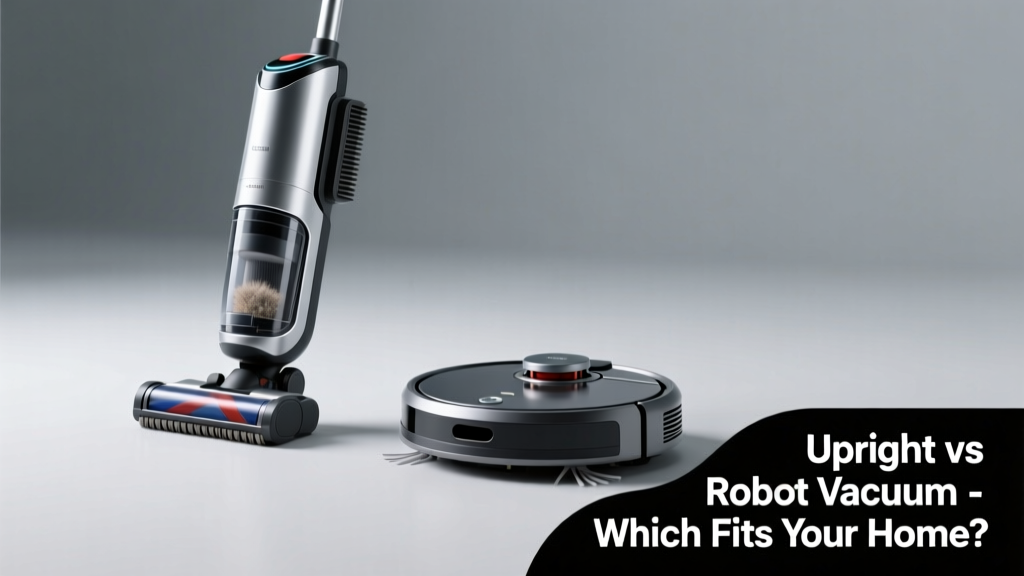
Choosing between an upright vacuum and a robot vacuum feels like picking between a reliable pickup truck and a self-driving sedan — both get the job done, but in wildly different ways. You’re not just comparing machines; you’re weighing effort versus automation, deep cleaning versus daily maintenance, and upfront cost versus long-term convenience.
Quick Verdict
An upright vacuum delivers stronger suction, better carpet agitation, and more control — ideal for homes with thick carpets, pets that shed heavily, or allergy sufferers needing thorough allergen removal. A robot vacuum excels at daily surface upkeep, hands-off scheduling, and navigating hard floors with minimal intervention. Neither is universally 'better'; the right pick depends on your home’s layout, flooring mix, time constraints, and tolerance for manual labor.
Side-by-Side Comparison
| Feature | Upright Vacuum | Robot Vacuum |
|---|---|---|
| Suction Power (AW) | 150–300+ AW (e.g., Shark Navigator LZ650: 270 AW) | 40–180 AW (e.g., Roborock Qrevo T8: 180 AW) |
| Cleaning Coverage per Pass | Full-width brush roll + direct suction path | Narrow path (25–35 cm); relies on multiple passes |
| Battery Life (per charge) | N/A (corded) or 30–60 min (cordless) | 90–180 min (varies by model and suction mode) |
| Carpet Cleaning Effectiveness | Excellent — especially with motorized brush rolls & height adjustment | Fair to good — struggles with high-pile or matted fibers |
| Hard Floor Performance | Good (with bare-floor setting), but heavier to maneuver | Excellent — low-profile design glides easily under furniture |
| Emptying Frequency | After every 1–2 rooms (0.3–1.0 L bin) | Every 2–5 days (0.3–0.6 L bin; some auto-empty) |
| Smart Features | Limited (some cordless models offer app control) | Standard: mapping, no-go zones, voice control, room-specific cleaning |
Deep Dive on Upright Vacuums
Upright vacuums remain the gold standard for deep cleaning in many American households — especially those with wall-to-wall carpeting, kids, or multi-pet households. Their vertical design places weight directly over the brush roll, generating consistent agitation and lift.
Pros
- Superior suction and debris pickup — especially embedded pet hair, cereal crumbs, and fine dust in carpet pile
- Adjustable height settings accommodate low-pile to plush carpets
- Most include motorized brush rolls, LED headlights, and tangle-free pet tools
- No learning curve — intuitive push-and-clean operation
Cons
- Heavier (12–20 lbs) and less portable than canisters or stick vacuums
- Requires active user involvement — no hands-off operation
- Larger footprint makes storage harder in small apartments
- Fewer smart features; most lack mapping or app integration
According to the Carpet and Rug Institute’s 2022 performance testing, uprights removed 92% of embedded sand from medium-pile carpet in one pass — compared to 64% for top-tier robot vacuums under identical conditions.
Deep Dive on Robot Vacuums
Robot vacuums have evolved beyond novelty status. Today’s models use LiDAR or camera-based navigation, obstacle avoidance (like pet toys and socks), and even mopping combos — making them genuinely useful for consistent, low-effort maintenance.
Pros
- Set-and-forget operation: schedule cleanings via app or voice assistant
- Low-profile design cleans under sofas, beds, and cabinets without bending
- Works well on hardwood, tile, and low-pile rugs — ideal for open-concept spaces
- Many support auto-empty docks (e.g., iRobot Roomba j9+, Ecovacs Deebot X2 Omni)
Cons
- Limited edge cleaning — often misses baseboards and corners without supplemental sweeping
- Struggles with thresholds, dark rugs, cables, and pet waste (despite AI detection)
- Higher long-term cost if opting for premium models with docking stations ($700–$1,400)
- Requires regular maintenance: brush roll cleaning, sensor wiping, filter replacement every 2–3 months
When to Choose Upright vs Robot Vacuum
If you vacuum weekly or biweekly and prioritize deep cleaning — especially on carpeted stairs, area rugs, or homes with seasonal shedding — an upright is the pragmatic choice. If you live in a 1–2 bedroom apartment with mostly hard floors, work long hours, or want daily surface upkeep while you’re at work or asleep, a robot vacuum adds measurable convenience.
Consider this hybrid approach: a robot vacuum for daily touch-ups, paired with an upright for weekend deep cleans. The U.S. EPA estimates that 14% of household water usage is from leaks — but similarly, up to 30% of vacuuming effort is wasted on surfaces that don’t need heavy-duty cleaning every time.
"A robot vacuum isn’t a replacement for deep cleaning — it’s insurance against dust buildup. Think of it as brushing your teeth daily, while the upright is your biannual dental cleaning." — Sarah Lin, certified home appliance technician with 12 years’ field experience (ApplianceTech Review, 2023)
Alternatives to Consider
Before locking in on upright or robot, weigh these middle-ground options:
- Cordless stick vacuums (e.g., Dyson V15 Detect): Lightweight, strong suction, easy storage — great for small homes with mixed flooring
- Canister vacuums (e.g., Miele Complete C3): Flexible hose + floor head combo; superior on stairs and upholstery
- Wet-dry robot mops (e.g., Roborock S8 Pro Ultra): Add mopping to vacuuming, but require frequent water tank refills and drying time
- Robotic vacuums with self-cleaning brushes (e.g., iRobot Roomba s9+): Reduce hair缠绕 issues — helpful for long-haired pets
Can a robot vacuum replace my upright entirely?
Only if your home has no carpet deeper than ½ inch, no pets that shed heavily, and you’re comfortable doing occasional spot-cleaning with a handheld tool. Most professionals recommend keeping at least one upright or canister for quarterly deep cleans — especially before allergy season or after holiday traffic.
Do robot vacuums work well on dark or black carpets?
Some struggle — particularly older infrared-sensor models that mistake dark rugs for cliffs. Newer LiDAR- and camera-based robots (like the Roborock Qrevo T8 or Neato Botvac D8) handle dark surfaces reliably, but always check specs for ‘dark carpet compatibility’ before buying.
How often do I need to empty and maintain a robot vacuum?
Empty the bin after each full cleaning cycle (usually daily). Clean the main brush roll weekly (more often with pet hair), wipe cliff sensors and charging contacts biweekly, and replace filters every 2–3 months. Auto-empty docks extend bin life to 30–60 days — but still require monthly dustbin cleaning.
Are upright vacuums worth it for hardwood-only homes?
Yes — if you value quick, powerful cleaning and dislike waiting for battery recharge. Modern uprights like the Bissell CleanView Swivel Pet have bare-floor modes with soft roller brushes that won’t scratch wood — and they suck up larger debris (like popcorn kernels or pet food) more effectively than most robots.
What’s the average lifespan of each type?
Uprights last 6–10 years with basic care (belt changes, filter cleaning). Robots typically last 3–5 years — though battery degradation often limits usefulness after year 3 unless replaced. According to Consumer Reports’ 2023 reliability survey, only 22% of robot vacuums required repair within 2 years, versus 18% for uprights.
Ultimately, your vacuum shouldn’t dictate your routine — it should support it. Match the tool to your real-world habits, not marketing claims. If you dread vacuuming, a robot may restore peace. If you notice dust bunnies thriving under your sofa despite daily robot runs, it’s time to bring out the upright — and maybe reconsider that rug’s pile height.