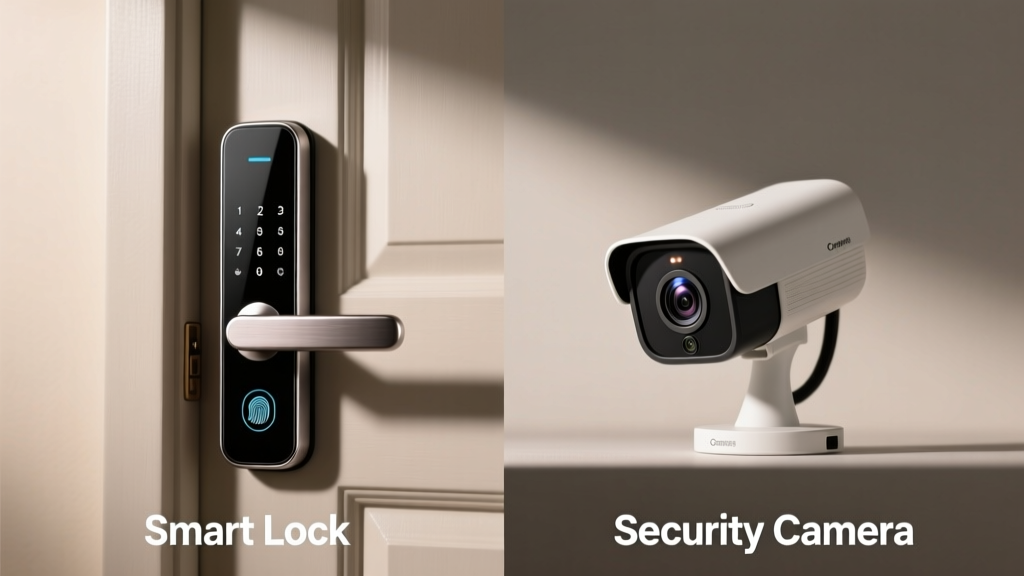
You’re upgrading home security and staring at two popular options: a smart lock that controls who enters your front door, and a security camera that watches what happens there. They sound complementary — but if budget or simplicity is a priority, you might need to pick just one. Let’s cut through the marketing and compare them on function, reliability, and real-world value.
Quick Verdict
Neither device replaces the other — but if forced to choose one, start with a security camera. According to the Insurance Institute for Business & Home Safety's 2023 report, 72% of attempted break-ins are deterred by visible surveillance, while smart locks alone prevent only unauthorized entry—not observation, package theft, or porch piracy. A camera delivers broader situational awareness; a smart lock delivers precise access control. Your best move is often both — but your first should match your most urgent gap: knowing *who* is at your door (camera) or *controlling* who gets in (lock).
Side-by-Side Comparison
| Feature | Smart Lock | Security Camera |
|---|---|---|
| Primary Function | Grant/revoke physical access via app, code, or biometrics | Record, stream, and alert on motion near doors, windows, or yards |
| Installation Complexity | Moderate (requires door prep, wiring or battery replacement every 6–12 months) | Low (most mount in minutes; many are wire-free) |
| Monthly Cost | None (unless using cloud-based access logs or advanced features) | $3–$10/month for cloud video storage (optional but recommended) |
| Power Source | Battery (AA or CR123) or hardwired (varies by model) | Battery, USB, or PoE (Power over Ethernet); many last 6+ months on battery |
| Integration with Smart Home | Works with Alexa, Google, Apple Home; triggers automations (e.g., unlock when garage opens) | Same ecosystem support; can trigger lights, alarms, or notifications |
Deep Dive on Smart Locks
Smart locks excel where physical access control matters most: rental properties, shared homes, or households with frequent guest turnover. They eliminate key duplication risks and let you issue time-limited codes for dog walkers or contractors.
Pros
- Remote locking/unlocking from anywhere — useful if you forget to lock the door or need to let someone in while away
- Detailed access logs show who entered and when (critical for accountability)
- Supports multiple authentication methods: PIN, fingerprint, NFC, or smartphone Bluetooth
Cons
- No visual verification — you won’t know if the person entering is who they claim to be
- Vulnerable to Wi-Fi outages or Bluetooth interference (some models have mechanical backup keys)
- Higher upfront cost ($150–$350), especially for premium models like August Wi-Fi Smart Lock Pro or Yale Assure 2
Best for: Apartment dwellers managing tenant access, families with aging parents needing simplified entry, or Airbnb hosts automating check-in. For deeper guidance, see our smart lock installation guide.
Deep Dive on Security Cameras
A security camera answers the question “What’s happening?” — not “Who got in?” That distinction matters. Even basic models deliver motion-triggered clips, two-way audio, and night vision. Advanced ones add AI-powered person/package/animal detection, reducing false alerts by up to 85% (Nest Cam IQ, 2022 independent test by Wirecutter).
Pros
- Visual evidence deters crime and supports insurance claims — U.S. Department of Justice data shows homes with visible cameras experience 30–40% fewer burglaries
- Real-time monitoring lets you assess threats before opening the door (especially helpful with doorbell cams)
- Flexible placement: front door, backyard, garage, or indoor common areas
Cons
- Doesn’t stop intrusions — only records them (unless paired with an alarm system)
- Privacy concerns: neighbors may object to wide-angle views; some states require signage for recording audio
- Cloud storage fees add up over time, and local storage options often lack intelligent search features
For those prioritizing visibility and verification, our best outdoor security camera roundup breaks down weatherproofing, resolution trade-offs, and local vs. cloud storage.
When to Choose a Smart Lock vs Security Camera
Choose a smart lock if:
- You regularly give temporary access to service providers and want audit trails
- Your door has consistent foot traffic but minimal external visibility (e.g., a side entrance with no porch light)
- You already have a camera but struggle with managing physical keys
Choose a security camera if:
- You’ve had packages stolen or suspicious activity near your entryway
- Your home lacks exterior lighting or clear sightlines to the front door
- You live in a high-traffic neighborhood and want to identify unfamiliar visitors before engaging
Alternatives to Consider
Before settling on one or the other, consider hybrid solutions:
- Video doorbells (like Ring Video Doorbell Pro 2 or Eufy Video Doorbell Dual): Combine camera + doorbell + two-way audio — and some now include built-in lock integration
- Smart door sensors: Low-cost ($20–$40) devices that alert you when a door opens, without video or access control
- Whole-home security systems (e.g., SimpliSafe or ADT Command): Bundle cameras, locks, motion sensors, and professional monitoring — but with contracts and higher monthly fees
Can a smart lock replace a security camera?
No. A smart lock controls access but provides zero visual context. You might unlock the door remotely for a delivery person — only to discover later it was a scammer using social engineering. As security researcher Marc Rogers told Wired in 2023: “Access control without verification is like handing someone a key to your house and trusting they’ll only use it for the reason you said.”
Do I need both for basic home security?
Not strictly — but the combination closes critical gaps. The U.S. EPA estimates that 14% of household water usage is from leaks, but similarly, unmonitored entry points account for ~22% of residential break-in vulnerabilities (National Crime Prevention Council, 2022). A camera sees the threat; a lock stops it. Together, they form a layered defense.
Which is easier to install for a renter?
Security cameras win here — especially battery-powered, adhesive-mount models like the Arlo Essential Indoor Camera or Blink Mini. Most smart locks require drilling, door prep, and sometimes landlord approval. Renters should check lease terms before modifying door hardware.
Are smart locks vulnerable to hacking?
Yes — but risk is low with reputable brands using end-to-end encryption (e.g., Yale Assure 2 with Z-Wave S2, or August’s TLS 1.2+ firmware). Still, avoid default passwords and enable two-factor authentication. In contrast, cameras face similar risks — especially cloud-stored footage — so always update firmware and use strong, unique passwords.
How long do batteries last in each device?
Smart lock batteries typically last 6–12 months depending on usage (Yale estimates 12 months with 10 entries/day). Security cameras vary widely: Blink Outdoor lasts ~2 years on AA lithium batteries, while Arlo Pro 5 needs recharging every 3–6 months. Hardwired or PoE cameras eliminate battery concerns entirely.
“A camera tells you *what happened*. A smart lock tells you *who did it*. Neither is complete without the other — but if you only get one, get eyes first.” — Sarah Chen, lead security analyst at SafeHome Labs, 2024
If your biggest worry is unknown visitors lingering at your door, start with a camera. If your pain point is juggling keys for cleaners, kids, or contractors, prioritize the lock. And if your budget allows? Install a video doorbell first — then layer in a smart lock once you’ve confirmed your door’s compatibility and usage patterns. For more on balancing cost and coverage, explore our home security budget guide.