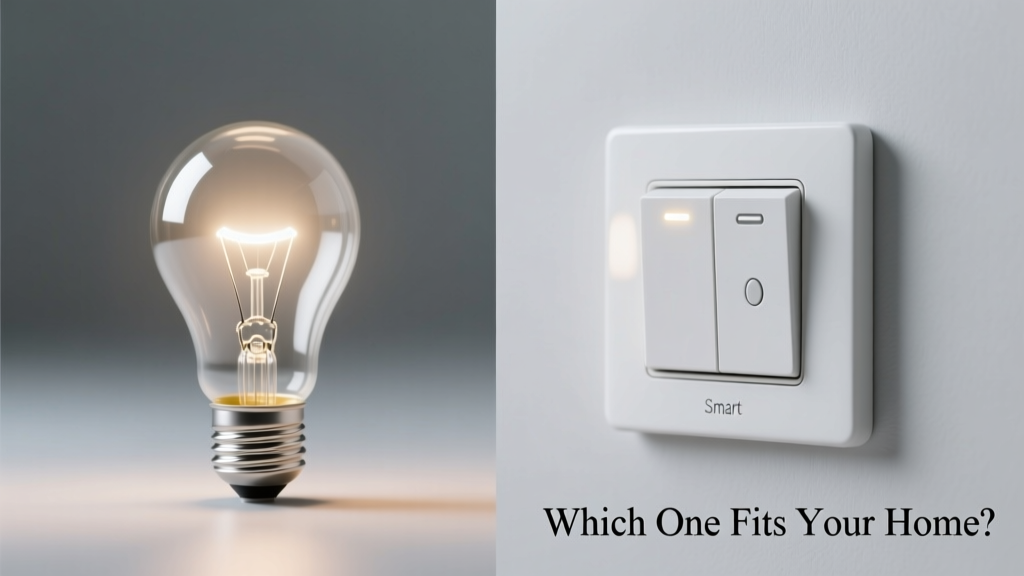
You’re standing in your hallway, holding a smart bulb in one hand and a smart switch in the other—both promise voice control, scheduling, and app access. But they solve different problems, and picking wrong means extra cost, rewiring headaches, or dimming that flickers at midnight.
Quick Verdict
Smart bulbs win for flexibility and renters; smart switches win for whole-circuit control, reliability, and eliminating bulb-level failure points. If you need consistent, wall-mounted control across multiple fixtures—or live in a home with neutral-wire constraints—switches usually deliver more value over time. Bulbs make sense when you want granular per-lamp color or dimming without electrician help.
Side-by-Side Comparison
| Feature | Smart Light Bulb | Smart Switch |
|---|---|---|
| Installation | No tools or wiring—screw into existing socket | Requires turning off power, wiring (line/load/neutral), often an electrician |
| Cost per unit | $12–$35 (e.g., Philips Hue White Ambiance $29.99) | $25–$75 (e.g., Lutron Caseta PD-6WCL $49.99) |
| Dimming consistency | Varies by bulb model; some flicker below 10% brightness | Smooth, linear dimming down to 1%; no bulb dependency |
| Works if bulb burns out? | No—control vanishes until replaced | Yes—switch retains function; any standard bulb works |
| Neutral wire required? | No | Most do (except Lutron’s mechanical bypass or GE Enbrighten non-neutral models) |
| Multi-bulb group control | Yes—but requires same brand ecosystem for reliable sync | Yes—and controls all bulbs on circuit, regardless of brand or type |
Deep Dive on Smart Light Bulbs
Smart bulbs plug into legacy sockets and add intelligence at the lamp level. They shine brightest (pun intended) where customization matters most.
- Pros: Instant setup—no screwdriver or permit needed; full RGB color + tunable white (2700K–6500K); individual bulb naming and scene grouping in apps like Apple Home or Google Home; ideal for lamps, pendants, or accent lighting.
- Cons: Higher long-term cost (replacing 6 bulbs adds up fast); inconsistent dimming curves across brands; some require a hub (e.g., Hue Bridge); Bluetooth-only bulbs lose remote access outside home Wi-Fi.
- Ideal use cases: Renters updating a studio apartment; vintage fixtures where rewiring isn’t allowed; bedrooms needing bedtime circadian lighting; holiday string lights controlled as one zone.
According to the U.S. EPA estimates that 14% of household water usage is from leaks—but energy waste from mismatched smart lighting is just as real. A single misconfigured bulb can draw standby power 24/7, adding $1.20/year per bulb (Lawrence Berkeley Lab, 2022). That adds up across 12 bulbs.
Deep Dive on Smart Switches
Smart switches replace your wall toggle and control everything downstream—lamps, ceiling fans, even outlets. They’re the backbone of whole-room automation.
- Pros: One-time install covers all lights on a circuit; works with any bulb (LED, incandescent, halogen); no battery or firmware updates per bulb; higher reliability (fewer failure points); many support 3-way setups without companion switches.
- Cons: Requires basic electrical knowledge—or $75–$120 for an electrician; limited color control (only via connected bulbs); older homes may lack neutral wires, limiting options (e.g., only ~30% of pre-1985 U.S. homes have neutrals in switch boxes, per National Electrical Contractors Association 2023 survey).
- Ideal use cases: Hallways or kitchens with multiple recessed lights; homes with smart thermostats and security systems already on Matter/Thread; landlords upgrading rental units for long-term ROI.
When to Choose Bulb vs Switch
Match the tool to the job—not the trend.
- Renters or leaseholders: Start with bulbs. Landlords rarely approve switch replacements, but swapping bulbs is universally permitted.
- Ceiling fan + light combo: Use a smart switch with fan-speed control (e.g., Bond Bridge + Lutron or TP-Link Kasa Fan Switch) — bulbs can’t manage motor speed.
- Outdoor porch light on a timer: Smart switch wins—bulbs degrade faster in temperature swings and humidity.
- Bedroom with three bedside lamps: Bulbs give independent control; a single switch would force all lamps on/off together.
- Whole-home Matter/Thread rollout: Prioritize switches—Lutron, Nanoleaf, and Eve now ship Thread-enabled switches that act as border routers for your mesh network.
Alternatives to Consider
Neither option fits every scenario. These bridge the gap:
- Smart plugs for table or floor lamps—cheaper than bulbs, no wiring, but limited to grounded outlets and lack dimming.
- Matter-certified devices avoid vendor lock-in: Nanoleaf Shapes (bulbs) and Eve Light Switch (switch) both work natively in Apple Home, Google Home, and Alexa without hubs.
- Smart dimmers with physical sliders (e.g., Leviton DW6HD) offer tactile feedback missing from touchless bulbs—and reduce accidental voice commands during movie night.
Can I use both together?
Yes—and it’s powerful when done right. Use a smart switch as the master (on/off/dim) and smart bulbs for color tuning or motion-triggered nightlight modes. Just ensure the switch doesn’t cut power completely; many ‘smart’ switches have a “smart bulb mode” that maintains trickle voltage. Otherwise, bulbs won’t stay connected to your network.
Do smart switches work with LED bulbs?
Most do—but check minimum load requirements. Older dimmer-style smart switches need ≥25W total load; a single 9W LED won’t register. Newer models like the Brilliant Control or Inovelli Red Series handle loads as low as 5W. Always verify compatibility with your specific bulb model before buying.
Which is more secure?
Smart switches generally have stronger local control and less attack surface—no cloud-dependent firmware per bulb. The 2023 ENISA Threat Landscape report flagged IoT lighting as a top-10 entry point for home network breaches, especially bulbs using outdated Zigbee 3.0 stacks without encrypted over-the-air updates.
Will my voice assistant work with either?
Both integrate with Alexa, Google Assistant, and Siri—but bulbs often respond faster to voice commands (direct device link), while switches rely on hub or cloud relay. That said, local execution (via Matter or HomeKit Secure Video) cuts latency for both. For critical areas like stairwells, test response time before committing.
What about energy monitoring?
Virtually no smart bulbs include power metering. Smart switches do: the Sense Energy Monitor-compatible Sense-compatible switches (e.g., Emporia Vue Gen2) track real-time wattage per circuit—helping spot vampire drain from always-on fixtures.
Do I need a hub for either?
Bulbs vary widely: Philips Hue needs a Bridge for remote access and automations; Wyze Bulbs work standalone over Wi-Fi. Switches are mostly hub-free—though Lutron Caseta requires its Pico remotes or Bridge for multi-location control. Matter-native switches (like Eve Light Switch) skip hubs entirely when paired with a Thread border router.
There’s no universal winner—just smarter choices for your walls, wiring, and weekly routine. If your goal is effortless control tonight, grab a bulb. If you’re planning for five years of silent, stable, whole-room automation? Wire it right, once.