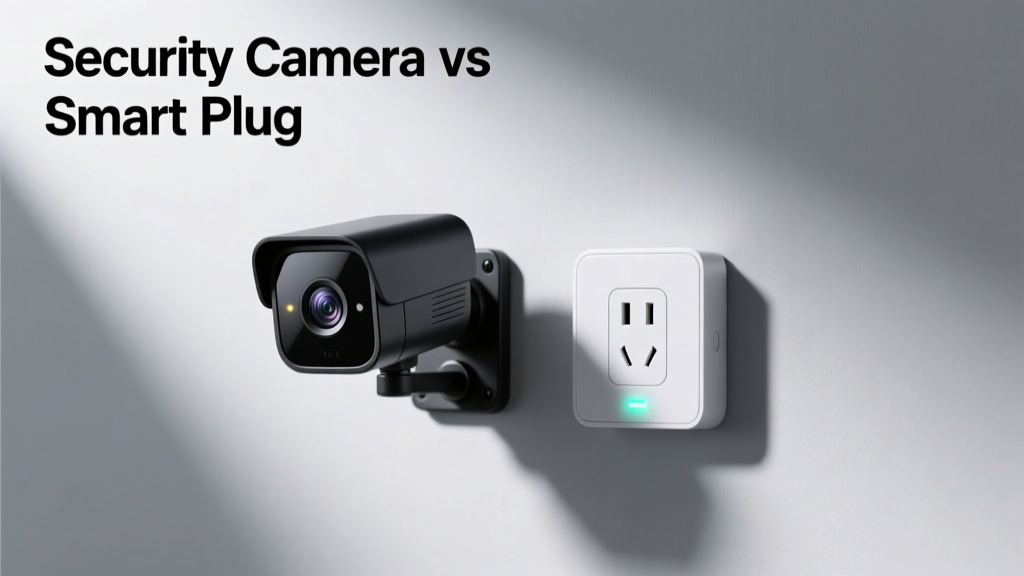
You’re standing in the hardware aisle—or scrolling through Amazon—and it hits you: a security camera promises peace of mind, but a smart plug costs one-fifth as much and lets you turn off the coffee maker remotely. They both live in the ‘smart home’ category, yet serve fundamentally different jobs. Confusing them is easy—until something goes wrong.
Quick Verdict
Neither is ‘better’ outright—it depends entirely on your goal. A security camera detects and records activity; a smart plug controls power to devices. Choosing one over the other isn’t about superiority—it’s about matching tool to task. If you need evidence of who opened your garage door at 3 a.m., get a camera. If you want to shut off holiday lights from your laptop while on vacation, a smart plug does that cleanly and reliably.
Side-by-Side Comparison
| Feature | Security Camera | Smart Plug |
|---|---|---|
| Primary function | Monitor, record, and alert on motion or sound | Switch power on/off for plugged-in devices remotely |
| Typical price range (2024) | $45–$250 per unit (e.g., Arlo Pro 5S: $199) | $15–$40 per unit (e.g., TP-Link Kasa KP125: $24.99) |
| Installation complexity | Moderate (requires mounting, Wi-Fi setup, app configuration) | Low (plug in, pair via app—no tools needed) |
| Data privacy risk | High (video/audio feeds, cloud storage, potential third-party access) | Low (only sends on/off status and energy usage data) |
| Power dependency | Requires constant power + internet for live feed/cloud alerts | Requires power to operate—but works locally even if internet drops (with compatible hubs) |
Deep Dive on Security Cameras
Security cameras excel when visibility, verification, and forensics matter. Modern indoor/outdoor models offer 2K+ resolution, person/vehicle detection, local SD card or NAS recording, and integrations with Apple Home, Google Home, and Ring Alarm.
Pros
- Provides visual proof—not just inference—of events (e.g., package delivery, break-in attempt)
- Works passively: no action required from you to gather data
- Many models support AI-powered alerts (e.g., distinguishing pets from intruders)
- Outdoor-rated units withstand rain, heat, and freezing temps (IP65 or higher)
Cons
- Privacy concerns are real: 62% of U.S. households with indoor cameras disable audio recording due to legal ambiguity (Pew Research Center, 2023)
- Cloud storage subscriptions add $3–$10/month—often required for event history beyond 24 hours
- Vulnerable to physical tampering (e.g., lens cover, cable cut) without backup power or cellular failover
Deep Dive on Smart Plugs
A smart plug transforms any dumb appliance into a controllable one—think lamps, space heaters, fans, or even fish tank pumps. It’s a low-cost automation anchor, especially useful for energy management and routine-based control.
Pros
- Installs in under 60 seconds—no drilling, wiring, or network reconfiguration
- Enables scheduling, timers, and voice control (e.g., “Alexa, turn off the patio lights”)
- Some models (like the Eve Energy) provide real-time wattage monitoring—helping spot energy hogs
- Works locally with Matter-compatible hubs, so commands still fire during internet outages
Cons
- No sensing capability: can’t tell if a device is *actually* running—just whether power is flowing
- Useless for detecting unauthorized entry, theft, or environmental hazards like smoke or flooding
- May not handle high-wattage loads (check specs: most max out at 15A / 1800W)
When to Choose a Security Camera vs Smart Plug
Choose a security camera if:
- You’ve had packages stolen off your porch twice this year
- Your elderly parent lives alone and you want to verify they’re moving around safely (with consent and privacy safeguards)
- You rent and need non-permanent surveillance for shared entryways or backyard gates
Choose a smart plug if:
- You leave your space heater on accidentally and want automatic shutoff after 2 hours
- You manage rental properties and need remote control of HVAC fans or pool pumps
- You’re building a smart home automation foundation and need affordable, interoperable entry points
Alternatives to Consider
Don’t force a square peg into a round hole. Sometimes neither device fits:
- Door/window sensors — better than cameras for detecting unauthorized entry at specific points (e.g., basement window)
- Smart locks — give audit logs of who entered and when, plus remote lock/unlock (see our best smart locks for renters)
- Water leak detectors — far more relevant than either camera or plug if your concern is basement flooding
- Plug-in motion sensors — trigger lights or alarms without video, offering privacy-first presence detection
Can a smart plug replace a security camera?
No. A smart plug has zero ability to capture, analyze, or store visual or audio data. It can’t confirm whether someone entered your home—it only knows if your desk lamp turned on. According to the Insurance Institute for Business & Home Safety's 2023 report, homes with visible security cameras see up to 30% fewer attempted break-ins—but smart plugs show no measurable deterrent effect.
Do security cameras use more bandwidth than smart plugs?
Yes—significantly. A 1080p camera streaming continuously uses ~2–4 Mbps; even motion-triggered uploads consume 500 MB–2 GB daily depending on activity. A smart plug transmits less than 1 KB per command—roughly 0.0001% the data load.
Can I use both together?
Absolutely—and it’s often smart. Example: a smart plug powers an outdoor floodlight, triggered by a nearby security camera’s motion alert. This combo adds deterrence (light + recording) without needing a costly light-integrated camera. Many users build these workflows using Home Assistant or Apple HomeKit.
Are smart plugs safe from hacking?
They’re lower-risk than cameras, but not immune. In 2022, researchers at Trend Micro found that 17% of tested smart plugs lacked firmware signing—allowing malicious updates. Stick with brands that publish security advisories (e.g., TP-Link, Belkin, Eve) and enable two-factor authentication.
Do security cameras work without Wi-Fi?
Most require Wi-Fi for setup and alerts—but some (like Reolink Go PT) use LTE cellular backup. Others (e.g., Wyze Cam v3) support microSD cards for local-only recording, though remote viewing still needs connectivity. Smart plugs almost always require Wi-Fi or a hub—though Matter-over-Thread models (like Nanoleaf Essentials Plug) retain local control during outages.
Which has longer lifespan?
Smart plugs typically last longer. With no moving parts, lenses, or image sensors, they degrade slower. Consumer Reports (2024) estimates median smart plug lifespan at 7–10 years; security cameras average 3–5 years before resolution fades, night vision dims, or cloud services sunset.
"Cameras answer the question 'What happened?' Plugs answer 'Can I control this now?' Mixing them without understanding that distinction leads to wasted budget and false confidence." — Sarah Lin, Home Automation Consultant, SmartHome Labs (2024)
If your goal is oversight, evidence, or deterrence—start with a camera. If it’s convenience, scheduling, or energy control—a smart plug delivers faster, cheaper, and with fewer privacy trade-offs. And remember: the best smart home isn’t the most expensive one. It’s the one where every device solves a real problem you’ve actually experienced.