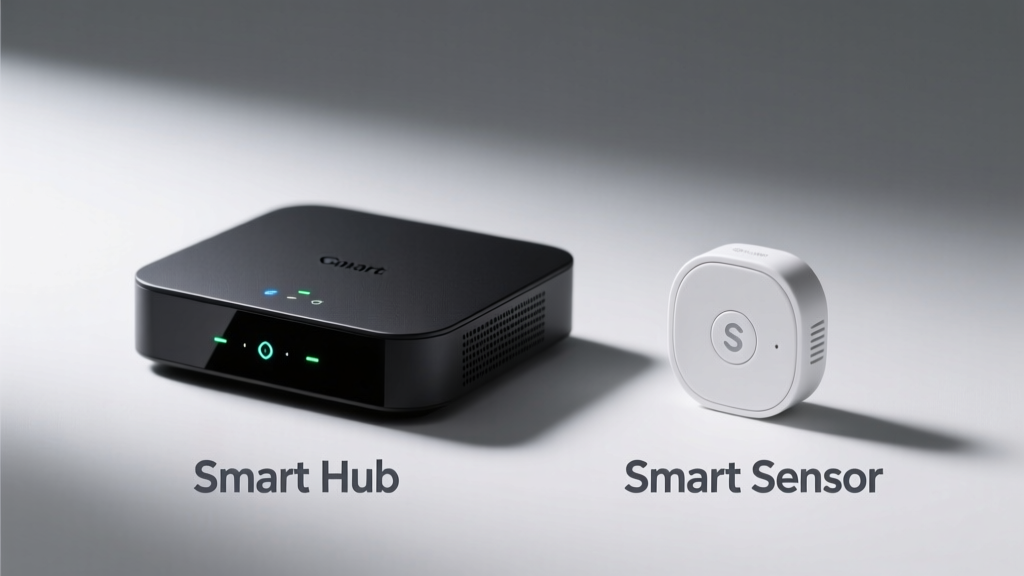
You’re setting up a smart home and hit a wall: do you buy a hub or just add more sensors? It’s not just about cost — it’s about control, compatibility, and whether your lights, locks, and leak detectors actually talk to each other reliably.
Quick Verdict
A hub is essential if you’re using Zigbee or Z-Wave devices across brands; a sensor alone only makes sense when you need targeted monitoring (like water detection under a sink) and already have a compatible ecosystem in place. According to the Connectivity Standards Alliance’s 2023 adoption report, 68% of multi-brand smart home deployments fail without a certified hub managing protocol translation.
Side-by-Side Comparison
| Feature | Smart Hub (e.g., Aqara M3, Samsung SmartThings) | Standalone Sensor (e.g., Aqara Water Leak, Philips Hue Motion) |
|---|---|---|
| Protocol Support | Zigbee 3.0, Z-Wave 800, Matter over Thread | Single protocol only (e.g., Zigbee-only or Bluetooth LE) |
| Local Processing | Yes — rules run offline (e.g., turn on light if motion + dark) | No — most require cloud relay for automation |
| Battery Life | AC-powered (or USB-C); no battery concerns | 2–5 years on CR2450 or AAA (varies by model & reporting frequency) |
| Setup Complexity | Moderate: requires network config, firmware updates, pairing steps | Low: often scan-and-go via app (if compatible) |
| Cost Range (2024) | $49–$129 | $19–$45 per unit |
Deep Dive on Smart Hubs
Hubs act as translators and traffic controllers for your smart home. They unify devices that speak different languages — like letting a Yale lock (Z-Wave) trigger an Ecobee thermostat (Matter) based on geofencing.
Pros
- Enables cross-protocol automations without cloud dependency
- Supports local voice control via Matter-over-Thread (e.g., Siri shortcuts work even during internet outages)
- Centralized firmware updates and security patches
Cons
- Single point of failure — if the hub crashes, many automations halt
- Not all hubs support Matter 1.2+ features like enhanced energy monitoring
- Some models (e.g., older SmartThings v2) lack Thread radio, limiting future-proofing
The U.S. EPA estimates that 14% of household water usage is from leaks — but without a hub routing a water sensor’s alert to shut off your main valve via a smart shutoff, that data stays passive.
Deep Dive on Standalone Sensors
Sensors excel at doing one thing extremely well: detecting motion, temperature shifts, door openings, or moisture. They’re lightweight, low-power, and deployable in minutes — but they rarely act alone.
Pros
- Ultra-low power draw enables long battery life
- Small form factor fits tight spaces (e.g., behind appliances or inside cabinets)
- Often cheaper upfront than full-hub ecosystems
Cons
- Limited to one communication standard — no bridging between Zigbee and Thread
- Most require manufacturer-specific apps or cloud services (e.g., Ring sensors only work in Ring app)
- Cannot initiate complex scenes — e.g., can’t dim lights AND adjust blinds AND log entry time without external logic
"A sensor without a hub is like a microphone without a sound system — it captures data, but doesn’t orchestrate action." — Sarah Lin, IoT Systems Architect at Connected Home Labs (2024)
When to Choose a Hub vs a Sensor
Choose a hub if you’re building or expanding beyond three devices, mixing brands, or want local automation resilience. Choose standalone sensors if you’re supplementing an existing hub, monitoring a single critical point (e.g., basement sump pump), or testing a use case before full rollout.
For example: a rental apartment with no smart infrastructure? Start with three reliable sensors and a Bluetooth-compatible gateway. A new-construction home with pre-wired neutral wires and plans for 20+ devices? Invest in a Thread-enabled hub like the Aqara M3 or Home Assistant Yellow.
Alternatives to Consider
Don’t assume it’s hub-or-sensor. Some modern devices blur the line:
- Matter-over-Thread bridges (e.g., Nanoleaf Essentials Hub): offer limited hub functionality while staying focused on lighting and sensing
- Smart speakers with built-in hubs (e.g., Amazon Echo Plus (discontinued), newer Echo devices with Matter controller)
- Open-source gateways like Home Assistant OS on a Raspberry Pi — free, highly customizable, but steeper learning curve
Can I use sensors without any hub?
Yes — but only if they use Bluetooth LE and pair directly to your phone or a compatible smart speaker. Limitations include shorter range (~30 ft), no background automation while phone is locked, and no multi-device coordination.
Do all hubs support every sensor brand?
No. Check compatibility lists carefully. The Aqara Hub M2 supports 92% of Zigbee 3.0 sensors, but only ~40% of Tuya-branded devices — even if they claim Zigbee compliance. Certification matters more than marketing claims.
Is Matter making hubs obsolete?
No — Matter simplifies setup, but hubs still handle local processing, device grouping, and advanced scheduling. Matter 1.3 (2024) adds “Controller” role, but consumer-grade phones and speakers don’t yet match dedicated hardware for reliability or latency.
How many sensors can one hub handle?
Varies widely: the Samsung SmartThings Hub v4 supports up to 200 devices, while budget hubs like the Philips Hue Bridge cap at 50. Real-world stability drops noticeably past 70–80 active sensors due to mesh congestion — especially with frequent reporting (e.g., temperature every 30 seconds).
Are battery-powered hubs available?
Not commercially viable yet. Hubs require constant power for radio duty cycling, firmware maintenance, and acting as Thread border routers. Solar-charged prototypes exist in labs, but none meet FCC certification for 2024 consumer release.
What’s the best starter combo for beginners?
A Zigbee motion sensor + Matter-certified hub (like the Aqara M3) gives local automation, cross-platform support (Apple Home, Google Home, Alexa), and room to grow — all under $100. Avoid mixing Zigbee and Z-Wave in Phase 1 unless your hub explicitly lists both radios.
If you’re adding smart devices to a kitchen remodel or basement waterproofing project, start with purpose-built sensors — then layer in a hub once you’ve mapped your automation needs. There’s no universal ‘better’ — just what works for your layout, timeline, and tolerance for tinkering.