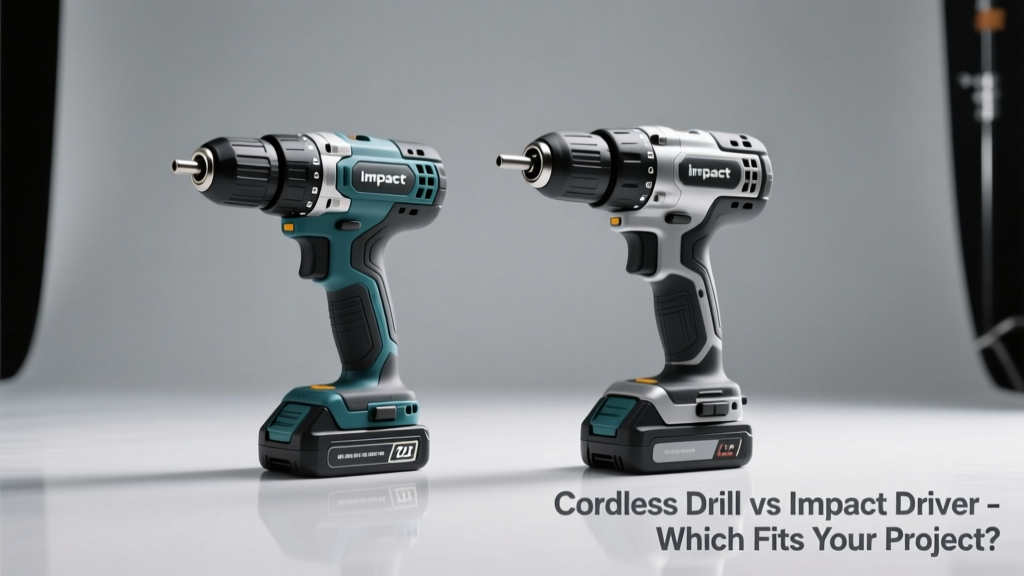
Most DIYers and pros face this choice early: buy a cordless drill for versatility—or an impact driver for raw power? It’s not just about price or brand; it’s about matching the tool to the task without overbuying or underperforming.
Quick Verdict
A cordless drill is your go-to for precision drilling, light driving, and variable-speed control—think hanging shelves or assembling furniture. An impact driver excels at high-torque fastening: lag bolts into timber, deck screws, or metal framing where resistance stalls a standard drill. You don’t need both for basic home repairs—but if you’re building decks, installing cabinets, or doing frequent framing, the impact driver pays for itself in saved wrist strain and time. According to the National Association of Home Builders’ 2022 Tool Usage Survey, contractors who used impact drivers for structural fastening reduced screw-driving time by 37% compared to drills alone.
Side-by-Side Comparison
| Feature | Cordless Drill | Impact Driver |
|---|---|---|
| Torque range | 20–60 N·m (common models) | 120–200+ N·m (mid-tier models) |
| Chuck type | Keyless 3/8″ or 1/2″ chuck | 1/4″ hex quick-release collet |
| Weight (bare tool) | 3.2–4.5 lbs (1.45–2.0 kg) | 2.6–3.8 lbs (1.2–1.7 kg) |
| No-load speed | 0–1,500–2,000 RPM | 0–2,800–3,600 RPM + 0–3,200 IPM (impacts per minute) |
| Best for drilling holes | Yes — clean, centered, depth-controlled | No — lacks precision; bit wobble increases with torque |
Deep Dive on Cordless Drill
Cordless drills prioritize control and adaptability. Their adjustable clutch lets you stop torque delivery at preset levels—critical for avoiding stripped Phillips heads or snapped drywall screws. Most offer two-speed gearboxes: low for high-torque driving, high for fast drilling.
Pros
- Drills clean, round holes in wood, plastic, and thin metal with standard twist bits
- Clutch settings prevent overdriving—essential for cabinetry and finish work
- Accepts all standard drill bits and driver bits via chuck (no adapters needed)
- Better ergonomics for overhead or tight-angle drilling
Cons
- Struggles with long lag screws or dense hardwoods—motor stalls or overheats
- Higher risk of cam-out with aggressive driving, especially in wet lumber or rusty fasteners
- Less efficient for repetitive heavy-duty fastening (e.g., subflooring or fence posts)
If you’re building bookshelves, mounting TVs, or installing baseboards, a quality cordless drill like the DeWalt DCD771 or Makita XFD10R covers 90% of household needs. Its versatility means fewer tool switches—and less clutter in your garage.
Deep Dive on Impact Driver
An impact driver delivers rotational force in short, high-intensity bursts—like a tiny hammer hitting the bit from inside. That impact action breaks static friction instantly, letting it drive screws that would stall or strip in a drill. It’s why framers reach for impact drivers before every stud or joist connection.
Pros
- Delivers 3–5× more torque than comparably priced drills—without increasing motor size or battery drain
- Nearly eliminates cam-out, even with #2 Phillips or square-drive bits in pressure-treated pine
- Lighter and more compact than most 1/2″-chuck drills—ideal for one-handed use in cramped spaces
Cons
- No clutch—so it’ll overdrive or snap screws if you don’t monitor depth manually
- Poor for drilling anything beyond pilot holes (bit runout degrades accuracy)
- Requires 1/4″ hex shank bits—adds cost if you only own standard Phillips or Torx bits
As tool specialist Maria Chen notes in Pro Power Tools Quarterly (2023), “The impact driver isn’t ‘better’—it’s specialized. Think of it as a torque multiplier, not a replacement. If your project involves more than five 3″ deck screws, it’s already earned its spot on your belt.”
When to Choose Cordless Drill vs Impact Driver
Choose a cordless drill when:
- You’re drilling holes for anchors, hinges, or electrical boxes
- You need to drive screws into drywall, MDF, or softwood trim without splitting
- You’re working on projects requiring fine speed control—like mixing thinset or polishing metal
Choose an impact driver when:
- You’re installing decking, fencing, or structural framing with 3″+ screws or lag bolts
- You’re assembling outdoor furniture or sheds with weather-resistant fasteners
- You’re driving screws into concrete forms, steel studs, or treated lumber regularly
Alternatives to Consider
For users needing both functions without carrying two tools, consider a drill/driver combo kit—like the Milwaukee M18 Fuel Two-Tool Combo (2604-22). These include a drill and impact driver sharing batteries and cases. Another option: a high-end drill with brushless motor and 65+ N·m torque (e.g., Ryobi P208), though it still won’t match true impact performance. For light-duty renters or apartment dwellers, a compact 12V drill/driver hybrid may suffice—but skip it if you plan to build anything beyond floating shelves. See our guide on best 12V cordless drills for space-limited setups.
Can I use an impact driver to drill holes?
Technically yes—with a hex-shank drill bit—but accuracy suffers. Bit runout exceeds 0.015″ on most impact drivers, causing oversized or off-center holes. Use it only for rough pilot holes in framing lumber—not for hinge mortises or dowel alignment.
Do I need special bits for an impact driver?
Yes. Standard bits can shatter under repeated impacts. Look for bits labeled “impact-rated” (often with black oxide or gold titanium nitride coating) and made from S2 steel. Cheap hardware-store bits may last only 20–30 screws before snapping.
Is battery compatibility a dealbreaker?
It shouldn’t be—if you’re buying within one ecosystem. Most major brands (DeWalt, Milwaukee, Makita, Ryobi) design their drills and impact drivers to share batteries. But cross-brand swaps rarely work: a Craftsman 20V MAX battery won’t fit a Bosch 18V tool, even if voltage matches.
Why does my impact driver vibrate so much?
Vibration is inherent to the impact mechanism—it’s the trade-off for torque. Top models (e.g., DeWalt DCF887) use counter-balanced rotors to reduce perceived shake. Wearing vibration-dampening gloves helps, but persistent hand fatigue signals it’s time to switch tools—or take a break. The U.S. Occupational Safety and Health Administration recommends limiting continuous impact tool use to 15 minutes per hour.
Can a cordless drill handle deck screws?
Yes—if they’re ≤2.5″ and the wood isn’t green or pressure-treated. But expect slower progress, occasional stripping, and more trigger squeezing. One test by Tools Today Magazine (2022) found cordless drills required 2.3× longer average drive time per 3″ deck screw versus impact drivers—and 41% more user-reported wrist discomfort after 50 screws.
Should beginners start with a drill or impact driver?
Start with a cordless drill. Its clutch, variable speed, and familiar chuck make it forgiving and intuitive. Add an impact driver later—once you recognize tasks where your drill strains or slips. Skipping straight to impact risks stripped fasteners and poor hole placement until muscle memory develops.
Neither tool is universally superior—but misassigning them wastes time, effort, and material. Match the tool to the physics of the job: torque demand, precision need, and repetition level. And if your weekend project involves building a pergola or installing a kitchen island, you’ll likely reach for both—just not for the same screw.