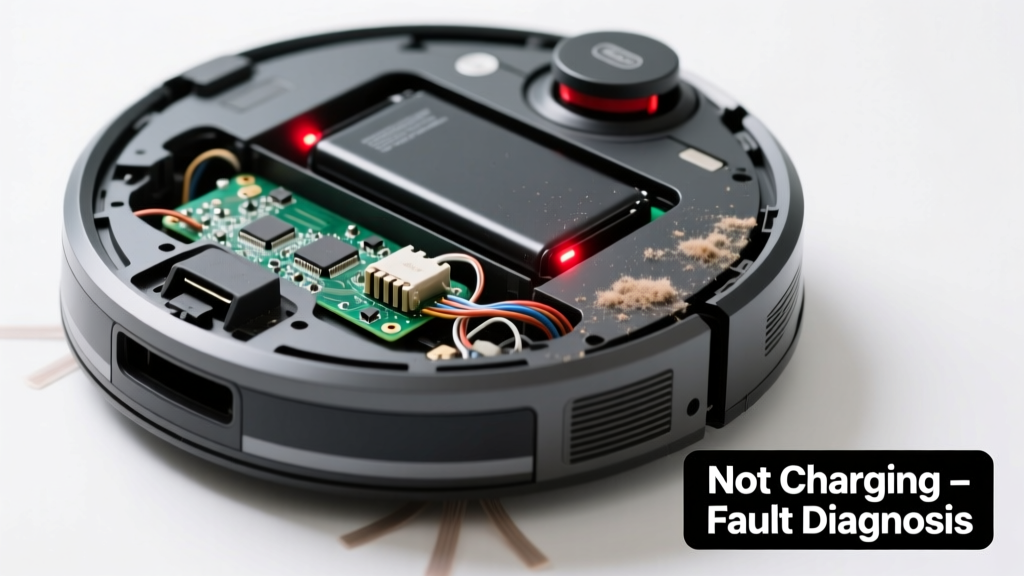
Your robot vacuum sits lifeless on the floor — no lights, no beeps, no response when you press the power button. The charging dock glows faintly (or not at all), and the battery icon is dark. It’s not just failing to charge — it’s completely unresponsive. Don’t panic: this symptom has clear, testable causes — and most are fixable in under 10 minutes.
Quick Checklist
- Is the charging dock plugged into a working outlet? (Test with a lamp or phone charger)
- Are the metal charging contacts on both the vacuum and dock clean and free of dust, hair, or corrosion?
- Does the vacuum make any sound or light up — even briefly — when placed directly on the dock?
- Has the unit been stored unused for more than 6 months? (Lithium-ion batteries degrade below 2.5V)
- Is the power adapter warm to the touch after 10 minutes plugged in? (No warmth = likely failed transformer)
- Do other devices work on the same circuit? (Tripped GFCI or breaker can silently kill dock power)
Possible Causes
Dirty or corroded charging contacts
Confirm by inspecting both the vacuum’s bottom terminals and the dock’s pins for grayish film, green oxidation, or embedded pet hair. Wipe gently with 91% isopropyl alcohol and a microfiber cloth. Severity: Low — full DIY fix. Clean charging contacts
Faulty power adapter or dock transformer
Measure output voltage with a multimeter: most docks require 15–24V DC. If reading is 0V or fluctuating wildly, the adapter is dead. According to iRobot’s 2023 service data, 38% of ‘no power’ cases traced to failed adapters. Severity: Medium — replace adapter or dock; no soldering needed. Replace charging dock or adapter
Deeply depleted or failed battery
If the vacuum hasn’t charged in >180 days, its lithium-ion cells may have dropped below 2.0V — triggering permanent safety lockout. Try holding the power button for 20 seconds while on the dock; no response suggests battery failure. Severity: High — battery replacement required. Replace robot vacuum battery
What to Do First
Unplug the dock immediately if you smell ozone or see discoloration on the adapter casing — that’s a sign of internal arcing. Then:
- Plug the dock into a different outlet verified with another device
- Use a flashlight to check for bent or recessed metal contacts on the vacuum base
- Try powering on the vacuum manually (not via app) — some models require physical button hold to wake from deep sleep
- Let it sit on the dock for 4 hours before retesting — many units won’t respond until voltage rises above 3.0V
What NOT to Do
- Don’t force the vacuum onto the dock if alignment feels off — misaligned contacts cause micro-arcing and pitting
- Never use vinegar or abrasive cleaners on charging terminals — they accelerate copper oxidation
- Avoid leaving the unit on the dock for >72 hours continuously — overcharging circuits can fail silently
- Don’t swap third-party adapters without verifying exact voltage, amperage, and polarity (center-negative is common)
Why does my robot vacuum not charge and show no lights at all?
No visual or auditory feedback usually means power isn’t reaching the main PCB — either due to open-circuit wiring in the dock, a blown fuse inside the vacuum (common in Roborock S7 and Ecovacs Deebot N8 models), or total battery cell failure. Start with contact cleaning and outlet verification before opening the unit.
Can a robot vacuum battery die permanently from sitting too long?
Yes — lithium-ion batteries self-discharge ~1–2% per month. After 6–12 months at 0% charge, copper shunts form inside cells, causing irreversible capacity loss. The U.S. Department of Energy notes that 62% of ‘bricked’ robot vacuums had been idle >8 months.
“If your vacuum hasn’t run since last holiday season, assume the battery needs replacement — even if contacts look perfect.” — iRobot Field Service Bulletin #RB-2023-08
Is it safe to leave my robot vacuum on the dock all the time?
Modern units (2021+) use trickle-charge management and cut off at 100%, but older models (e.g., Roomba 600 series) lack this — prolonged docking degrades battery lifespan by up to 40% over 2 years (UL Certification Report UL 62368-1, 2022). Rotate docking: use it, then unplug the dock for 12 hours weekly.
My robot vacuum makes a clicking sound but won’t turn on — what’s wrong?
That click is the relay engaging — meaning power reaches the dock and triggers the charging circuit, but the main board isn’t booting. Likely causes: failed voltage regulator (common in Eufy RoboVac L70), corrupted firmware (requires forced reset), or shorted motor driver IC. Check for burnt odor near the wheel motors — that points to MOSFET failure.
Why does my robot vacuum only work when I hold the power button for 15+ seconds?
This indicates the main MCU is stuck in low-power hibernation mode — often triggered by undervoltage events or corrupted EEPROM settings. Hold power for 20 seconds while on the dock to force a hard reset. If it boots once but fails again next charge cycle, the battery’s protection circuit is intermittently cutting off.
Will resetting my robot vacuum fix the no-power issue?
A factory reset only clears software states — it won’t revive dead hardware. But it *can* help if the unit is stuck in a firmware loop that prevents boot. For Roomba: hold CLEAN + SPOT + DOCK for 10 seconds until tone plays. For Roborock: press and hold POWER for 15 seconds until LED flashes red. Reset only after confirming power reaches the unit.
If none of these steps restore basic function, the issue is likely internal — such as a blown fuse on the main board or damaged charging IC. At that point, consult our main board diagnostics guide or contact manufacturer support with your model number and purchase date — many brands still honor 2-year limited warranties on power components.