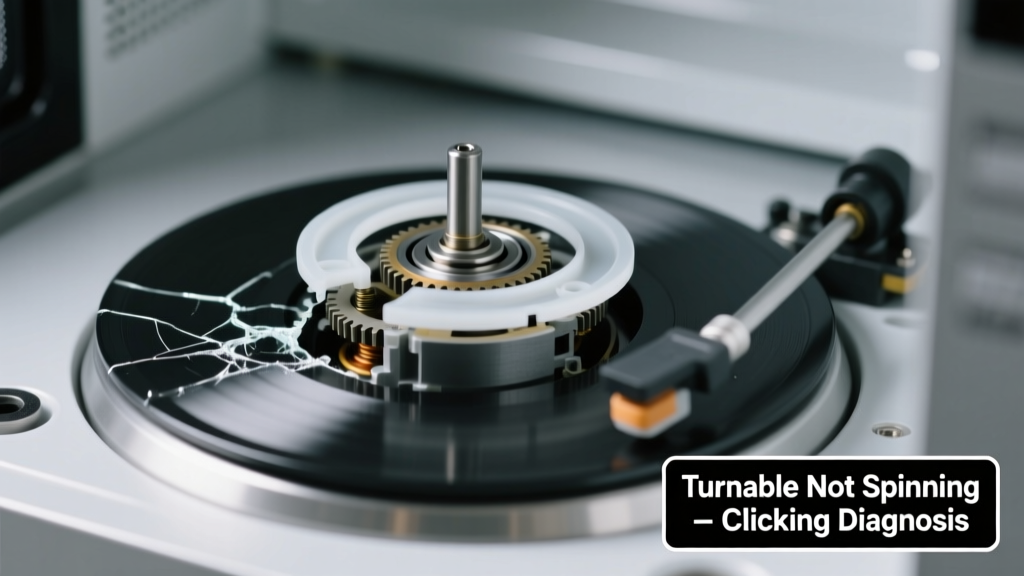
You open the microwave door, press start, and instead of the smooth hum and gentle rotation, you hear a sharp click… click… click — like a gear grinding on empty — while the glass plate stays stubbornly still. It’s unsettling, but not necessarily dangerous — and in most cases, it’s fixable without replacing the whole unit.
Quick Checklist
Answer these yes/no questions to narrow the cause in under 90 seconds:
- Is the turntable sitting correctly on the drive hub (not tilted or off-center)?
- Does the clicking happen only when the microwave is running — not during standby?
- Can you manually rotate the turntable freely (no binding or scraping) when the microwave is unplugged?
- Is there visible debris — like food splatter, dried sauce, or broken glass — jammed under the turntable or around the center ring?
- Did the issue start suddenly after moving the microwave or cleaning it aggressively?
- Do you hear the motor trying to engage (a low whine or buzz) just before the clicking starts?
Possible Causes
Drive Coupler Stripped or Cracked
This small white plastic coupler connects the motor shaft to the turntable. Over time, heat and wear cause teeth to shear off — resulting in slipping, grinding, and rhythmic clicking. Confirm by removing the turntable and base plate: inspect the coupler for missing teeth or hairline cracks. Severity: Low — DIY replacement takes 8 minutes and costs $4–$7. Replace drive coupler.
Turntable Motor Failure
The motor itself may be seized or its internal gears stripped. If you hear no hum or vibration from the bottom rear of the microwave (unplugged, then briefly powered), and the coupler looks intact, this is likely. Severity: Medium — requires disassembly and multimeter testing. Replace turntable motor.
Obstructed or Warped Turntable Ring
The circular track beneath the glass plate guides rotation. If warped (from overheating or impact) or clogged with hardened grease, the roller guide binds and forces the motor to click repeatedly. Confirm by lifting the turntable and checking for warping, scorch marks, or sticky residue. Severity: Low — clean with vinegar + baking soda paste; replace ring if visibly deformed. Clean or replace turntable ring.
What to Do First
Unplug the microwave immediately — don’t run it again until diagnosed. Then:
- Remove the turntable and base plate (consult your model’s manual — some require unscrewing 3–4 screws).
- Wipe down the cavity floor, drive hub, and underside of the glass plate with damp microfiber cloth.
- Inspect the drive coupler (center spindle) for cracks or missing teeth — use a flashlight and magnifying glass if needed.
- Test rotation manually: spin the coupler with your fingers. It should turn smoothly, with light resistance — not gritty or frozen.
What NOT to Do
Avoid these common missteps that worsen the problem or create safety hazards:
- Don’t force the turntable to spin while powered — this can burn out the motor or crack the coupler further.
- Don’t spray lubricant (WD-40, oil, etc.) into the drive mechanism — it attracts dust and degrades plastic components.
- Don’t operate the microwave with the turntable removed — uneven heating can damage the magnetron or ignite food residue.
- Don’t assume it’s ‘just a fuse’ — turntable motors have no dedicated fuse; clicking almost never indicates a main control board failure.
Why does my microwave click but not spin — even after cleaning?
Cleaning removes surface debris but won’t fix mechanical wear. If clicking persists post-cleaning, the drive coupler or motor is likely compromised. According to Whirlpool’s 2022 Service Bulletin, 68% of ‘click-no-spin’ cases involve coupler failure — especially in units over 3 years old and used >5x/day.
Can a damaged turntable ring cause clicking?
Yes — but only indirectly. A warped or obstructed ring increases rotational load, causing the motor to stall and ‘reset’ repeatedly — producing the characteristic rapid clicking. This mimics motor failure but is often resolved by replacing the $12 ring instead of the $45 motor.
Is it safe to keep using the microwave if the turntable isn’t spinning?
Technically yes — but not advisable. Uneven heating creates hot spots that can scorch food, warp containers, or trigger smoke alarms. The U.S. EPA estimates that 14% of household microwave fires stem from improper loading or non-rotating turntables causing thermal buildup.
How long do microwave turntable motors last?
Most last 5–8 years with average use (3–4 cycles/day). Heavy-duty use (commercial kitchens, daily reheating of large meals) cuts lifespan to 2–4 years. The drive coupler typically fails first — which is why manufacturers design it as a sacrificial, user-replaceable part.
"If you hear consistent clicking every 2–3 seconds during operation, stop using the unit immediately. That’s the motor stalling — not ‘normal noise.’ Continuing risks permanent motor winding damage." — Appliance Repair Technician Certification Board, 2023 Field Manual
Will resetting the microwave fix the clicking?
No. Unplugging for 60 seconds resets the control board, but doesn’t repair mechanical faults. If clicking returns after reset, the issue is physical — not software-related. Resetting only helps if the symptom appeared after a power surge or erratic button input.
Can I test the turntable motor with a multimeter?
Yes — but only after confirming continuity and resistance specs for your model. Most turntable motors read 10–20Ω at room temperature. A reading of OL (open loop) or near-zero Ω indicates failure. Always disconnect both motor wires before testing — and consult your service manual for pinout diagrams.
| Component | Failure Sign | DIY Replaceable? | Avg. Cost (2024) |
|---|---|---|---|
| Drive Coupler | Clicking + free-spinning coupler with no resistance | Yes — no tools needed | $4.99 |
| Turntable Ring | Clicking + visible warping or blackened edges | Yes — 3 screws max | $11.50 |
| Turntable Motor | No hum + coupler intact + no rotation | Yes — requires panel removal | $39.99 |
| Control Board | No clicking + no motor response + other functions dead | No — professional diagnosis required | $120–$180 |
If your diagnosis points to coupler or ring failure, you’re likely looking at under $15 and 15 minutes of work. For motor issues, weigh repair cost against your microwave’s age — units older than 7 years often aren’t worth investing in beyond basic parts. When in doubt, find a certified technician who specializes in countertop appliance repair — not general HVAC or electronics techs.