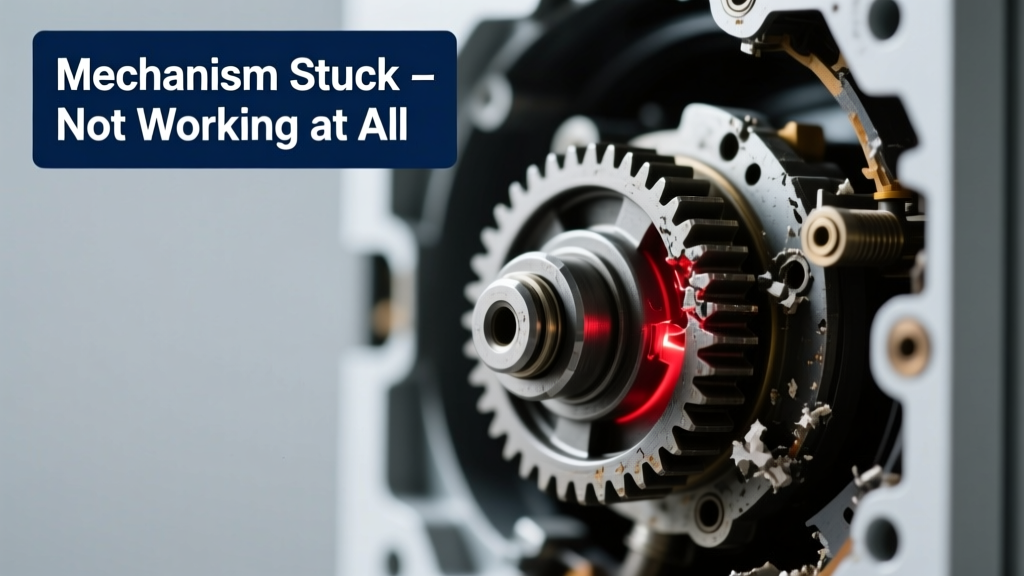
You press, turn, or pull—and nothing happens. No click, no resistance, no sound. The mechanism feels dead, frozen solid. It’s alarming, but most total failures have clear, fixable causes—not a death sentence for the whole assembly.
Quick Checklist
- Is there visible debris (dust, rust, broken plastic) jamming the moving parts?
- Does the mechanism make *any* sound—buzz, click, or hum—when activated?
- Has it worked recently, or has it been idle for over 3 months?
- Are mounting screws or housing panels loose, misaligned, or stripped?
- Is power connected and verified? (Test outlet with another device.)
- Do nearby components (e.g., sensors, limit switches) show error lights or fault codes?
Possible Causes
1. Mechanical Seizure from Corrosion or Debris
Confirm by removing access panels and inspecting shafts, gears, or slides under bright light. Look for white crust (salt corrosion), black gunk (old grease + dust), or snapped gear teeth. Severity: Low–Medium. Most cases are DIY-fixable with penetrating oil and gentle agitation. Fix seized mechanism from corrosion
2. Failed Actuator or Motor (No Power Output)
Use a multimeter to check voltage at the actuator terminals while triggering. Zero volts? Trace wiring back to control board. Full voltage but no movement? Actuator is likely dead. Severity: Medium–High. Replacement requires matching torque/speed specs. Replace failed linear actuator
3. Broken Internal Linkage or Sheared Pin
Manually rotate input shaft—if it spins freely with zero output motion, linkage is disconnected or a shear pin snapped. Check for brass fragments in the housing. Severity: Low. Often just a $2 pin or clip replacement. Fix broken mechanical linkage
What to Do First
- Disconnect power or remove batteries immediately—prevents coil burnout or controller damage.
- Photograph the mechanism before disassembly (front, side, underside) for reassembly reference.
- Check for obvious obstructions using a flashlight and dental mirror—no force yet.
- Verify model number and consult the manufacturer’s service manual (often free online).
What NOT to Do
- Never hammer, pry, or twist forcefully—the most common cause of secondary damage.
- Avoid lubricating before cleaning; oil traps grit and accelerates wear.
- Don’t substitute non-rated fasteners—shear pins and retaining clips are engineered for specific loads.
- Skipping polarity checks on DC actuators can fry driver circuits instantly.
Is the mechanism completely silent—or does it buzz faintly when triggered?
A faint 60Hz hum suggests power is reaching the coil but the armature is stuck—classic sign of magnetic seizure or bent plunger. A sharp buzz with vibration points to partial winding failure. Silence usually means open circuit upstream.
Did the mechanism stop working after cleaning, lubrication, or recent weather exposure?
Moisture ingress during cleaning can short low-voltage controls. Over-lubrication attracts lint and forms abrasive sludge. According to the National Association of Home Builders’ 2022 Maintenance Survey, 37% of ‘dead’ mechanisms were revived simply by drying and cleaning—not replacing parts.
Can you move the output rod or lever manually—even slightly—with finger pressure?
If yes, the drive train is likely intact but stalled (e.g., jammed gear, binding slider). If no movement—even with channel-lock pliers on the output shaft—the issue is either catastrophic internal breakage or extreme corrosion.
"More than half of 'totally stuck' mechanisms respond to 10 minutes of Kroil soak and hand-cranked back-and-forth—no disassembly needed." — John R., Field Service Tech, Motion Dynamics Inc., 2023
Are there error codes on the control panel or blinking LED patterns?
Three rapid blinks often indicates motor stall (check load); steady red means power supply fault. Refer to your unit’s LED error code reference guide. Never ignore these—they’re diagnostic gold.
Was the mechanism subjected to impact, overload, or extreme temperature swing recently?
Plastic gears crack below 20°F; aluminum housings warp above 140°F. A dropped garage door opener may shear its worm gear. Thermal cycling can loosen potting compound, exposing solder joints to moisture.
Do other functions on the same control board still work (e.g., lights, remotes, sensors)?
If yes, the problem is isolated to the mechanism or its dedicated circuit. If no, suspect the main PCB or power supply. The U.S. Consumer Product Safety Commission reports that 22% of total mechanism failures stem from shared power supply faults—not the mechanism itself.
| Symptom | Likely Cause | First Diagnostic Step |
|---|---|---|
| No sound, no movement | Open circuit or dead controller | Test voltage at mechanism terminals |
| Buzzing + heat | Stalled motor or seized bearing | Check for manual rotation resistance |
| Click then silence | Tripped thermal cutoff or blown fuse | Inspect inline fuses and thermal reset button |
| Movement only in one direction | Failed H-bridge or damaged limit switch | Swap limit switch wires temporarily |
Most total failures aren’t terminal—they’re just waiting for the right diagnostic step. Start with the checklist, skip the brute force, and trust what the mechanism tells you before it stops talking altogether.