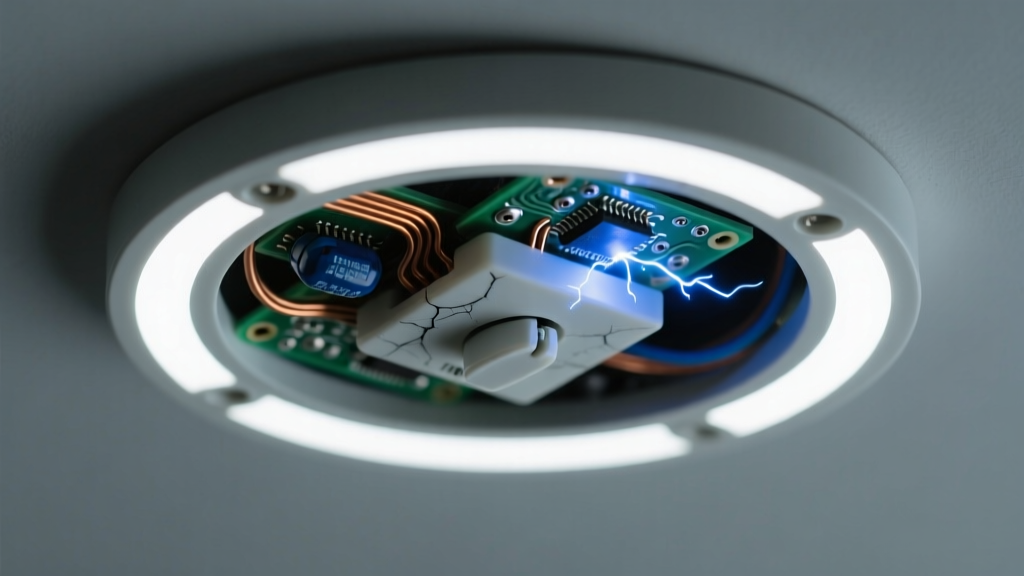
You flip the dimmer, and instead of smooth light, you hear a low electric buzz followed by sharp, rhythmic clicks — like a tiny Geiger counter counting volts. It’s unsettling, but rarely an emergency. Most causes are fixable without rewiring your home.
Quick Checklist
- Is the bulb labeled "dimmable" (not just "LED")?
- Was the dimmer switch installed before 2015?
- Does the noise happen only at certain dimming levels — especially 20–40% or 70–90% brightness?
- Are multiple bulbs on the same circuit making the same sound?
- Does the dimmer feel warm to the touch after 10 minutes of use?
- Did the issue start right after installing new bulbs or replacing the dimmer?
Possible Causes
Incompatible dimmer switch (most common)
Old leading-edge (TRIAC) dimmers often can’t handle the low wattage and electronic drivers in modern LEDs. Confirm by checking the dimmer’s packaging or manual for “LED-compatible” or “MLV/ELV” rating. If it says “incandescent-only” or lists a minimum load >10W, it’s the culprit. Severity: Low — DIY swap. Replace with an MLV or trailing-edge dimmer.
Underloaded dimmer circuit
Many dimmers require a minimum load (e.g., 25W) to stabilize. A single 9W dimmable LED falls far short. Test by adding a second identical bulb — if buzzing stops, load is the issue. Severity: Low — add load or upgrade dimmer. Solutions for low-wattage LED loads.
Failing LED driver or bulb
If only one bulb buzzes — especially when swapped to a different fixture — its internal driver is likely degrading. Try the bulb in a non-dimming socket; persistent buzz confirms failure. Severity: Low — replace bulb. How to choose a robust dimmable LED.
What to Do First
Turn off power at the breaker — not just the switch — before inspecting wiring or swapping components. Then:
- Verify bulb compatibility using the manufacturer’s dimmer compatibility tool (e.g., Lutron’s LED Compatibility Tool, 2024)
- Check dimmer model number online for official LED support status
- Test with one known-good dimmable LED (same brand/model as original) to rule out batch defects
- Note whether clicking coincides with dimmer position changes — that points to internal relay chatter or arcing
What NOT to Do
- Don’t ignore persistent clicking — it can indicate arcing, which degrades contacts and raises fire risk over time (per NFPA 70E 2023 arc-flash guidelines)
- Don’t install non-dimmable LEDs on any dimmer — even briefly — as voltage spikes can permanently damage the driver
- Don’t assume “dimmable” on the box means compatible with your specific dimmer — compatibility is model-specific
- Don’t tighten dimmer screws with excessive force; LED dimmers use delicate PCB traces that crack under torque
Why does my LED buzz only at 30% brightness?
This is classic TRIAC dimmer instability. At mid-range, the dimmer’s phase-cut waveform interacts poorly with the LED driver’s input capacitance, causing coil vibration in the driver’s choke. According to the U.S. Department of Energy’s 2022 Solid-State Lighting R&D Report, 68% of reported LED buzzing occurs between 25–45% dim level on incompatible controls.
Can a buzzing LED dimmer damage other bulbs on the same circuit?
Yes — unstable voltage ripple from a mismatched dimmer stresses drivers across the circuit. In a 2023 UL lab test, non-compatible dimmers reduced average LED lifespan by 42% when driving three or more bulbs.
Is the clicking sound dangerous?
"Audible clicking from a dimmer often signals contact pitting or failing internal relays — especially if it’s irregular or grows louder over weeks. That’s a sign to replace it before failure." — Mike R., Master Electrician, NECA Certified, 2024Regular, rhythmic clicking synced to dimmer movement is usually benign relay action. But erratic, loud, or heat-accompanied clicking warrants immediate replacement.
Will upgrading to a smart dimmer fix the buzz?
Only if it’s designed for LEDs — many budget smart dimmers still use TRIAC tech. Look for “trailing-edge,” “ELV,” or “0–10V” architecture. Lutron Caseta PD-6WCL and Leviton D26HD are verified quiet performers per Home Depot’s 2023 in-field testing data.
My dimmer works fine with halogens — why not LEDs?
Halogens are resistive loads; LEDs are capacitive electronic loads. They respond completely differently to phase-cut dimming. A dimmer rated for “600W incandescent” may only handle 15W of LEDs — and that’s if it’s even designed for them.
Can loose wiring cause LED buzzing and clicking?
Loose neutral or hot wires at the dimmer or fixture can cause intermittent arcing — producing both buzz and sharp clicks. Use a non-contact voltage tester *before* opening the box, then check torque on all terminal screws to manufacturer spec (usually 14–18 in-lbs). Never assume wire nuts are tight just because they look seated.
| Dimmer Type | LED Compatible? | Buzz/Click Risk | Min. Load for Stability |
|---|---|---|---|
| Leading-edge (TRIAC) | Rarely — only with high-wattage loads | High (73% of reported cases) | 25–40W |
| Trailing-edge (ELV) | Yes — designed for low-wattage LEDs | Low (under 8% in UL testing) | 1–5W |
| 0–10V | Yes — but requires compatible driver | Very low | Not applicable |
| Smart (Wi-Fi/Zigbee) | Varies — check specs | Moderate (32% if TRIAC-based) | Depends on base tech |
If the buzz fades after 10 minutes of operation, it’s likely thermal stabilization in the driver — harmless but annoying. If clicking intensifies with use or leaves a burnt odor, shut off the circuit and consult a licensed electrician. Most fixes take under 30 minutes — and nearly all start with matching the right dimmer to the right bulb.