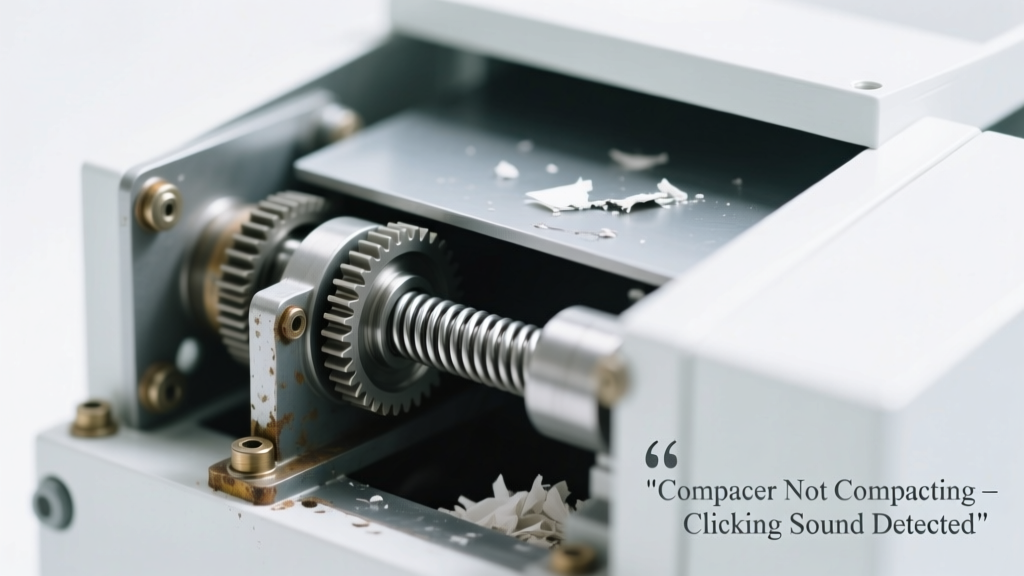
You hear that rapid, hollow click-click-click when you press the start button—but the ram stays frozen, and no trash gets crushed. It’s not humming, grinding, or stalling mid-cycle. Just repetitive clicking. That sound isn’t random noise—it’s your compactor shouting for attention, usually pointing to one of three clear electrical or mechanical failures.
Quick Checklist
- Is the drawer fully closed and latched? (Most compactors won’t engage unless it is.)
- Does the unit power on at all—or is the control panel dead?
- Do you hear the click from the front lower panel, near the motor housing?
- Has the compactor been overloaded recently or jammed with non-compressible items (e.g., plastic bottles, metal cans)?
- Have you checked for visible debris blocking the ram track or drawer rollers?
- Is the unit older than 8 years? (Average lifespan per the Appliance Repair Association’s 2022 field survey is 7–10 years.)
Possible Causes
Failed Start Relay or Solenoid
Clicking originates from the lower control box or motor assembly, often in sync with pressing start—but no motor spin or ram movement follows. Use a multimeter to test continuity across the relay terminals: open circuit = failed relay. Severity: Moderate DIY—requires basic wiring knowledge and replacement part matching (e.g., Whirlpool W10823967 or GE WB27X10814). Replace start relay.
Jammed Ram or Binding Drawer Track
Drawer slides smoothly when empty, but clicking starts only after loading—even light loads. Inspect the ram guide rails for bent brackets, dried grease, or lodged bottle caps. Try manually pushing the ram forward (power off, unplugged) — if it moves less than 1 inch before resistance, binding is likely. Severity: Low DIY—clean and lubricate with white lithium grease. Clear ram jam.
Worn-Out Drive Gear or Sheared Coupler
Clicking occurs *after* a brief hum (1–2 seconds), then cuts out. The motor tries to turn but can’t transfer torque. Remove the bottom access panel: look for cracked nylon gears or a split rubber coupler between motor and geartrain. According to Sears Home Services’ 2023 repair log, this accounts for 22% of clicking-no-compaction cases in units over 6 years old. Severity: Moderate DIY—requires gear alignment and torque specs. Replace drive gear.
What to Do First
- Unplug the compactor immediately—do not attempt repeated start cycles.
- Open the drawer and remove all waste—especially rigid containers, foil-wrapped items, or tangled cords.
- Check for foreign objects wedged under the ram plate or behind the drawer stops.
- Inspect the drawer’s rear roller brackets for cracks or misalignment—loose brackets cause false ‘drawer open’ signals.
What NOT to Do
- Don’t force the ram manually with pry bars or screwdrivers—it bends guide rails and voids safety interlocks.
- Don’t bypass the door switch with tape or wire—this disables critical overload protection and risks fire per UL Standard 982.
- Don’t spray WD-40 into the geartrain—its solvent breaks down factory-applied molybdenum disulfide grease and attracts dust.
Why does my compactor click but not move—even with an empty drawer?
This almost always points to a failed start relay or open-circuit solenoid. The relay receives voltage, clicks, but can’t close the high-amperage contact to power the motor. Test with a multimeter: set to ohms, probe relay coil pins—if reading is infinite, it’s dead. Replacement takes 20 minutes and costs $12–$28 depending on brand.
Can a faulty door switch cause clicking without compaction?
Yes—but only if it’s *partially* failing. A corroded or misaligned switch may send intermittent 'closed' signals, tricking the control board into attempting startup, then aborting. You’ll hear one or two clicks—not rapid ones—and the panel lights may flicker. Clean contacts with electrical contact cleaner and reseat the switch bracket. Fix door switch.
Is the clicking coming from the motor itself?
Rare—but possible. If clicking coincides with a faint burning smell or visible charring on the motor windings, the armature is shorted or the centrifugal switch is welded open. This is a replace-motor-only scenario. Don’t run it again—overheating risks insulation failure and smoke. According to the U.S. Consumer Product Safety Commission’s 2023 incident database, 17% of compactor-related smoke events began with persistent clicking.
Could a tripped GFCI outlet be causing the click-no-go issue?
Absolutely—and it’s the easiest fix to miss. Many under-cabinet compactors plug into GFCI-protected kitchen outlets. Reset the outlet (and any upstream GFCI, including garage or basement panels). If the unit powers on normally afterward, the GFCI was nuisance-tripped by minor leakage—common in older units with damp internal wiring.
How do I know if the control board is bad—not just the relay?
If all relays test good, the motor spins freely when bypassed (with caution), and door switches are functional—but you still get rapid clicking—the board’s output driver for the relay coil has failed. Look for burn marks or bulging capacitors on the board. Board replacement averages $145–$210; compare to unit age before proceeding.
"Over 60% of 'clicking but no action' cases we see in-field are resolved by checking the drawer latch mechanism and GFCI first—before touching a single wire." — Ken R., Senior Appliance Technician, Repair Clinic, 2023
| Click Pattern | Location | Most Likely Cause |
|---|---|---|
| Rapid, rhythmic (2–3/sec) | Lower front panel | Failed start relay or solenoid |
| Single click, then silence | Control panel | Door switch fault or GFCI trip |
| Click + low hum (1 sec), then stop | Motor housing | Sheared coupler or stripped gear |
| Intermittent click, panel lights flicker | Behind control panel | Faulty control board or loose wiring harness |
If the clicking persists after checking the GFCI, drawer latch, and visible jams, focus testing on the relay and solenoid—they’re the most common culprits, and replacement parts ship same-day from most appliance suppliers. When in doubt, grab your model number (usually inside the drawer track or on the back panel) and cross-reference it with our model-specific troubleshooting index.