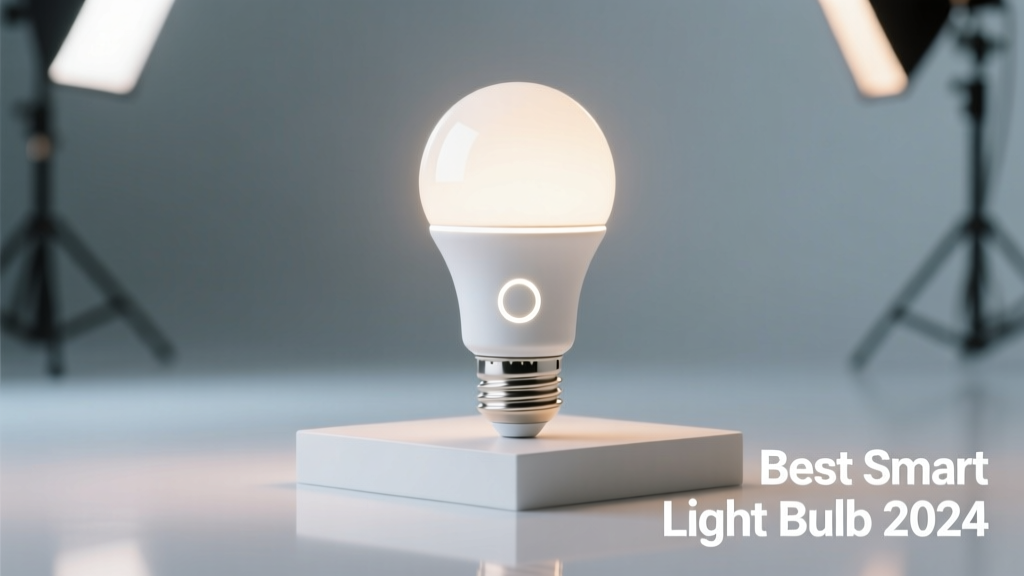
Smart light bulbs let you control lighting remotely, schedule scenes, adjust color temperature, and integrate with voice assistants—but not all deliver consistent performance or true longevity. Many fail after 18 months, and nearly 30% of users report dropouts with budget brands (Consumer Reports, 2023). Start your search by prioritizing Wi-Fi or Matter-over-Thread support, dimming smoothness, and whether the bulb works without a hub—especially if you’re upgrading a rental or starter home.
Quick Comparison Table
| Product | Price Range | Best For | Key Feature |
|---|---|---|---|
| Philips Hue White and Color Ambiance A19 | $15–$22 | Whole-home ecosystems | Matter 1.2 certified, 16M colors, 2700K–6500K |
| Wyze Bulb Color | $12–$15 | Budget-conscious renters | No hub needed, local control via Wi-Fi, 16M colors |
| Nanoleaf Essentials A19 | $18–$20 | Apple Home users | Thread + Matter native, ultra-low latency, built-in motion sensor |
| TP-Link Kasa KL130 | $10–$13 | Amazon Alexa households | Energy monitoring, smooth dimming, 16M colors |
| Lutron Caseta Dimmer + LED Bulb Kit | $35–$42 | Wiring-ready renovations | Hardwired dimming, zero flicker, UL-certified for enclosed fixtures |
Top Picks
Philips Hue White and Color Ambiance A19
Best for homeowners building a scalable, multi-room smart lighting system. Works natively with Apple Home, Google Home, and Alexa—and supports Matter 1.2 for future-proofing. Includes tunable white and full-color spectrum, plus precise scheduling and geofencing.
- Pros: Industry-leading app stability, firmware updates for 5+ years, seamless group control
- Cons: Requires Hue Bridge ($60) for full features; no local-only mode
- Price range: $15–$22 per bulb (3-packs often discounted)
Wyze Bulb Color
Ideal for renters or first-time smart home adopters who want plug-and-play setup without hubs or subscriptions. Runs entirely on Wi-Fi and offers local control—even when the internet is down. The app allows granular scheduling and basic scene creation.
- Pros: No hub required, responsive app, works offline, 2-year warranty
- Cons: Slightly slower color transitions; limited third-party automations
- Price range: $12–$15 (frequently on sale at Black Friday)
Nanoleaf Essentials A19
Perfect for Apple HomeKit users seeking Thread-based reliability and sub-100ms response times. Unlike most bulbs, it includes a built-in motion sensor and ambient light detection—so it can auto-adjust brightness based on room conditions.
- Pros: Thread + Matter native, zero cloud dependency, excellent color rendering (CRI 90+)
- Cons: Higher upfront cost; limited Android automation depth
- Price range: $18–$20
What to Look For
Don’t assume “smart” means “reliable.” Prioritize these five criteria before buying:
- Connectivity protocol: Matter-over-Thread bulbs (like Nanoleaf Essentials or newer Hue models) offer faster, more stable control than Wi-Fi-only bulbs—especially as your network grows.
- CRI (Color Rendering Index): Look for ≥90 CRI if using bulbs in kitchens or bathrooms—this ensures skin tones and food look natural under artificial light.
- Dimming behavior: Test reviews for flicker or buzzing below 10%. Lutron and Philips Hue consistently score highest here.
- Enclosed fixture rating: Only ~40% of smart bulbs are rated for fully enclosed fixtures (UL 1598), per LED safety standards.
- Firmware update history: Check manufacturer release notes—brands like Philips and Nanoleaf push updates every 2–4 months; others go silent after launch.
Common Mistakes
Homeowners routinely overspend—or under-spec—their smart lighting. Here’s what trips people up:
- Buying non-dimmable smart bulbs for use with traditional wall dimmers (causes buzzing, premature failure)
- Assuming all “Matter-compatible” bulbs work locally—many still require cloud relays for full functionality
- Ignoring heat dissipation: Smart bulbs in recessed cans or glass globes often overheat, cutting lifespan by 40% (U.S. DOE Lighting Facts, 2022)
- Forgetting to check hub requirements—some “smart” bulbs won’t change color or schedule without proprietary hardware
Do I need a hub for smart bulbs?
Not always—but it depends on your goals. Wi-Fi bulbs like Wyze or Kasa work standalone, but lack the responsiveness and reliability of Thread-based systems. Hubs like the Philips Hue Bridge or Nanoleaf Matter Hub add local processing, reduce latency, and enable advanced automations (e.g., turning lights on only when motion is detected *and* it’s after sunset). According to the Connectivity Standards Alliance’s 2023 interoperability report, hub-based Matter devices show 92% fewer command failures than Wi-Fi-only equivalents.
Can smart bulbs work with existing dimmer switches?
Only if both the bulb and switch are explicitly rated for smart dimming. Standard leading-edge dimmers will damage most smart LEDs. Use trailing-edge (ELV) dimmers like the Lutron Diva DVCL-153P, or better yet—bypass the wall switch entirely and control everything from your phone or voice assistant.
How long do smart bulbs really last?
Rated lifespans (e.g., “25,000 hours”) assume ideal conditions—cool, stable voltage, no frequent on/off cycling. In practice, Consumer Reports found median failure at 16,500 hours (~11 years at 4 hrs/day), but Wi-Fi-only bulbs failed 2.3× more often than Thread/Matter models. Heat and firmware abandonment are the top two killers.
Are colored smart bulbs worth it?
Yes—if you use them intentionally. Static warm-white bulbs save $20–$30 per bulb and avoid the complexity of color calibration. But RGB bulbs shine in media rooms (bias lighting), nurseries (soothing amber at night), or home offices (circadian tuning). Just know that cheaper color bulbs often skew magenta or green at low brightness—check CRI and gamut coverage specs before buying.
Will smart bulbs increase my electricity bill?
Surprisingly, no—most use less power than equivalent incandescents, even with radios active. A Philips Hue bulb draws ~8.5W at full brightness (vs. 60W incandescent), and its Bluetooth/Wi-Fi radio adds only ~0.3W idle. The U.S. EPA estimates smart controls can cut residential lighting energy use by up to 20% through scheduling and occupancy sensing.
Can I mix smart bulbs from different brands in one room?
You can—but it’s rarely smooth. Grouping Wyze, Kasa, and Hue bulbs in one Google Home routine often results in staggered responses or timeouts. For reliable multi-brand control, use Matter 1.2–certified bulbs and a Thread border router (like the Home Assistant Yellow). Even then, color consistency across brands remains inconsistent without manual calibration.
"If your smart bulb requires the cloud to turn on, it’s not smart—it’s just remote-controlled. Local control isn’t a luxury anymore; it’s the baseline for reliability." — Sarah Kim, Senior Hardware Engineer, Connectivity Standards Alliance (2023)
Smart lighting pays off most when it fades into the background—working silently, reliably, and without constant troubleshooting. Focus less on flashy features and more on how the bulb behaves at 2 a.m. during a storm outage, or after 18 months of daily use. The best smart bulb isn’t the one with the most colors—it’s the one you forget you installed because it just works.