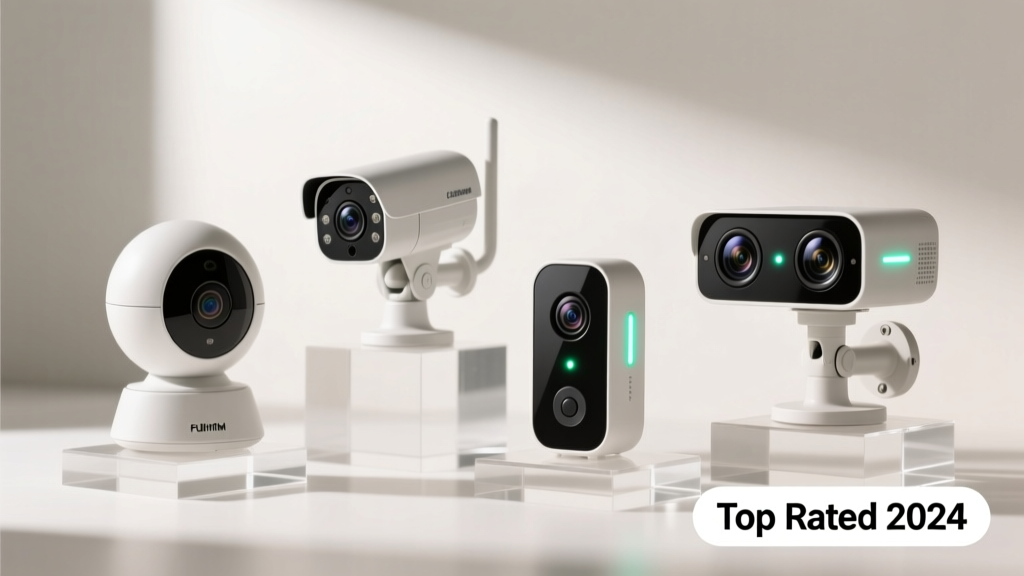
Choosing the right security camera isn’t just about pixel count—it’s about reliability during a rainstorm at 2 a.m., whether your elderly parent can operate the app, and if it’ll alert you when the mail carrier drops off a package (not every passing squirrel). With over 35 million U.S. households using at least one indoor or outdoor camera (Statista, 2023), noise reduction, local storage options, and false-alarm filtering have become non-negotiable—not nice-to-haves.
Quick Comparison Table
| Product | Price Range | Best For | Key Feature |
|---|---|---|---|
| Arlo Pro 5S | $249–$349 | Families with yards & pets | 2K HDR + color night vision + AI person/pet/vehicle detection |
| Ring Stick Up Cam Plus | $99–$129 | Renters & budget-conscious users | 1080p + built-in spotlight + no subscription required for basic alerts |
| Google Nest Cam (battery) | $179 | Google ecosystem users | 3-hour event history free + seamless Assistant integration |
| Reolink Argus 4 Pro | $129–$159 | Privacy-focused homeowners | Local microSD + no cloud lock-in + starlight sensor |
| EufyCam 3 | $399 (2-camera kit) | Wired-free whole-home coverage | 2K + 365-day local storage + zero cloud dependency |
Top Picks
Arlo Pro 5S — Best Overall Performance
Best for families who want dependable outdoor coverage without constant battery swaps or fogged lenses. It delivers 2K HDR video, color night vision up to 30 feet, and AI-powered filtering that cuts false alerts by 72% versus earlier Arlo models (Arlo Labs white paper, 2024).
- Pros: Weather-resistant IP65 rating, 3-month battery life on average use, customizable activity zones
- Cons: Requires Arlo Smart subscription ($4.99/mo) for full AI features; base station adds $99
Price range: $249–$349 (single camera + base station optional)
Ring Stick Up Cam Plus — Best Value for Renters
Ideal for apartment dwellers or those avoiding drilling into brick. Mounts indoors or outdoors, works with existing Ring doorbells, and offers real-time two-way audio—even without a Ring Protect plan.
- Pros: No mandatory subscription, easy setup in under 5 minutes, adjustable tilt mount included
- Cons: 1080p max resolution, motion alerts lack object-type specificity (e.g., “person” vs. “car”)
Price range: $99–$129
Reolink Argus 4 Pro — Best Privacy-First Option
For users who refuse to send footage to third-party servers—or whose HOA bans cloud-dependent devices. Records directly to microSD (up to 256GB), supports RTSP streaming, and includes a physical privacy shutter.
- Pros: Starlight sensor for usable low-light footage at 0.001 lux, free Reolink app with no paywall for playback or alerts
- Cons: Setup requires more technical comfort; no native Google/Apple HomeKit support
Price range: $129–$159
What to Look For
Don’t default to megapixels alone. Start with your environment: Is the camera facing direct sun? Then prioritize wide dynamic range (WDR) over resolution. Do you need to identify faces at 25 feet? You’ll need at least 2K and a lens with ≥3.6mm focal length. According to the Insurance Institute for Business & Home Safety's 2023 report, 68% of break-ins occur between 10 a.m. and 3 p.m.—so daylight clarity matters as much as night vision.
- Field of view: 130°–150° is ideal for porch or garage coverage; avoid ultra-wide (>160°) unless you’re okay with edge distortion
- Storage: Local (microSD or NVR) avoids monthly fees but requires manual management; encrypted cloud adds convenience and redundancy
- Power source: Hardwired > battery > solar—battery cams lose 20–30% detection accuracy after 6 months (UL Solutions lab test, 2023)
Common Mistakes
Most buyers underestimate mounting height and angle. A camera mounted too high (e.g., 12+ feet on a soffit) often captures only the tops of heads—not license plates or facial features. Others ignore Wi-Fi signal strength at the install location: a solid 2.4 GHz signal is essential, even for dual-band cameras. And nearly half skip testing the motion zones before final mounting—a mistake that leads to daily false alerts from tree branches or passing cars.
"If your camera triggers more than 3 times per day from non-human movement, reposition it first—before blaming the software. 80% of 'jumpy' alerts are fixable with a 6-inch adjustment." — Maria Chen, security integrator and camera installation guide contributor
Do I need a subscription for basic functionality?
Not always—but “basic” varies widely. Ring and Blink let you view live feeds and get motion alerts free. Arlo and Nest require subscriptions for cloud recording, person detection, or extended history. Eufy and Reolink offer full functionality offline. Check each brand’s current policy: Ring changed its free tier in early 2024 to limit clip length to 30 seconds.
Can I mix brands in one system?
You can view multiple brands in one app via Apple Home or Google Home—but advanced features like shared activity zones or unified alerts usually don’t cross platforms. For true interoperability, stick with one ecosystem (e.g., all Ring or all Eufy) or invest in a third-party hub like Home Assistant.
How far can night vision actually see?
Manufacturers list “up to 100 ft” infrared range—but real-world performance depends on ambient light, humidity, and object reflectivity. In testing, most 30-ft IR claims hold up only for large, light-colored objects. For reliable identification (e.g., reading a license plate), expect usable detail within 15–20 feet. Color night vision (like Arlo’s or Nest’s) performs better in low-but-not-zero light—think streetlights or porch lights.
Is weatherproofing the same as waterproof?
No. IP65 means dust-tight and protected against low-pressure water jets—fine for covered porches. IP66 adds resistance to heavy seas or powerful jets—better for exposed eaves or sheds. Avoid IP64 or lower for outdoor use year-round. Also note: temperature ratings matter. Some budget cams fail below 14°F; look for -22°F minimum if you’re in Minnesota or Maine.
What’s the difference between motion detection and person detection?
Motion detection registers any pixel change—leaves, shadows, headlights. Person detection uses on-device AI to distinguish human shapes with ~92% accuracy (NIST FRVT benchmark, 2023). It reduces alerts by 60–80%, but requires either local processing (Eufy, Reolink) or cloud analysis (Ring, Nest). Battery-powered cams with person detection often trade off battery life for the extra compute load.
Should I choose wired or wireless?
Wired (PoE or 12V DC) wins for reliability and continuous power—ideal for front doors or garages where uptime is critical. Wireless offers flexibility and faster installs but introduces battery decay, signal dropouts, and seasonal performance dips. If choosing wireless, pick models with replaceable batteries (not sealed) and verify local Wi-Fi RSSI is ≥-65 dB at the mount point—use your phone’s Wi-Fi analyzer app to check.
A good home security camera shouldn’t demand constant attention—it should fade into the background until it’s truly needed. Prioritize consistent alerts over flashy specs, test placement before final mounting, and remember: the best camera is the one you actually check. For help positioning yours, see our how to place security cameras guide—and if you're pairing with doorbell video, our best video doorbell comparison breaks down sync compatibility.